
RealStaff para PC
Schedule App LLC
Descarga RealStaff en PC con GameLoop Emulator
RealStaff en PC
RealStaff, proveniente del desarrollador Schedule App LLC, se ejecuta en el sistema Android en el pasado.
Ahora, puedes jugar RealStaff en PC con GameLoop sin problemas.
Descárgalo en la biblioteca de GameLoop o en los resultados de búsqueda. No más mirar la batería o llamadas frustrantes en el momento equivocado nunca más.
Simplemente disfrute de RealStaff PC en la pantalla grande de forma gratuita!
RealStaff Introducción
RealStaff Mobile was designed to connect people to care… and pay them the same-day!
Why RealStaff?
Because nurses are working short-staffed and people are going without care.
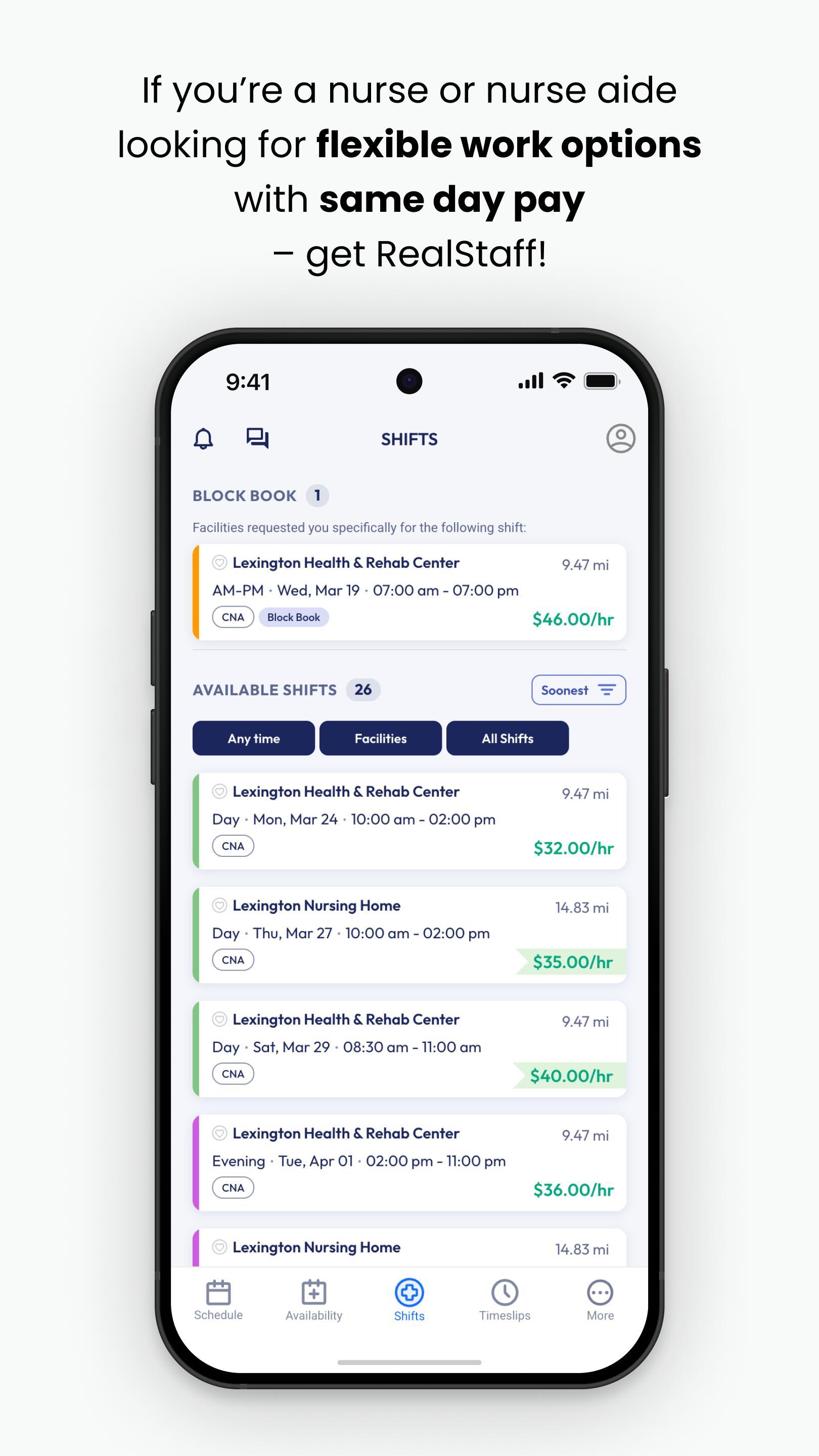
RealStaff Mobile empowers clinicians by putting the agency in your hand. Choose when and where you want to work. Get paid within hours after your shift… after every shift, 365 days a year.
Connect to thousands of open shifts in over 35 states.
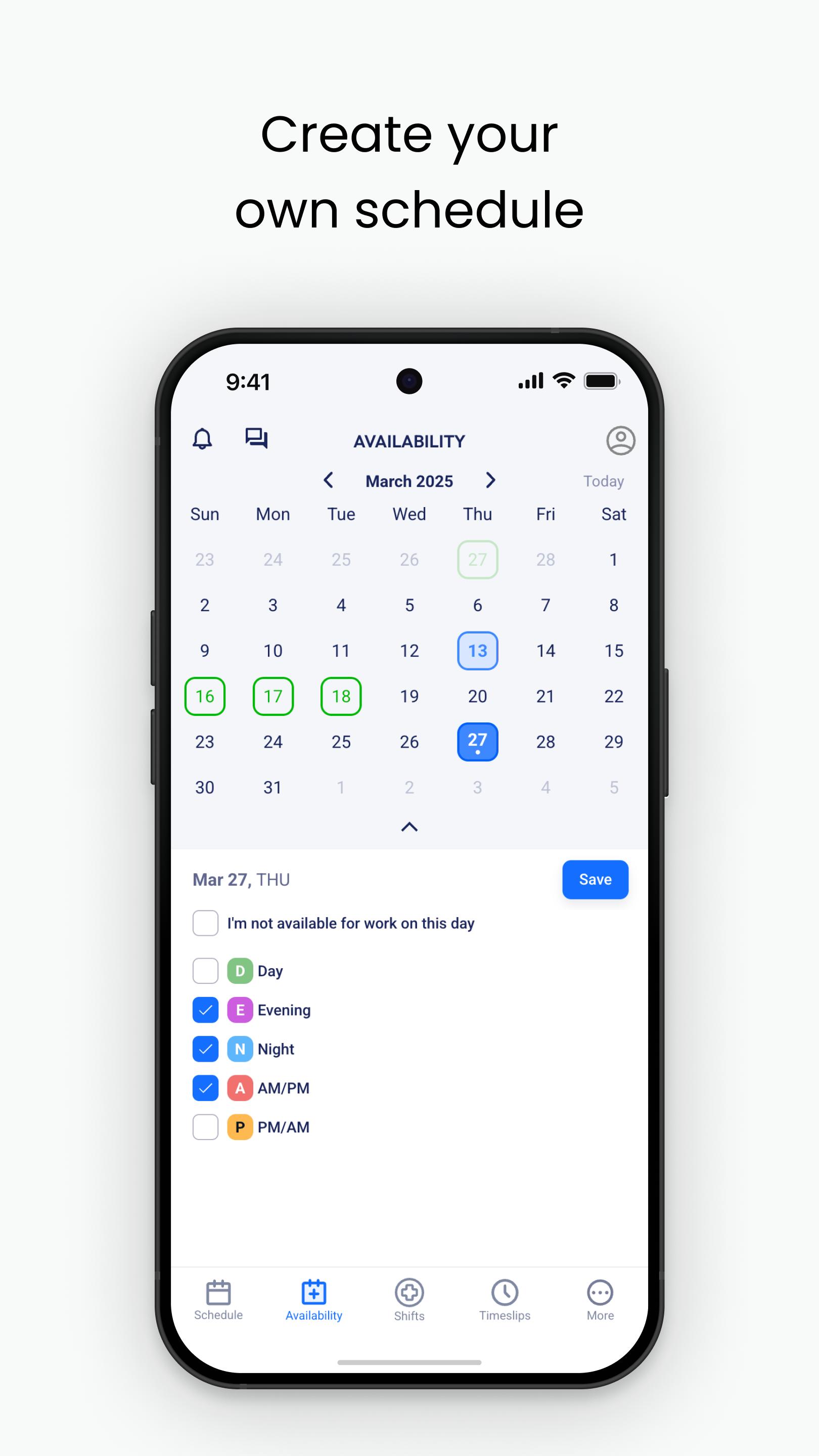
Choose the shifts that fit your personal schedule.
Upload your timeslip after the shift to get paid the same day!
Store all your credentials in one secure place.
Easy access to help whenever you need with 24/7 customer service.
RealStaff Mobile sends you notifications for available shifts, uses your camera to upload time slips for pay purposes, and background location services to verify and promote faster pay.
Are you ready to join the 20,000+ healthcare professionals who choose to #UseRealStaff?
If you have not already applied with us, please visit “https://realstaff.com/apply” to start your application today!
Avance
Etiquetas
MedicinaEmpresaInformación
Desarrollador
Schedule App LLC
La última versión
6.124.3322
Última actualización
2025-09-30
Categoría
Medicina
Disponible en
Google Play
Mostrar más
Cómo jugar RealStaff con GameLoop en PC
1. Descargue GameLoop desde el sitio web oficial, luego ejecute el archivo exe para instalar GameLoop.
2. Abra GameLoop y busque "RealStaff", busque RealStaff en los resultados de búsqueda y haga clic en "Instalar".
3. Disfruta jugando RealStaff en GameLoop.
Minimum requirements
OS
Windows 8.1 64-bit or Windows 10 64-bit
GPU
GTX 1050
CPU
i3-8300
Memory
8GB RAM
Storage
1GB available space
Recommended requirements
OS
Windows 8.1 64-bit or Windows 10 64-bit
GPU
GTX 1050
CPU
i3-9320
Memory
16GB RAM
Storage
1GB available space