Adobe Scan AI PDF Scanner, OCR para PC
Adobe
Baixe Adobe Scan AI PDF Scanner, OCR no PC com o emulador GameLoop
Adobe Scan AI PDF Scanner, OCR no PC
Adobe Scan AI PDF Scanner, OCR, vindo do desenvolvedor Adobe, está rodando no sistema Android no passado.
Agora, você pode jogar Adobe Scan AI PDF Scanner, OCR no PC com GameLoop sem problemas.
Faça o download na biblioteca GameLoop ou nos resultados da pesquisa. Chega de ficar de olho na bateria ou fazer chamadas frustrantes na hora errada.
Apenas aproveite o Adobe Scan AI PDF Scanner, OCR PC na tela grande gratuitamente!
Adobe Scan AI PDF Scanner, OCR Introdução
Magic eraser for cleaner scans.
The new Magic eraser tool removes unwanted fingers, shadows, stains, and creases in your scan in one tap. Get cleaner documents without rescanning. Adobe Scan is free to download and turns your mobile device into a powerful document scanner and PDF maker that helps you save and organize your paper documents as digital files.
6 WAYS TO USE THE ADOBE SCANNER APP
1) Save time with a fast document scanner app: Use High-speed scan to bulk scan documents and turn stacks into PDFs in seconds.
2) Make a PDF with your phone: Convert paper documents or printed photos into PDFs or JPEGs with the mobile PDF and photo scanner app.
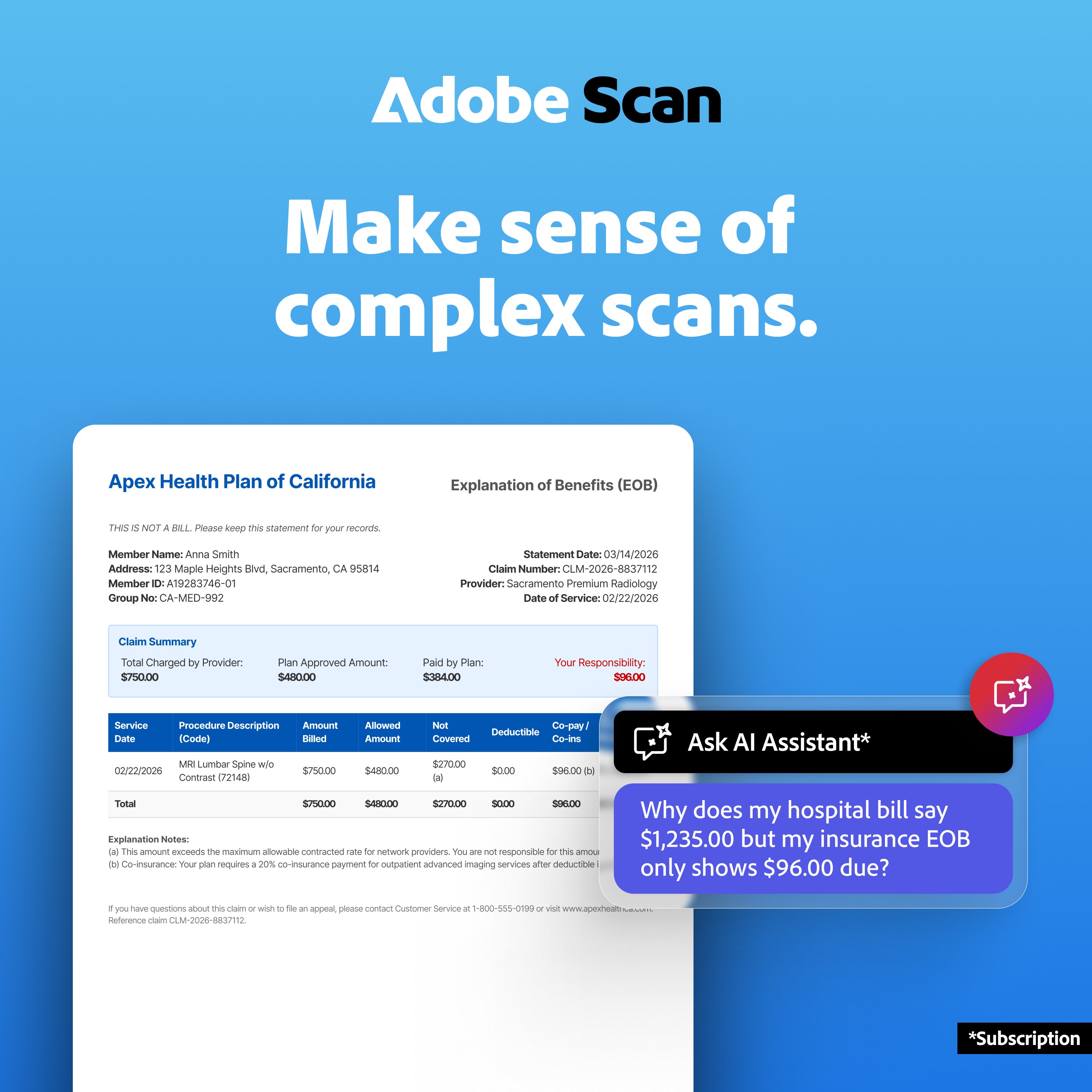
3) Ask AI Assistant to pull the key points from any scan, get follow-up answers or draft emails, reports, and next steps from your scan.
4) Use Generative summary: One tap pulls the key points from any scan, so you can find what matters and summarize your docs in a tap with AI.
5) Turn images to text: Use the image-to-text feature to make words in your scans searchable and editable with OCR.
6) Scan anything: Receipts, IDs, notes, recipes, photos, business cards, whiteboards – this document scanner app and PDF maker gives you files you can work with on your phone, tablet, or computer.
CAPTURE WITH PRECISION
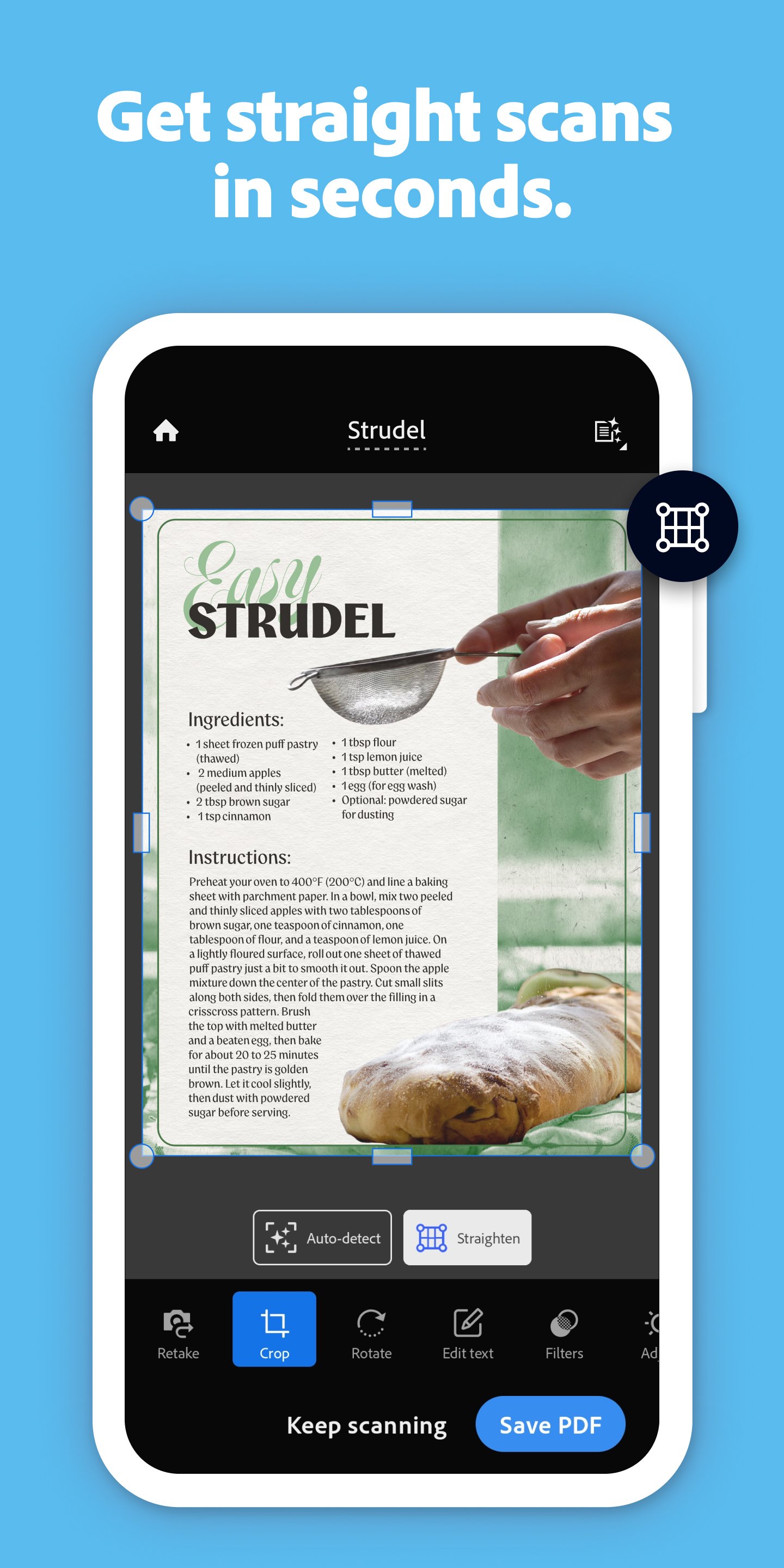
• The Straighten tool fixes pages that come out curved or tilted while you scan, even if all four corners aren’t visible in the scanner.
• Advanced scanner technology detects document borders, sharpens content, and makes your scans editable and searchable.
ENHANCE YOUR SCANS
• Edit in text lets you scan words, and handwritten text, to make it editable.
• A photo scanner that converts photos to PDFs, then try the Modify tool to crop, rotate, resize, and adjust colors in your scans.
• Reorder pages and preview before saving.
• Adjust the brightness and contrast of your scans in just a few taps.
• Cleanup lets you remove and edit imperfections, erase stains, marks, creases, even handwriting.
ORGANIZE YOUR DOCUMENTS
• A PDF maker that scans paperwork and lets you create custom folders for work documents, personal files, school forms, or ID scans.
• Contact details are pulled straight from business cards, so you can save them to your phone contacts in seconds.
• Scans are automatically saved to Adobe Document Cloud for instant access and sharing.
• Set a password to keep that important scan secure while you send it.
SMART LIBRARY
• This powerful scanner app finds documents, receipts, and photos in your library and converts them into PDFs.
• Touch up scans or turn photos into PDFs directly from your camera roll.
REUSE & SHARE
• A high-quality PDF maker and document scanner that unlocks text from images – from scanned contracts to study notes – so you can copy, edit, and reuse.
• Export your scans to Word, Excel, or PowerPoint for new formats, then share.
DO MORE WITH ACROBAT READER
• Open your PDF scan in Acrobat Reader to comment, highlight, fill forms, and sign documents.
• Access and share securely across Scan, Reader, and Acrobat on web and mobile.
IN-APP PURCHASE
• Subscribe for even more scanning power. Subscriptions work across Scan and Reader mobile apps and Acrobat on the web.
• Combine scans into one file so you can take multiple scans and consolidate into one document.
• Increase OCR capacity from 5 to 100 pages so that you can find text in multiple images.
Download this free mobile scanner app to convert important photos and documents into PDF and JPEG files to help you stay organized. Adobe Scan is the PDF converter trusted by millions worldwide.
Terms & Conditions:
Your use of this application is governed by the Adobe General Terms of Use http://www.adobe.com/go/terms_en and the Adobe Privacy Policy http://www.adobe.com/go/privacy_policy_en
Do Not Sell or Share My Personal Information: www.adobe.com/go/ca-rights
Visualizar
Tag
NegóciosEm formação
Desenvolvedor
Adobe
Última versão
26.08.10
Ultima atualização
2026-08-04
Categoria
Negócios
Disponível em
Google Play
Mostre mais
Como jogar Adobe Scan AI PDF Scanner, OCR com GameLoop no PC
1. Baixe o GameLoop do site oficial e execute o arquivo exe para instalar o GameLoop.
2. Abra o GameLoop e procure por “Adobe Scan AI PDF Scanner, OCR”, encontre Adobe Scan AI PDF Scanner, OCR nos resultados da pesquisa e clique em “Install”.
3. Divirta-se jogando Adobe Scan AI PDF Scanner, OCR no GameLoop.
Minimum requirements
OS
Windows 8.1 64-bit or Windows 10 64-bit
GPU
GTX 1050
CPU
i3-8300
Memory
8GB RAM
Storage
1GB available space
Recommended requirements
OS
Windows 8.1 64-bit or Windows 10 64-bit
GPU
GTX 1050
CPU
i3-9320
Memory
16GB RAM
Storage
1GB available space