
FaceArt: Filters for Pictures para PC
Lyrebird Studio
Descarga FaceArt: Filters for Pictures en PC con GameLoop Emulator
FaceArt: Filters for Pictures en PC
FaceArt: Filters for Pictures, proveniente del desarrollador Lyrebird Studio, se ejecuta en el sistema Android en el pasado.
Ahora, puedes jugar FaceArt: Filters for Pictures en PC con GameLoop sin problemas.
Descárgalo en la biblioteca de GameLoop o en los resultados de búsqueda. No más mirar la batería o llamadas frustrantes en el momento equivocado nunca más.
Simplemente disfrute de FaceArt: Filters for Pictures PC en la pantalla grande de forma gratuita!
FaceArt: Filters for Pictures Introducción
Faceart: Filters For Pictures - The Most Hilarious Picture Show!
The ultimate method to turn dull pictures into artistic images is FaceArt: Filters For Pictures. Many picture effects with limitless imagination hovering around are available for your use in an amusing creative platform that is very easy to use.This application would enable you to do everything that you wish starting from adopting a new animal look, and having good laugh with your friends.
📸 Funny Camera Features: 📸
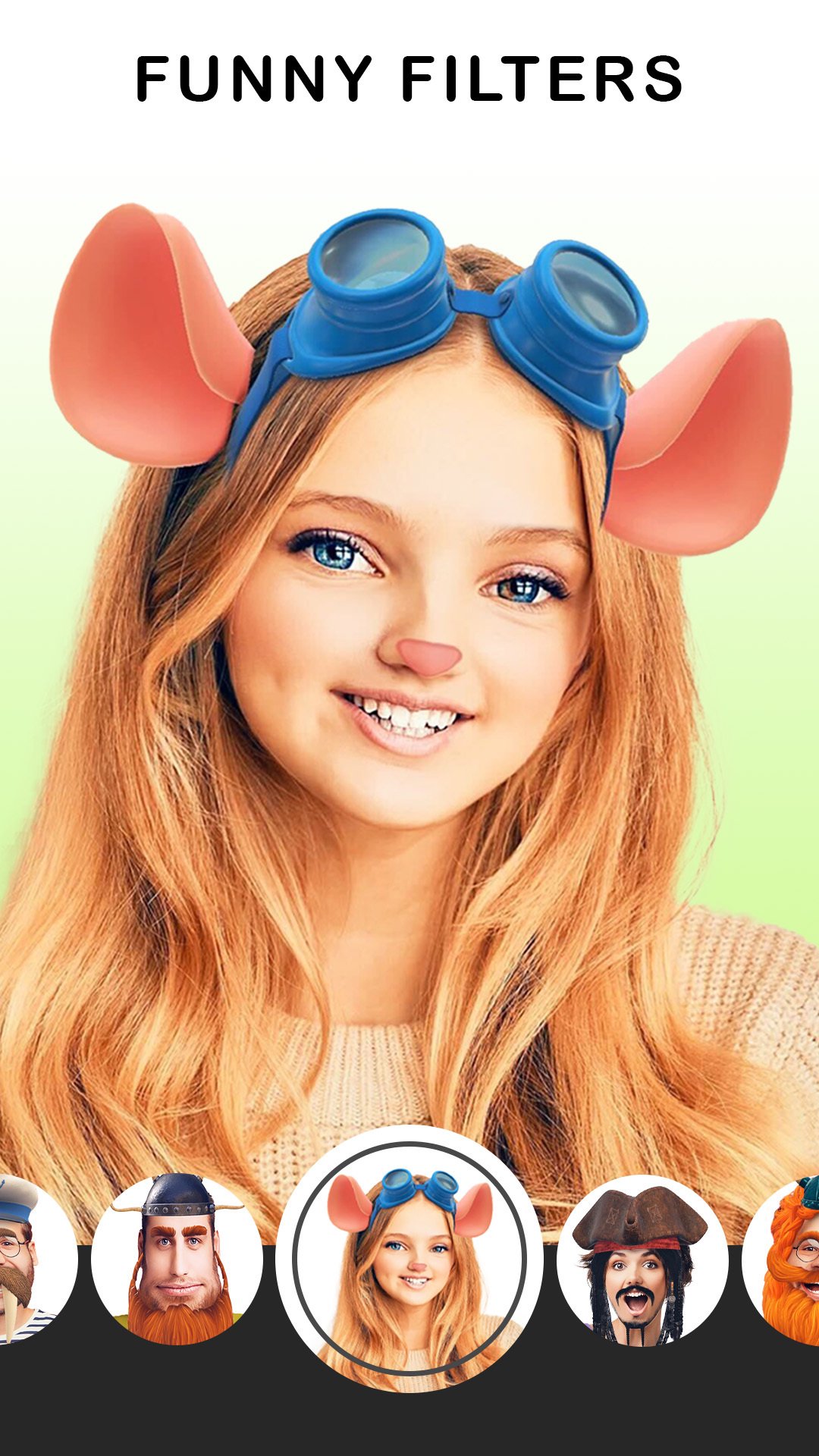
🫣 There are FaceArt: Filters For Pictures, which have a lot of fun filters;
😻 For crowns, sunglasses, and animal faces, check out Face Art: Funny Filter App;
💃 Live filter face transformations are available at Funny Face Filters Free;
🎨 Funny Camera Filters: Pic Collage Maker includes creative layouts for a Pic collage maker;
🐕 There are dog ears, cat faces, bunny noses, and more;
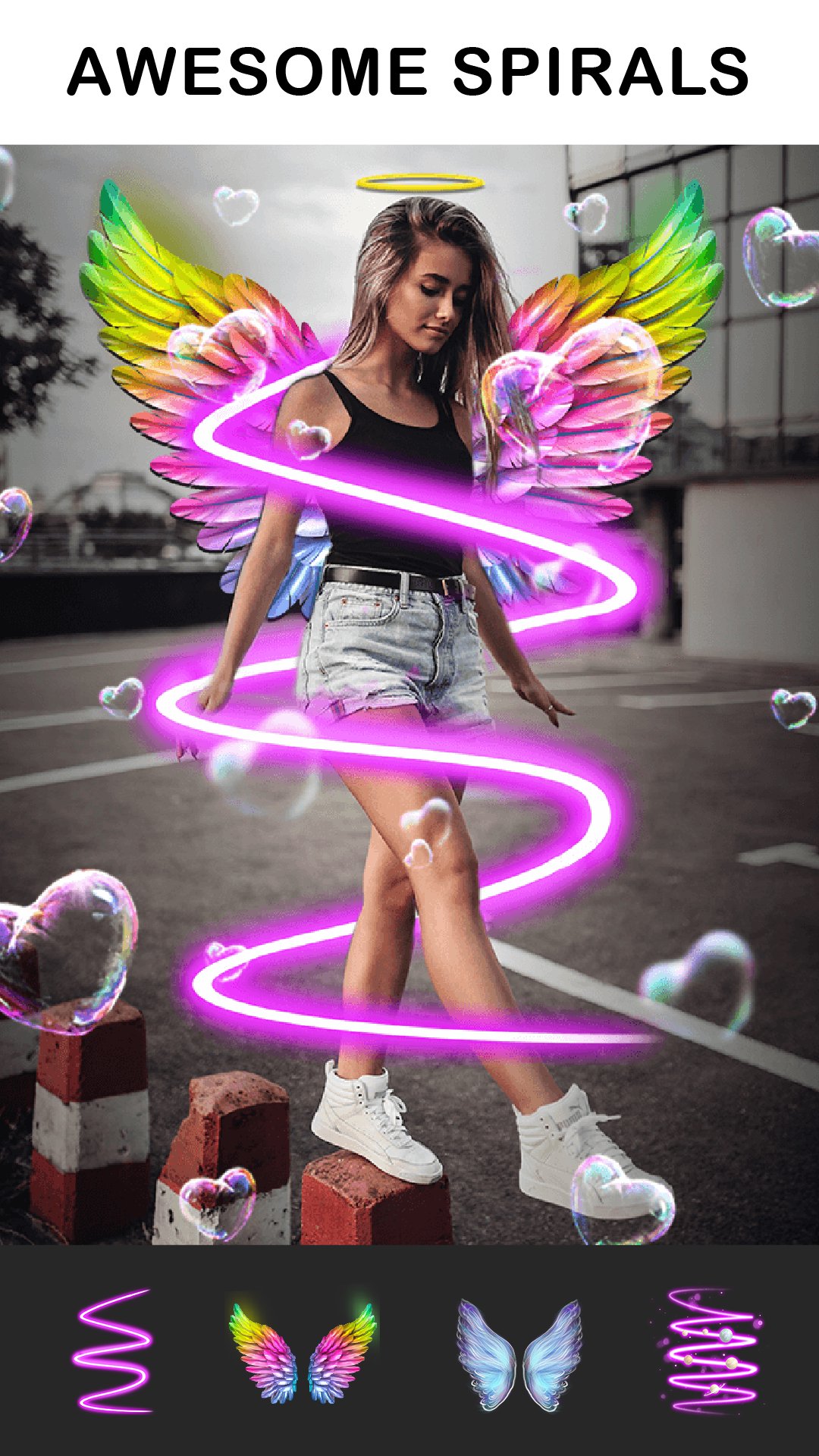
💃 Additionally, FaceArt: Filters For Pictures offer grime art and colorful sticker viewing;
🎠 Make your photos stand out by PiP filtering them;
🧻 Up to 15 images can be used at one time; this is what Funny Camera filters: Pic Collage maker allows;
📃 And, customize it with your text or emojis for personal touch.
Laugh, Pose And Play with Face Art: Funny Filter App!
With Face Art: Funny Filter App, photos are not just clicks. Selfie lovers can capture their favorite moments and switch the filters into tons of amusing face effects like unicorn horns, flower crowns, and animal ears. With every pose, Face Art: Funny Filter App livens up your look and adds playful filters, making you always look your best.Transform Yourself with Funny Face Filters Free: 🤳
Get ready for an experience like never before with Funny Face Filters Free. This app comes with a huge library of funny filters that are guaranteed to spice up every photo. Ever wanted to turn into a charming bunny, a sassy cat, or even a cool dog? With Funny Face Filters Free, trying out animal filters has never been easier. And don’t forget about the funky glasses, freckles and even angel halos among countless other options.
Design Memories with Funny Camera Filters: Pic Collage Maker: 😎
Designing your very own picture collage has never been easier, thanks to Funny Camera Filters: Pic Collage Maker. Pick as many as 15 images and choose from countless grid options including beautiful hearts and even geometric shapes. Don't forget to add your favorite stickers, filters, and even funny face effects to make your collage eye-popping. With Funny Camera Filters: Pic Collage Maker, each and every one of your images is guaranteed to be a story waiting to be told.
Unlock Life’s Opportunities with Faceart: Filters For Pictures: c🆒
Faceart: Filters For Pictures is a multifunction tool that takes care of all your selfie editing needs including enhancement, decoration, and even remixes. It stands out for its PIP frames and animated sticker overlays which adjust themselves according to one’s facial movements. You can now choose from more than 1000 stickers and grime arts and get cut outs with fashionable words for your Faceart: Filters For Pictures. With Faceart: Filters For Pictures, your smartphone becomes a fun and highly sophisticated photo studio.
Edit Your Selfies Using Pic Collage Maker's Funny Filters:-
Let your imagination run wild with the use of Face Art: Funny Filter App. This tool captures every side of you whether you want selifes or Funny Face Filters Free. Explore all the fun waiting in Faceart: Filters For Pictures and make every photo a classic. Use the coolest camera editor a d turn into an artist with Odd Camera Filters: Pic Collage Maker!Avance
Etiquetas
FotografíaInformación
Desarrollador
Lyrebird Studio
La última versión
4.1.1
Última actualización
2025-04-06
Categoría
Fotografía
Disponible en
Google Play
Mostrar más
Cómo jugar FaceArt: Filters for Pictures con GameLoop en PC
1. Descargue GameLoop desde el sitio web oficial, luego ejecute el archivo exe para instalar GameLoop.
2. Abra GameLoop y busque "FaceArt: Filters for Pictures", busque FaceArt: Filters for Pictures en los resultados de búsqueda y haga clic en "Instalar".
3. Disfruta jugando FaceArt: Filters for Pictures en GameLoop.
Minimum requirements
OS
Windows 8.1 64-bit or Windows 10 64-bit
GPU
GTX 1050
CPU
i3-8300
Memory
8GB RAM
Storage
1GB available space
Recommended requirements
OS
Windows 8.1 64-bit or Windows 10 64-bit
GPU
GTX 1050
CPU
i3-9320
Memory
16GB RAM
Storage
1GB available space