
Car Link - Auto Screen Mirror para PC
Flavapp
Descarga Car Link - Auto Screen Mirror en PC con GameLoop Emulator
Car Link - Auto Screen Mirror en PC
Car Link - Auto Screen Mirror, proveniente del desarrollador Flavapp, se ejecuta en el sistema Android en el pasado.
Ahora, puedes jugar Car Link - Auto Screen Mirror en PC con GameLoop sin problemas.
Descárgalo en la biblioteca de GameLoop o en los resultados de búsqueda. No más mirar la batería o llamadas frustrantes en el momento equivocado nunca más.
Simplemente disfrute de Car Link - Auto Screen Mirror PC en la pantalla grande de forma gratuita!
Car Link - Auto Screen Mirror Introducción
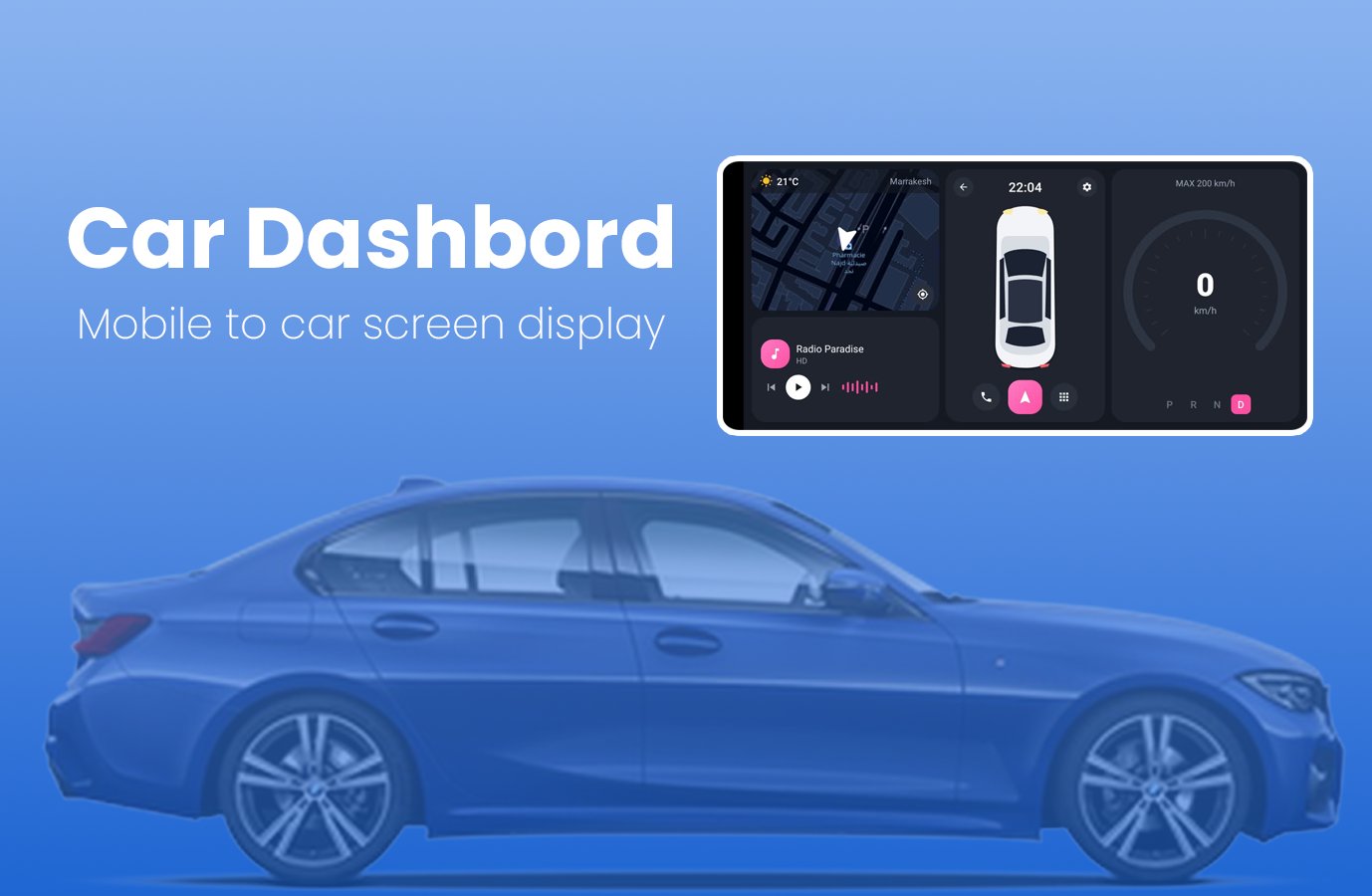
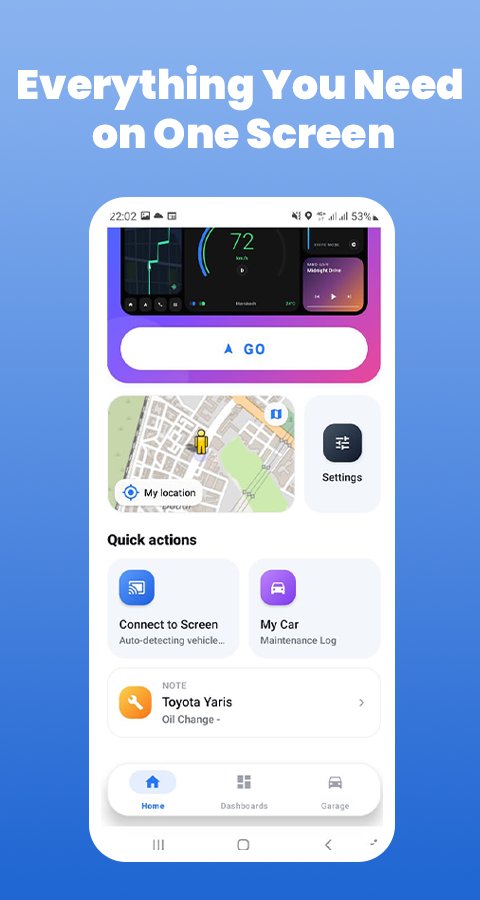
CarLink turns your Android phone into a clear driving display. Mount your phone in landscape and see your speed, map, weather and radio on one screen. You can also keep a simple service log for your car.
The app runs on your phone only. It does not connect to your car and does not read vehicle data.
DASHBOARD STYLES
Choose from 6 layouts and change them at any time:
• Classic: map, speed and media in three panels
• Glass: full-screen night map with floating panels
• Navigator: map first, with a speed card
• Cockpit: arc speedometer, map and radio
• Neon: large speed display on a black background
• Aurora: widget cards for map, radio and weather
ON YOUR DASHBOARD
• GPS speed: shown in km/h, using your phone's location
• Live map: follows your position
• Weather: current temperature and city name
• Internet radio: play, pause and switch stations
• Clock: always visible, and the screen stays on while the dashboard is open
• Phone: dial pad and contacts, calls open in your phone app
• Apps: open your installed apps from the dashboard
SERVICE LOG
Keep your car's maintenance history in one place:
• Pick your car's make, model and year
• Save oil changes, tire rotations, brake checks and more
• Add the date, mileage, next due date and notes
LANGUAGES
English, French, Spanish, German and Arabic.
PERMISSIONS
• Location: speed, map position and local weather
• Contacts: optional, to show your contacts on the phone screen
• Internet: map, weather, radio and ads
GOOD TO KNOW
• Speed comes from GPS and can differ from your car's speedometer.
• Map, weather and radio need an internet connection.
• This app contains ads.
SAFETY
Set up the app before you drive and keep your phone in a secure mount. Follow local traffic laws and keep your eyes on the road.
CREDITS AND SUPPORT
Map data © OpenStreetMap contributors. Weather data by Open-Meteo.
Car make and model names only help you identify your vehicle. This app is independent and is not affiliated with any car maker.
Questions? Contact info@flavapp.online
Avance
Etiquetas
HerramientasLibraries-&Auto-&Información
Desarrollador
Flavapp
La última versión
45.0
Última actualización
2026-10-30
Categoría
Herramientas
Disponible en
Google Play
Mostrar más
Cómo jugar Car Link - Auto Screen Mirror con GameLoop en PC
1. Descargue GameLoop desde el sitio web oficial, luego ejecute el archivo exe para instalar GameLoop.
2. Abra GameLoop y busque "Car Link - Auto Screen Mirror", busque Car Link - Auto Screen Mirror en los resultados de búsqueda y haga clic en "Instalar".
3. Disfruta jugando Car Link - Auto Screen Mirror en GameLoop.
Minimum requirements
OS
Windows 8.1 64-bit or Windows 10 64-bit
GPU
GTX 1050
CPU
i3-8300
Memory
8GB RAM
Storage
1GB available space
Recommended requirements
OS
Windows 8.1 64-bit or Windows 10 64-bit
GPU
GTX 1050
CPU
i3-9320
Memory
16GB RAM
Storage
1GB available space