
YouTube for Android TV PC
Google LLC
قم بتنزيل YouTube for Android TV على جهاز الكمبيوتر باستخدام GameLoop Emulator
YouTube for Android TV على الكمبيوتر الشخصي
YouTube for Android TV ، القادم من المطور Google LLC ، يعمل على نظام Android في الماضي.
الآن ، يمكنك لعب YouTube for Android TV على جهاز الكمبيوتر باستخدام GameLoop بسلاسة.
قم بتنزيله في مكتبة GameLoop أو في نتائج البحث. لا مزيد من الانتباه إلى البطارية أو المكالمات المحبطة في الوقت الخطأ بعد الآن.
ما عليك سوى الاستمتاع بجهاز YouTube for Android TV على الشاشة الكبيرة مجانًا!
YouTube for Android TV مقدمة
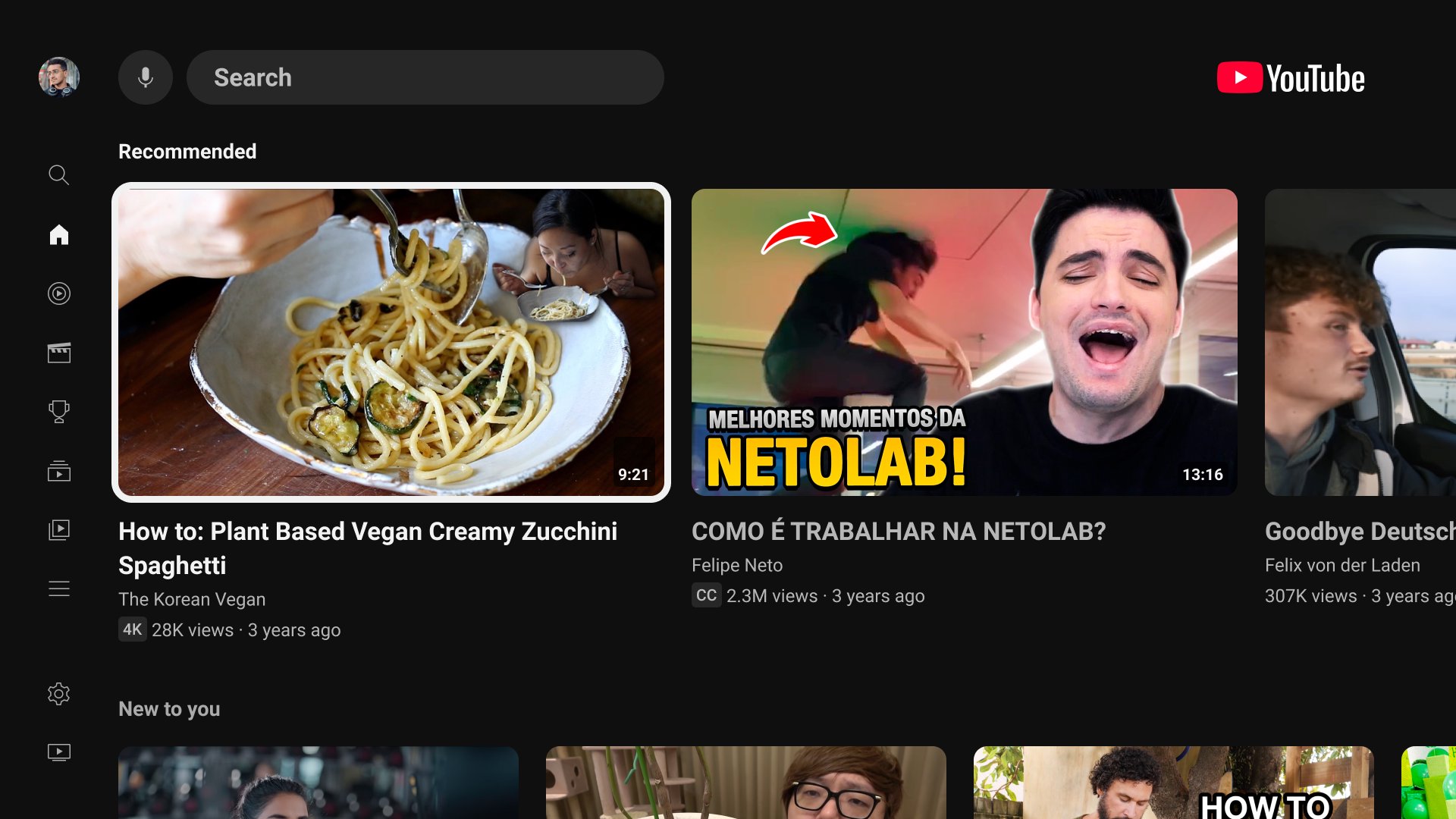
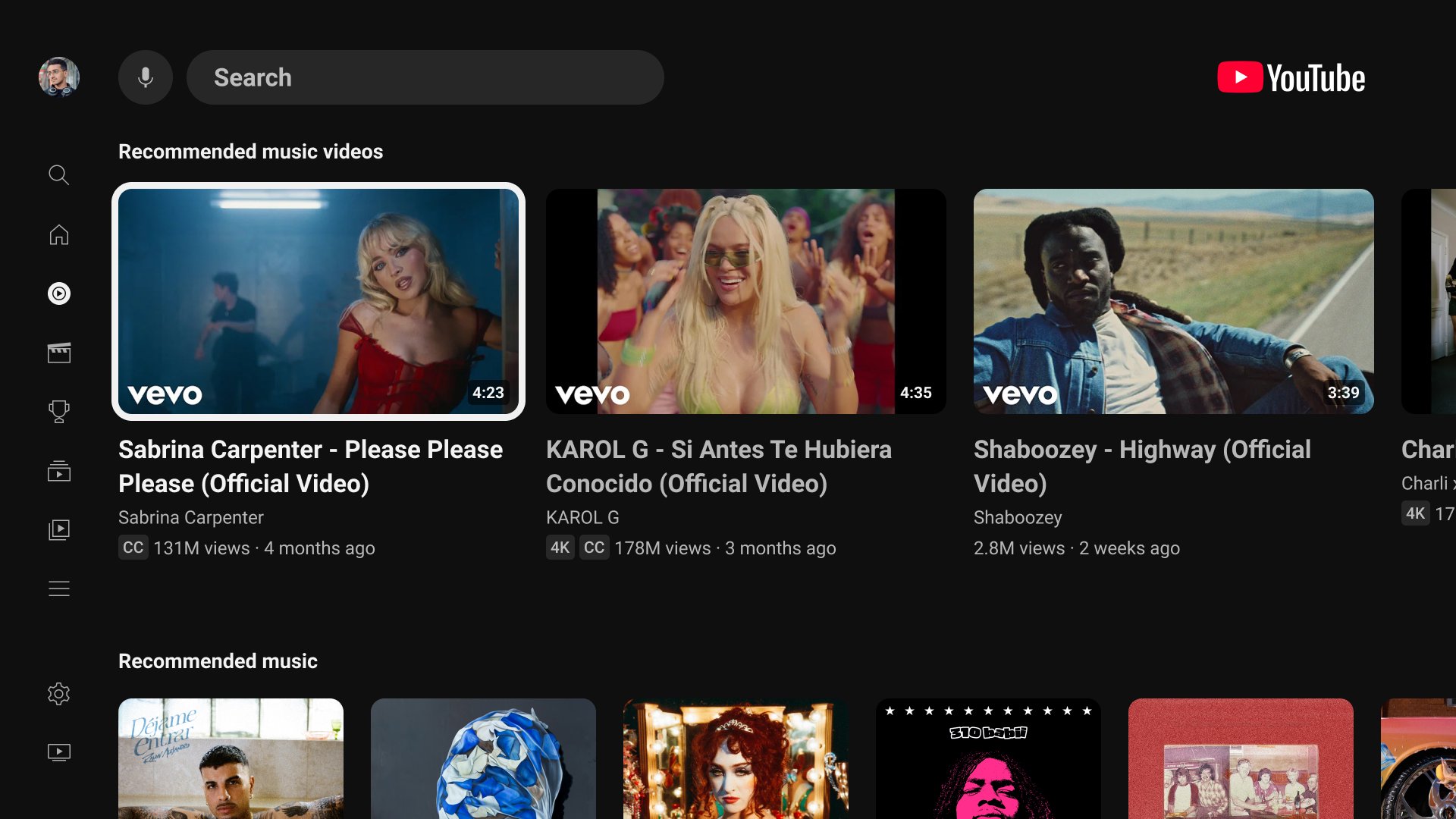
Experience YouTube on TV and transform your viewing experience beyond just movies and shows. Discover endless entertainment options for every moment, whether you have a few minutes or hours. Sign in to enjoy fresh, personalized content. Watch the latest content from your favorite creators, dive deep into your passions, learn new skills, and explore topics that inspire you. Stay informed with podcasts, live news, and sports. Find fresh music, watch blockbuster movies, and keep up with your favorite TV shows. Parents can also add and manage a kid account to guide your child’s discovery with content settings that you choose. With YouTube on your TV, there’s always something new to enjoy. It's an all-in-one, easy to use TV app for effortless and engaging entertainment at home.
معاينة
العلامات
وسائل الترفيهمعلومة
مطور
Google LLC
احدث اصدار
7.25.301
آخر تحديث
2026-09-24
فئة
وسائل الترفيه
أظهر المزيد
كيف تلعب YouTube for Android TV مع GameLoop على جهاز الكمبيوتر
1. قم بتنزيل GameLoop من الموقع الرسمي ، ثم قم بتشغيل ملف exe لتثبيت GameLoop.
2. افتح GameLoop وابحث عن "YouTube for Android TV" ، وابحث عن YouTube for Android TV في نتائج البحث وانقر على "تثبيت".
3. استمتع بلعب YouTube for Android TV على GameLoop.
Minimum requirements
OS
Windows 8.1 64-bit or Windows 10 64-bit
GPU
GTX 1050
CPU
i3-8300
Memory
8GB RAM
Storage
1GB available space
Recommended requirements
OS
Windows 8.1 64-bit or Windows 10 64-bit
GPU
GTX 1050
CPU
i3-9320
Memory
16GB RAM
Storage
1GB available space