
Touch alarm – Anti theft app PC
Find My Device Apps
قم بتنزيل Touch alarm – Anti theft app على جهاز الكمبيوتر باستخدام GameLoop Emulator
Touch alarm – Anti theft app على الكمبيوتر الشخصي
Touch alarm – Anti theft app ، القادم من المطور Find My Device Apps ، يعمل على نظام Android في الماضي.
الآن ، يمكنك لعب Touch alarm – Anti theft app على جهاز الكمبيوتر باستخدام GameLoop بسلاسة.
قم بتنزيله في مكتبة GameLoop أو في نتائج البحث. لا مزيد من الانتباه إلى البطارية أو المكالمات المحبطة في الوقت الخطأ بعد الآن.
ما عليك سوى الاستمتاع بجهاز Touch alarm – Anti theft app على الشاشة الكبيرة مجانًا!
Touch alarm – Anti theft app مقدمة
Anti Theft Alarm – Phone Theft
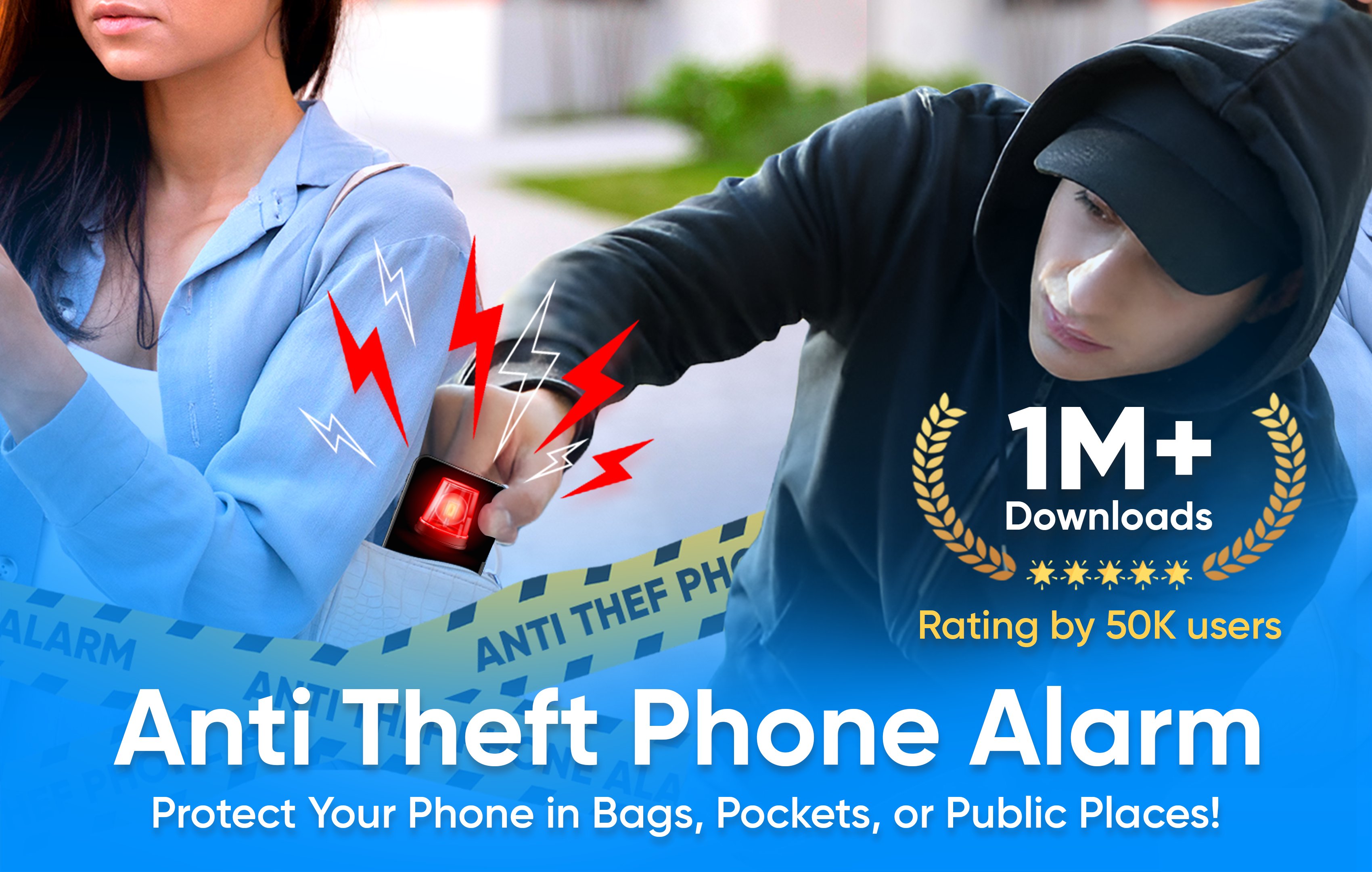
The anti theft alarm is here with phone theft protection feature to secure phone from theft. The intruder can’t steal your phone when you have antitheft alarm app in it. Its find my phone app with anti theft alert with loud alarm to notify suddenly. The Anti theft phone alarm has many features which are listed below to protect your phone;
• Intruder Selfie Alert
• Don’t touch my phone/motion detector
• Anti pocket detection
• Unplug charger detector
• Wifi detection
• Over charging battery detection
• Earphone detection
These all features are with antitheft phone alarm loud sound with built in and custom sounds to set as alert or notification sound.
Don’t Touch My Phone:
This feature works in anti theft app when someone try to pick or move your phone without your permission. The motion detector in this anti theft phone alarm will work suddenly and alert you to save your phone. Enjoy the most demanding feature like find my phone named don’t touch my phone. This motion detector has also smart mode which will automatically enable when the screen is off and then if someone tries to move your device it will alarm loudly.
Intruder Selfie Alert:
This antitheft feature is also an interesting and phone protection point to keep your device safe. Intruder selfie alert captures the photo of intruder who tries to unlock your phone. Intruder alert secure your phone and inform you about who tries to unlock phone without permission.
Anti Pocket Detection/Pick Pocketing:
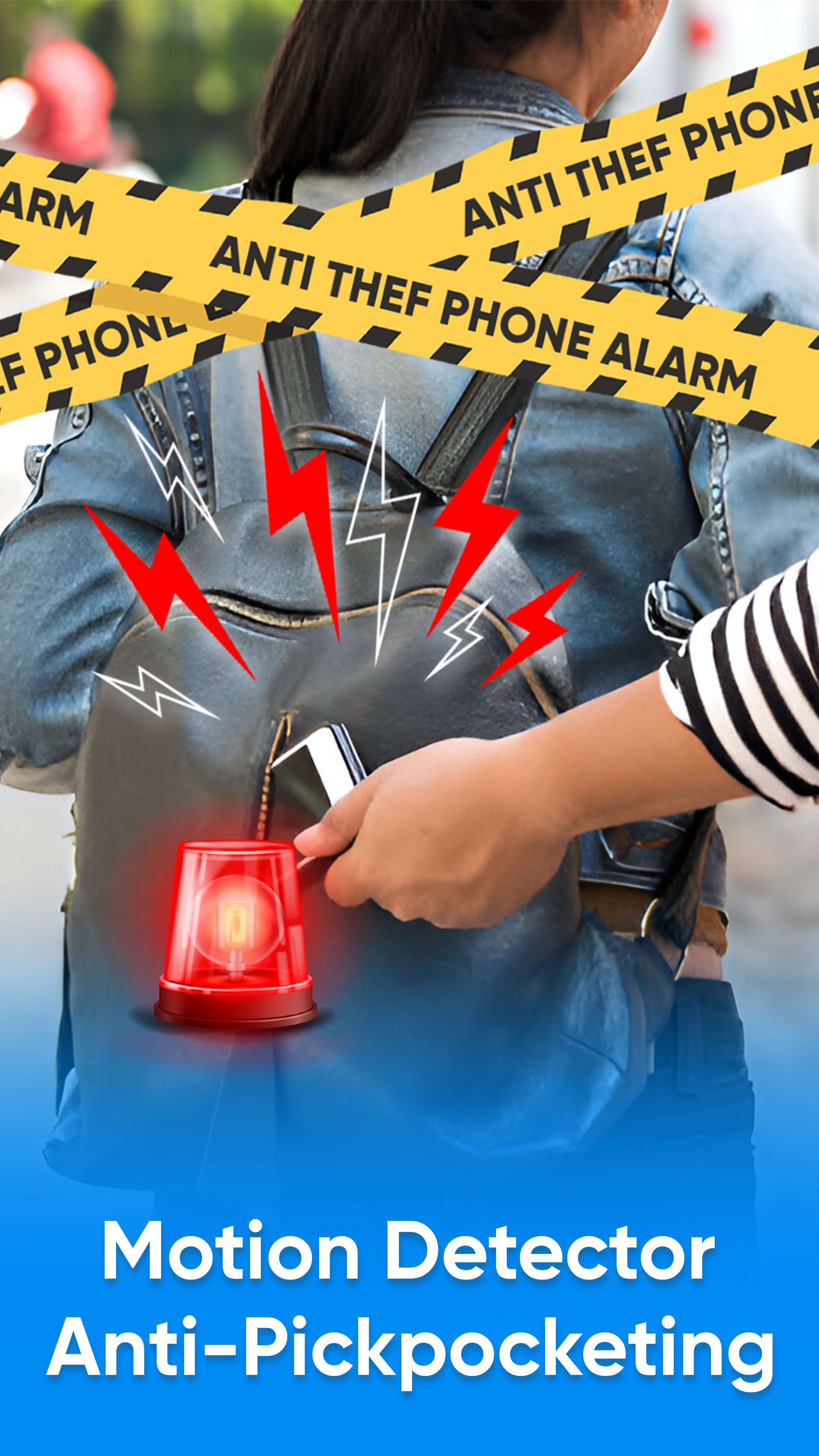
Antitheft phone alarm has also anti pocket detection and its work when someone or intruder tries to pick pocket your phone. Phone theft alert of this antitheft alarm app will notify loudly with custom sounds. Don’t touch my phone app with loud alert sound notify you even in crowded places like shopping mall, public transport. Etc.
Unplug charger detector:
The unplug charger alert is also an exciting feature to protect your phone with anti theft phone alarm app. Unplug charger alert will work also like don’t touch my phone when someone unplug your charger and disconnect device from charging the unplug charger feature will auto detect and notify you with a loud alert sound. Especially this feature helps in parties, public charging booths, and crowded places. The anti theft alarm for phone will be here to protect and secure your phone.
WIFI detection, over charging for battery detection and earphone plug or unplug are extra features in this app to help you keep your phone protect from intruder and theft. Don’t touch my phone and antitheft phone alarm app has all the feature like find my phone to protect your android phone like never before.
Anti theft alarm – Phone Theft App Features:
• Don’t touch my phone motion detector to protect device
• Custom sounds and built in loud sounds available
• Smart mode which will work auto when screen is off
• Anti theft phone protection timer delay
• Simple and easy User Interface
• Less MB and battery optimized anti theft app
• Timely Anti-theft Alarm with super loud warning sounds
• Anti Pickpocket Alarm with advanced settings
So here is the smart anti-theft alarm to keep your phone safe anytime, anywhere.
Anti Theft app is a comprehensive anti-theft solution for android phone with a powerful warning system.
معاينة
العلامات
House-&أدواتمعلومة
مطور
Find My Device Apps
احدث اصدار
10.3
آخر تحديث
2026-09-24
فئة
House-home
متاح على
Google Play
أظهر المزيد
كيف تلعب Touch alarm – Anti theft app مع GameLoop على جهاز الكمبيوتر
1. قم بتنزيل GameLoop من الموقع الرسمي ، ثم قم بتشغيل ملف exe لتثبيت GameLoop.
2. افتح GameLoop وابحث عن "Touch alarm – Anti theft app" ، وابحث عن Touch alarm – Anti theft app في نتائج البحث وانقر على "تثبيت".
3. استمتع بلعب Touch alarm – Anti theft app على GameLoop.
Minimum requirements
OS
Windows 8.1 64-bit or Windows 10 64-bit
GPU
GTX 1050
CPU
i3-8300
Memory
8GB RAM
Storage
1GB available space
Recommended requirements
OS
Windows 8.1 64-bit or Windows 10 64-bit
GPU
GTX 1050
CPU
i3-9320
Memory
16GB RAM
Storage
1GB available space