
Microsoft OneDrive PC
Microsoft Corporation
قم بتنزيل Microsoft OneDrive على جهاز الكمبيوتر باستخدام GameLoop Emulator
Microsoft OneDrive على الكمبيوتر الشخصي
Microsoft OneDrive ، القادم من المطور Microsoft Corporation ، يعمل على نظام Android في الماضي.
الآن ، يمكنك لعب Microsoft OneDrive على جهاز الكمبيوتر باستخدام GameLoop بسلاسة.
قم بتنزيله في مكتبة GameLoop أو في نتائج البحث. لا مزيد من الانتباه إلى البطارية أو المكالمات المحبطة في الوقت الخطأ بعد الآن.
ما عليك سوى الاستمتاع بجهاز Microsoft OneDrive على الشاشة الكبيرة مجانًا!
Microsoft OneDrive مقدمة
Start with 5 GB of free storage, or upgrade to Microsoft 365 Personal or Family for 1 TB per user. Access your files anywhere—even offline.
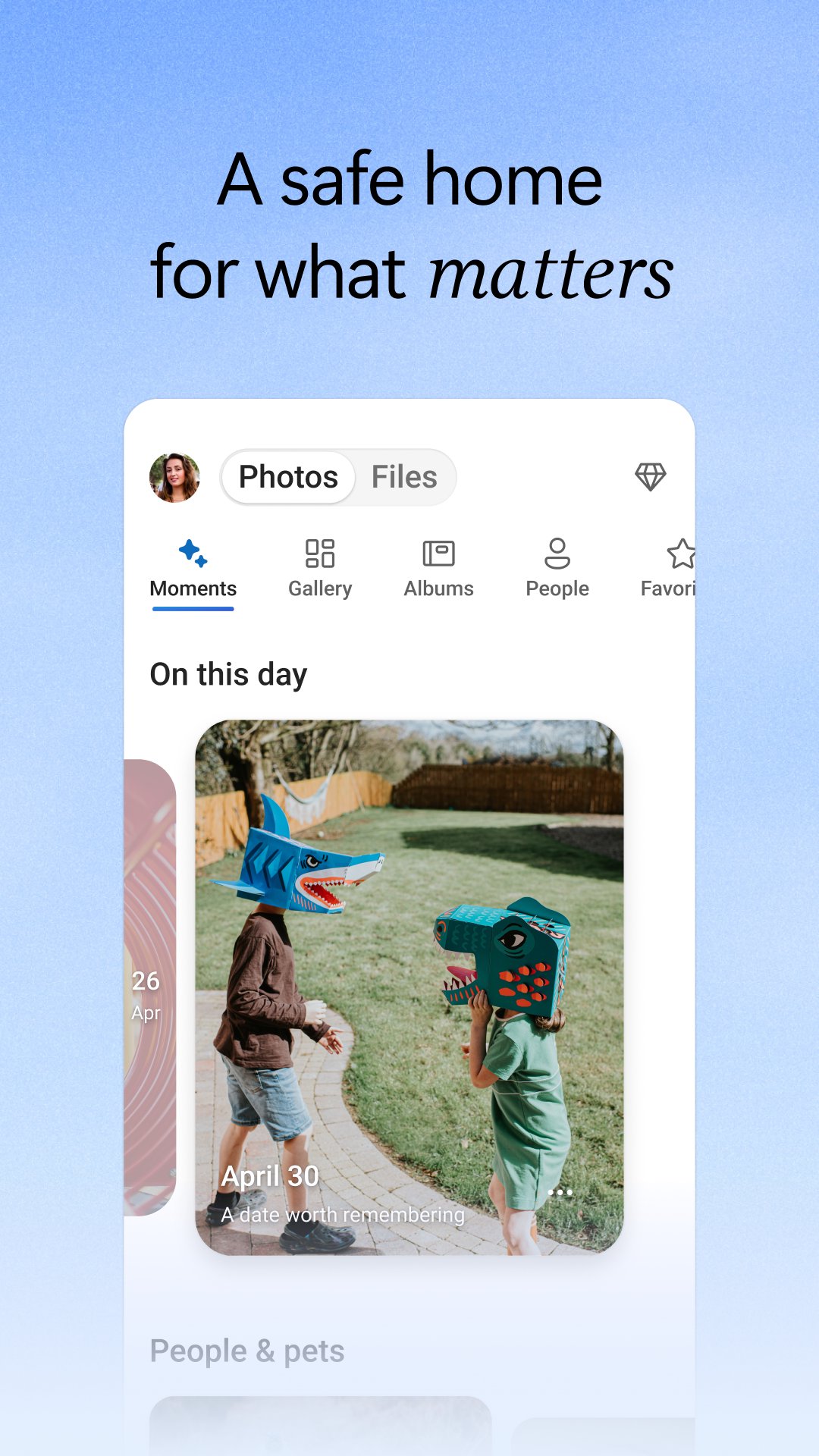
Back Up Photos & Videos
• Turn on Camera Upload for automatic photo and video backup
• Secure photo locker with automatic tagging
• View and share photos across devices
• Keep photos and videos safe with encrypted storage
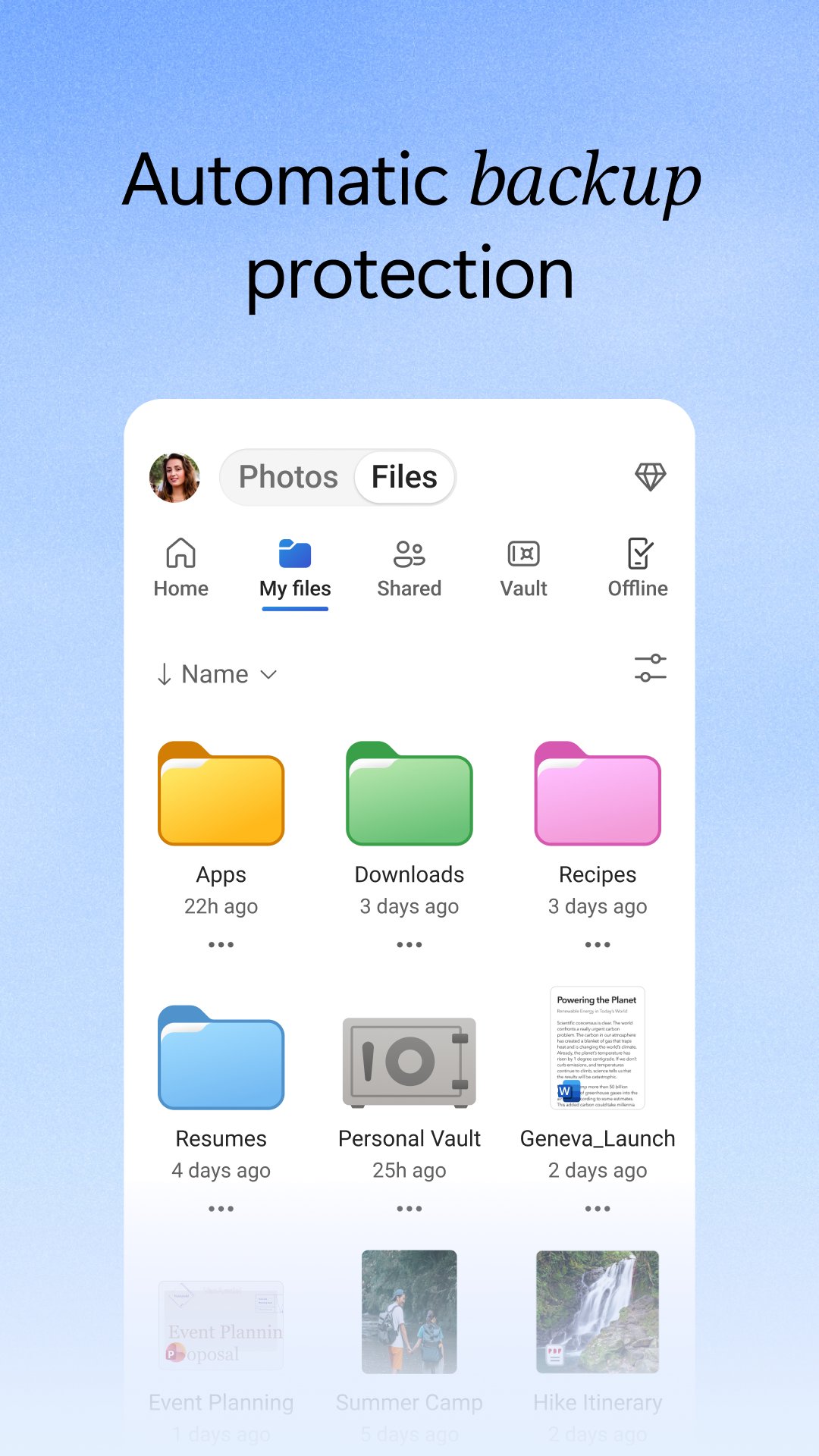
File sharing and access
• Secure photo storage for all your photos, videos & albums
• Share files, photos, videos & albums with friends & family
• Access selected files offline
• Share photos & upload videos easily
• Get notifications when a shared document is edited
• Secure folder settings offer password-protected or expiring sharing links*
• Access selected OneDrive files on the app without being online
Security
• Files encrypted at rest and in transit
• Personal Vault adds identity‑verified protection
• Version history restores previous file versions
• Ransomware detection and recovery*
Collaboration with Microsoft
• Share files across platforms & share photos in the photo locker
• Use Microsoft Office apps to edit & collaborate in real time on Word, Excel, PowerPoint & OneNote files stored in OneDrive
• Back up, view & save Office documents
Document scanning
• Scan, sign, markup & send docs right from the OneDrive mobile app
• Keep documents safe in a secure folder
Search
• Search photos by what’s in them (i.e. beach, snow, etc.)
• Search docs by name or content
AI Assistance with Copilot*
• Summarize documents and extract key details quickly.
• Organize files and suggest the best way to structure your folders.
• Get intelligent recommendations for sharing and collaboration.
*Unlock the full Microsoft 365 experience with a qualifying Microsoft 365 subscription for your phone, tablet, PC and Mac.
The OneDrive app for Android offers 5 GB of free cloud storage to sync photos and files across your devices, share photos and docs, and keep your digital life backed up in the cloud.
Microsoft 365 Personal & Family Subscription
• Starts at $6.99/month in the U.S.; pricing varies by region
• 1 TB per person for up to 6 people (Family plan)
• Premium sharing links, ransomware detection, and File Restore (up to 30 days)
• Share up to 10x more content daily
• Access premium versions of Office apps and OneDrive features
Subscriptions purchased in‑app are billed to your Google Play account and renew automatically unless disabled in settings. Subscriptions can't be canceled or refunded during the active period.
Work or school sign‑in requires a qualifying OneDrive, SharePoint Online, or Microsoft 365 Business subscription.
Privacy policy: http://go.microsoft.com/fwlink/p/?LinkId=253457
Consumer health privacy policy: https://go.microsoft.com/fwlink/?linkid=2259814
معاينة
العلامات
إنتاجيةمعلومة
مطور
Microsoft Corporation
احدث اصدار
7.64.2
آخر تحديث
2026-10-20
فئة
إنتاجية
متاح على
Google Play
أظهر المزيد
كيف تلعب Microsoft OneDrive مع GameLoop على جهاز الكمبيوتر
1. قم بتنزيل GameLoop من الموقع الرسمي ، ثم قم بتشغيل ملف exe لتثبيت GameLoop.
2. افتح GameLoop وابحث عن "Microsoft OneDrive" ، وابحث عن Microsoft OneDrive في نتائج البحث وانقر على "تثبيت".
3. استمتع بلعب Microsoft OneDrive على GameLoop.
Minimum requirements
OS
Windows 8.1 64-bit or Windows 10 64-bit
GPU
GTX 1050
CPU
i3-8300
Memory
8GB RAM
Storage
1GB available space
Recommended requirements
OS
Windows 8.1 64-bit or Windows 10 64-bit
GPU
GTX 1050
CPU
i3-9320
Memory
16GB RAM
Storage
1GB available space