Data Transfer - MobileTrans PC
WONDERSHARE TECHNOLOGY CO., LIMITED
قم بتنزيل Data Transfer - MobileTrans على جهاز الكمبيوتر باستخدام GameLoop Emulator
Data Transfer - MobileTrans على الكمبيوتر الشخصي
Data Transfer - MobileTrans ، القادم من المطور WONDERSHARE TECHNOLOGY CO., LIMITED ، يعمل على نظام Android في الماضي.
الآن ، يمكنك لعب Data Transfer - MobileTrans على جهاز الكمبيوتر باستخدام GameLoop بسلاسة.
قم بتنزيله في مكتبة GameLoop أو في نتائج البحث. لا مزيد من الانتباه إلى البطارية أو المكالمات المحبطة في الوقت الخطأ بعد الآن.
ما عليك سوى الاستمتاع بجهاز Data Transfer - MobileTrans على الشاشة الكبيرة مجانًا!
Data Transfer - MobileTrans مقدمة
MobileTrans is the #1 phone transfer app and the ultimate all-in-one solution for switching to a new device. When you move between Android and iPhone, MobileTrans helps you transfer photos, videos, contacts, music, files, documents, recordings, SMS, apps, calendar, and even WhatsApp chat history with zero hassle. When official or built-in migration tools fail, get stuck, miss files, or don’t support the data you need, MobileTrans is the best backup plan to move everything safely and fast.
Planning to switch to a new iPhone 17 or Samsung S26? Try MobileTrans and move your data in minutes with no brand limits and no complicated setup.
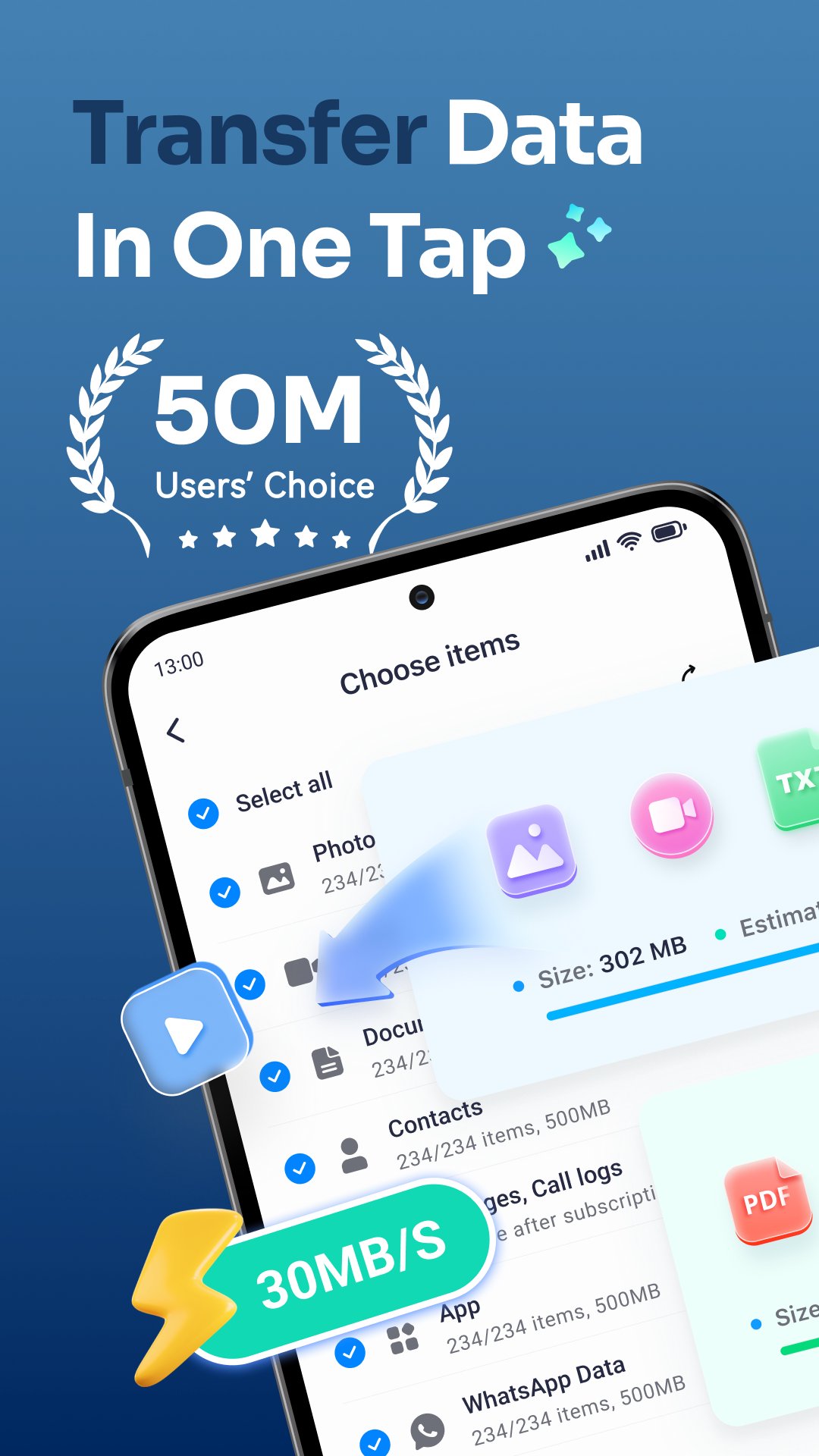
Phone Data Transfer: Move nearly everything from your old phone to your new phone at an average speed of up to 30 MB/s.
0 Data Consumed: Transfer locally without using your mobile data.
WhatsApp Transfer: Move WhatsApp and WhatsApp Business data, including chat history, stickers, photos, videos, and attachments.
MobileTrans Features:
✅ WhatsApp & WhatsApp Business Transfer: Securely transfer WhatsApp data between iPhone and Android, swiftly moving messages, stickers, images, videos, files, and attachments.
PS: When transferring WhatsApp data, you need an OTG cable to connect two phones.
📷 Photo Transfer: With MobileTrans, the professional photo transfer app, you can keep the photos, videos, and audio files that mean the most to you when you switch phones.
📂 File Transfer: Supports the transfer of all file formats, including Word, Excel, PowerPoint, PDF, ePub, and more.
🗨️ Backup and Restore SMS & Call Logs: MobileTrans helps you effortlessly back up all SMS and call logs. Afterward, you can restore them with ease.
📲 Contact & App Transfer: MobileTrans, a contact transfer specialist, lets you easily transfer contacts with a single click, saving time and preserving data integrity. It can also move cherished apps from sources no longer available for download to your new device.
Why choose MobileTrans to copy your data, the #1 data transfer solution between iOS and Android?
Here’s why it stands out:
⚡️ The fastest way to transfer data to a new phone
MobileTrans is up to 200x faster than Bluetooth, making large transfers quick and stress-free. With an average speed of 30MB/s, you can move thousands of photos in just a few minutes.
💥 The best alternative when official transfer tools don’t work
Built-in or official migration tools can fail because of system version issues, unstable connections, unsupported file types, or incomplete transfers. MobileTrans is the smart replacement when tools like pre-installed phone switch apps, built-in setup transfer, or standard migration methods can’t get the job done.
✔️ Supports the transfer of ALL major data types
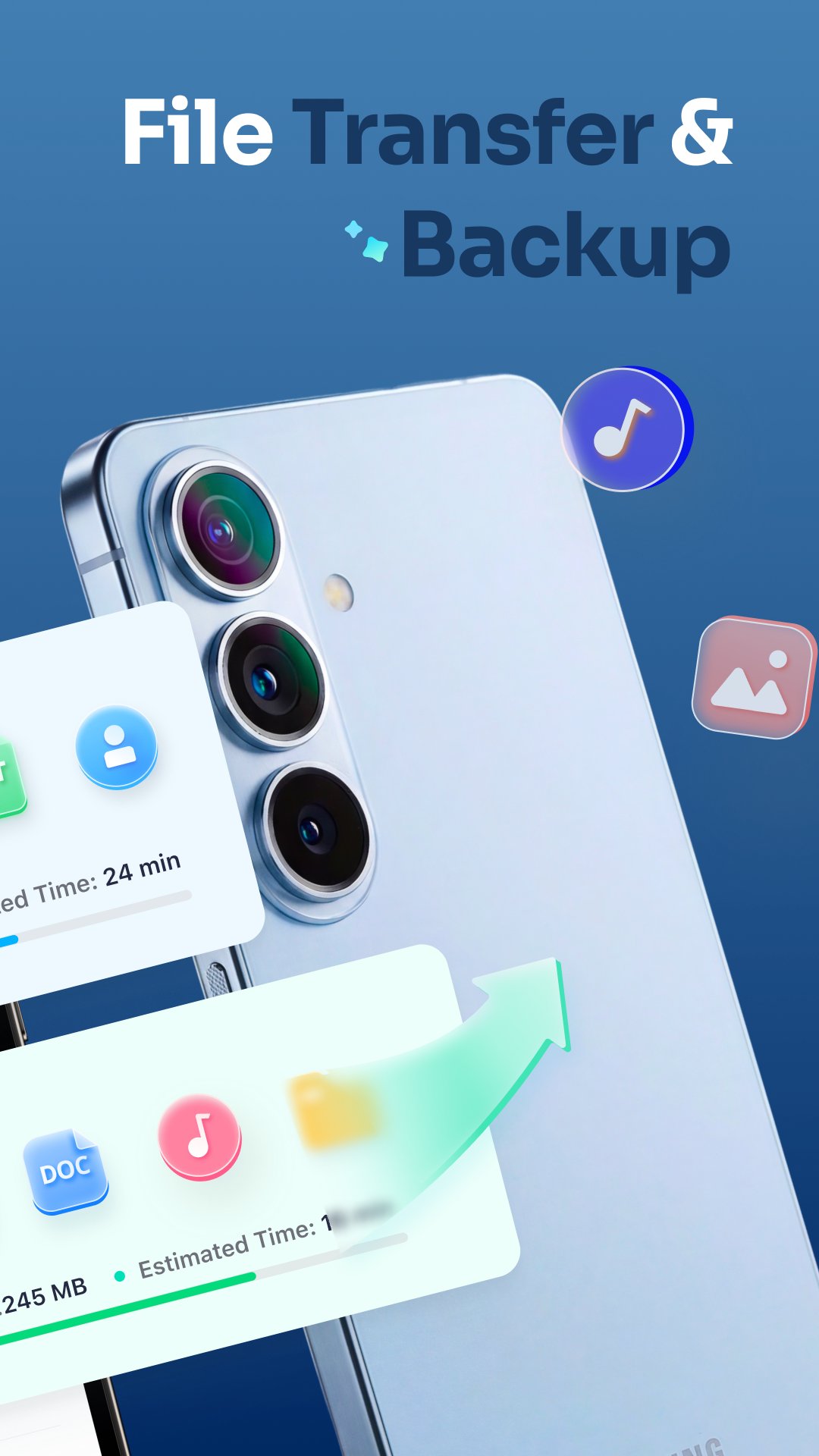
MobileTrans supports photos, videos, audio, contacts, SMS, music, documents (Word, Excel, PowerPoint, PDF, eBooks, and more), calendar, WhatsApp chat history, and WhatsApp Business data.
⭐️ Cross-platform transfer with no brand limits
Transfer from iPhone to Android, Android to iPhone, iPhone to iPhone, or Android to Android. MobileTrans works across major brands like Apple, Samsung, HUAWEI, OPPO, MI, Pixel, vivo, Motorola, and more.
📲 Simple QR code connection
Just scan a QR code to quickly and securely connect your old phone and new phone. No cables for general phone transfer, no technical skills required.
🔒 Private, secure, and local transfer
Your privacy comes first. MobileTrans acts only as a secure bridge between devices to help you complete data migration safely and smoothly.
Contact: customer_service@wondershare.com
Privacy Policy: https://mobiletrans.wondershare.com/mobiletrans-app/privacy_policy.html
معاينة
العلامات
أدواتمعلومة
مطور
WONDERSHARE TECHNOLOGY CO., LIMITED
احدث اصدار
4.7.36.941
آخر تحديث
2026-04-20
فئة
أدوات
متاح على
Google Play
أظهر المزيد
كيف تلعب Data Transfer - MobileTrans مع GameLoop على جهاز الكمبيوتر
1. قم بتنزيل GameLoop من الموقع الرسمي ، ثم قم بتشغيل ملف exe لتثبيت GameLoop.
2. افتح GameLoop وابحث عن "Data Transfer - MobileTrans" ، وابحث عن Data Transfer - MobileTrans في نتائج البحث وانقر على "تثبيت".
3. استمتع بلعب Data Transfer - MobileTrans على GameLoop.
Minimum requirements
OS
Windows 8.1 64-bit or Windows 10 64-bit
GPU
GTX 1050
CPU
i3-8300
Memory
8GB RAM
Storage
1GB available space
Recommended requirements
OS
Windows 8.1 64-bit or Windows 10 64-bit
GPU
GTX 1050
CPU
i3-9320
Memory
16GB RAM
Storage
1GB available space