
Ai Sensitivity and Controls PC
TQtech
قم بتنزيل Ai Sensitivity and Controls على جهاز الكمبيوتر باستخدام GameLoop Emulator
Ai Sensitivity and Controls على الكمبيوتر الشخصي
Ai Sensitivity and Controls ، القادم من المطور TQtech ، يعمل على نظام Android في الماضي.
الآن ، يمكنك لعب Ai Sensitivity and Controls على جهاز الكمبيوتر باستخدام GameLoop بسلاسة.
قم بتنزيله في مكتبة GameLoop أو في نتائج البحث. لا مزيد من الانتباه إلى البطارية أو المكالمات المحبطة في الوقت الخطأ بعد الآن.
ما عليك سوى الاستمتاع بجهاز Ai Sensitivity and Controls على الشاشة الكبيرة مجانًا!
Ai Sensitivity and Controls مقدمة
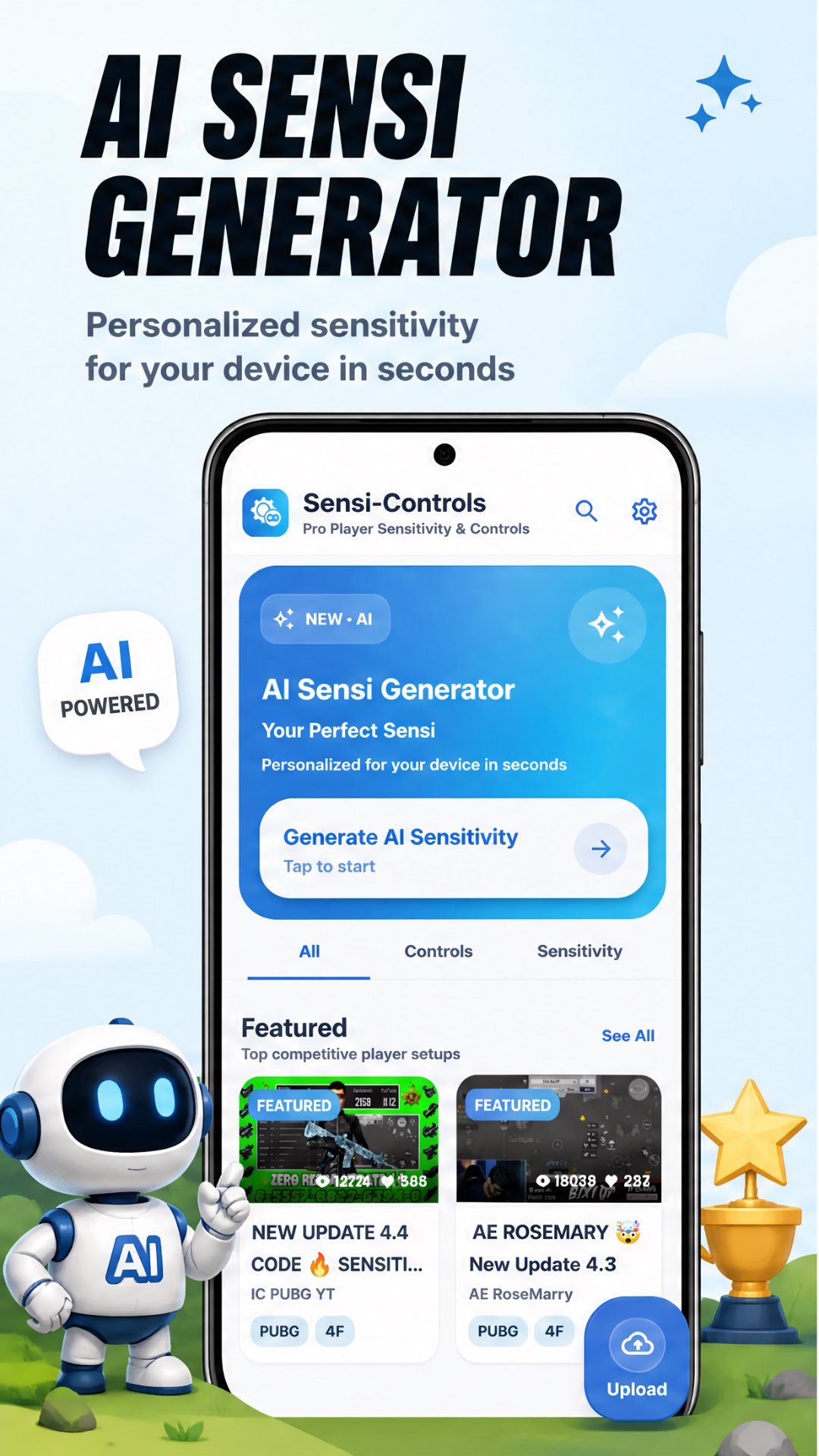
Copy pro player sensitivity & controls or generate
best AI sensitivity for your device!
Tired of missing shots? Wrong sensitivity ruining your game?
This app gives you the exact settings used by top BGMI & PUBG Mobile
pro players — or generates the perfect AI sensitivity just for your device.
What you get:
- Pro player sensitivity settings (gyro & non-gyro)
- AI generated sensitivity for your specific device
- Best control layouts used by pro players
- Headshot sensitivity settings
- Gyro sensitivity guide for beginners
- Copy & apply settings instantly
🤖 AI Sensitivity Generator:
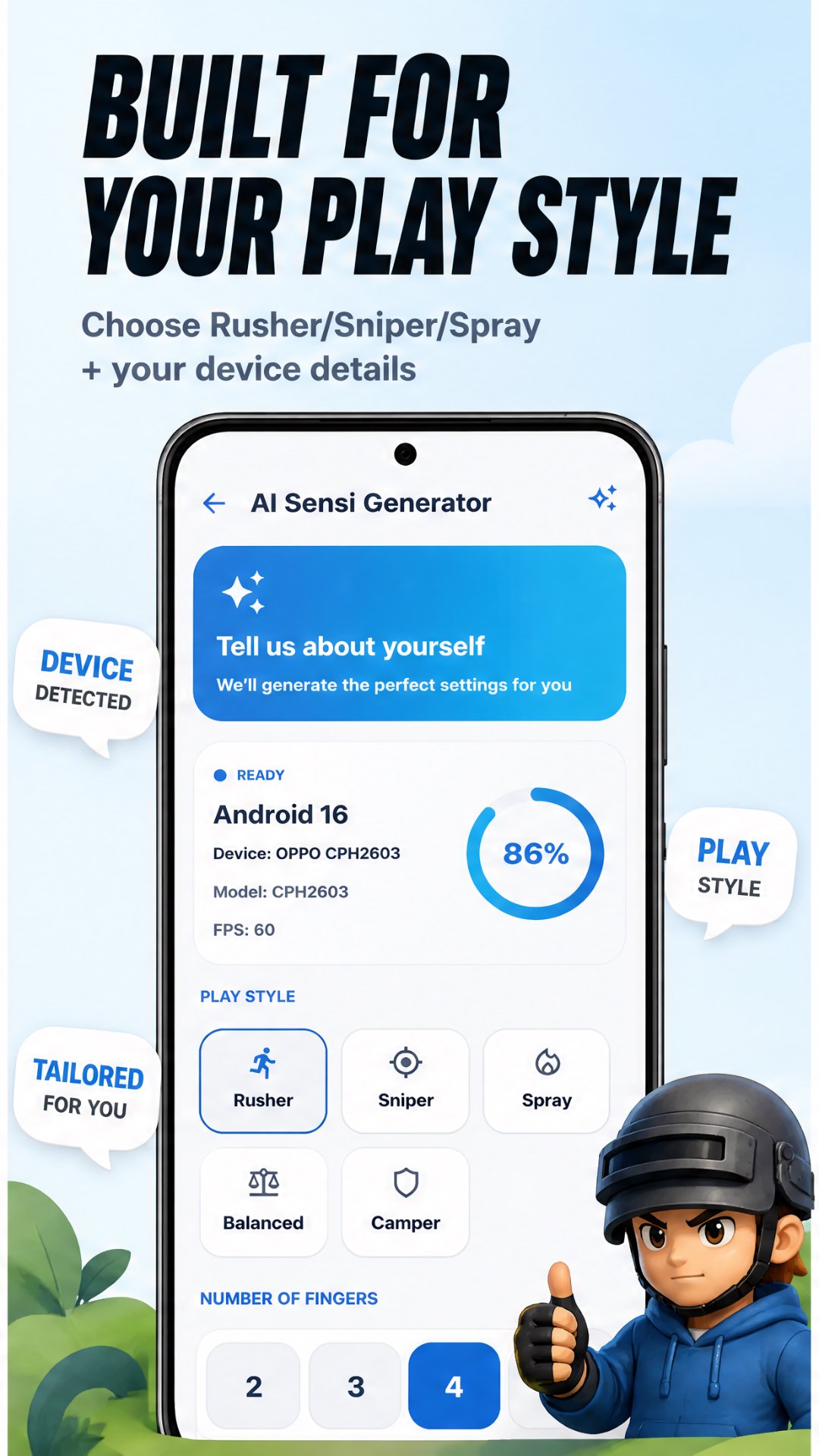
- Get best sensitivity made just for your phone
- Optimized for smooth aim & recoil control
- According to Your playstyles
Whether you play with gyro or without gyro, whether you are a
beginner or advanced player — this app has the perfect
sensitivity setup for you.
Stop guessing. Start winning. Download now! 🐔
معاينة
العلامات
أدواتمعلومة
مطور
TQtech
احدث اصدار
145
آخر تحديث
2026-09-26
فئة
أدوات
متاح على
Google Play
أظهر المزيد
كيف تلعب Ai Sensitivity and Controls مع GameLoop على جهاز الكمبيوتر
1. قم بتنزيل GameLoop من الموقع الرسمي ، ثم قم بتشغيل ملف exe لتثبيت GameLoop.
2. افتح GameLoop وابحث عن "Ai Sensitivity and Controls" ، وابحث عن Ai Sensitivity and Controls في نتائج البحث وانقر على "تثبيت".
3. استمتع بلعب Ai Sensitivity and Controls على GameLoop.
Minimum requirements
OS
Windows 8.1 64-bit or Windows 10 64-bit
GPU
GTX 1050
CPU
i3-8300
Memory
8GB RAM
Storage
1GB available space
Recommended requirements
OS
Windows 8.1 64-bit or Windows 10 64-bit
GPU
GTX 1050
CPU
i3-9320
Memory
16GB RAM
Storage
1GB available space