
Cisco Jabber PC
Cisco Systems, Inc.
Download Cisco Jabber on PC With GameLoop Emulator
Cisco Jabber on PC
Cisco Jabber, coming from the developer Cisco Systems, Inc., is running on Android systerm in the past.
Now, You can play Cisco Jabber on PC with GameLoop smoothly.
Download it in the GameLoop library or search results. No more eyeing the battery or frustrating calls at the wrong time any more.
Just enjoy Cisco Jabber PC on the large screen for free!
Cisco Jabber Introduction
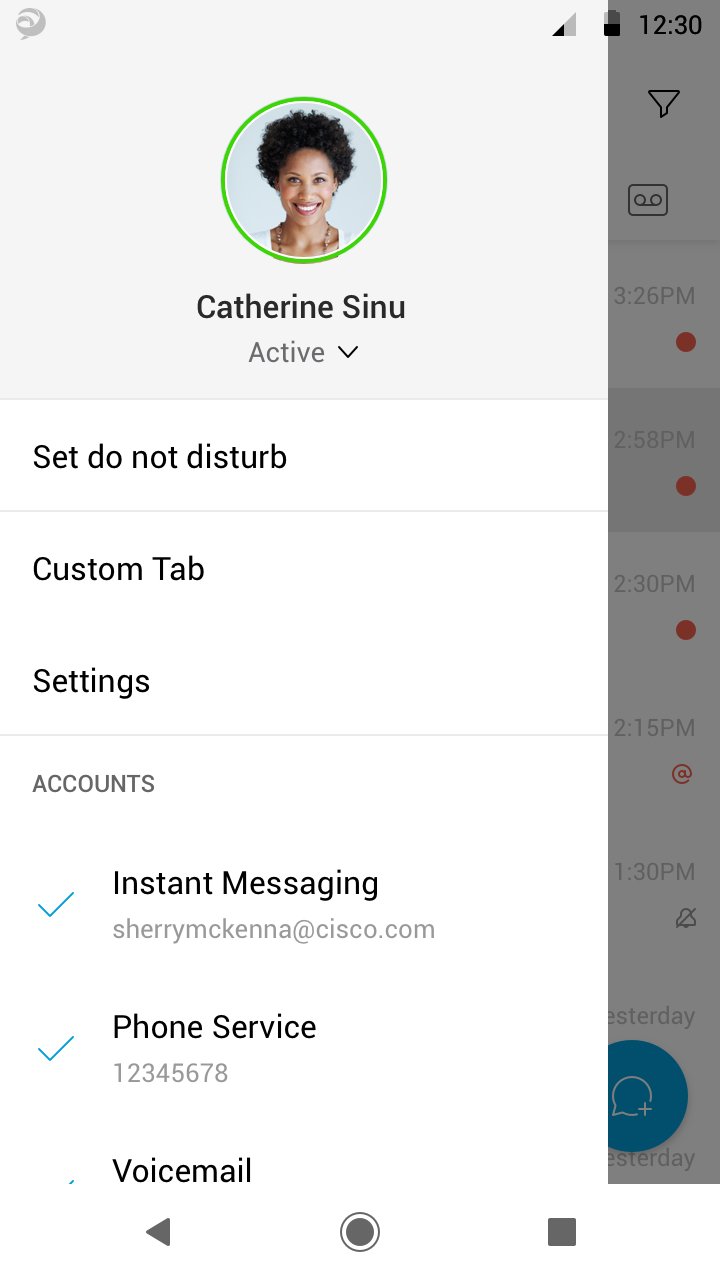
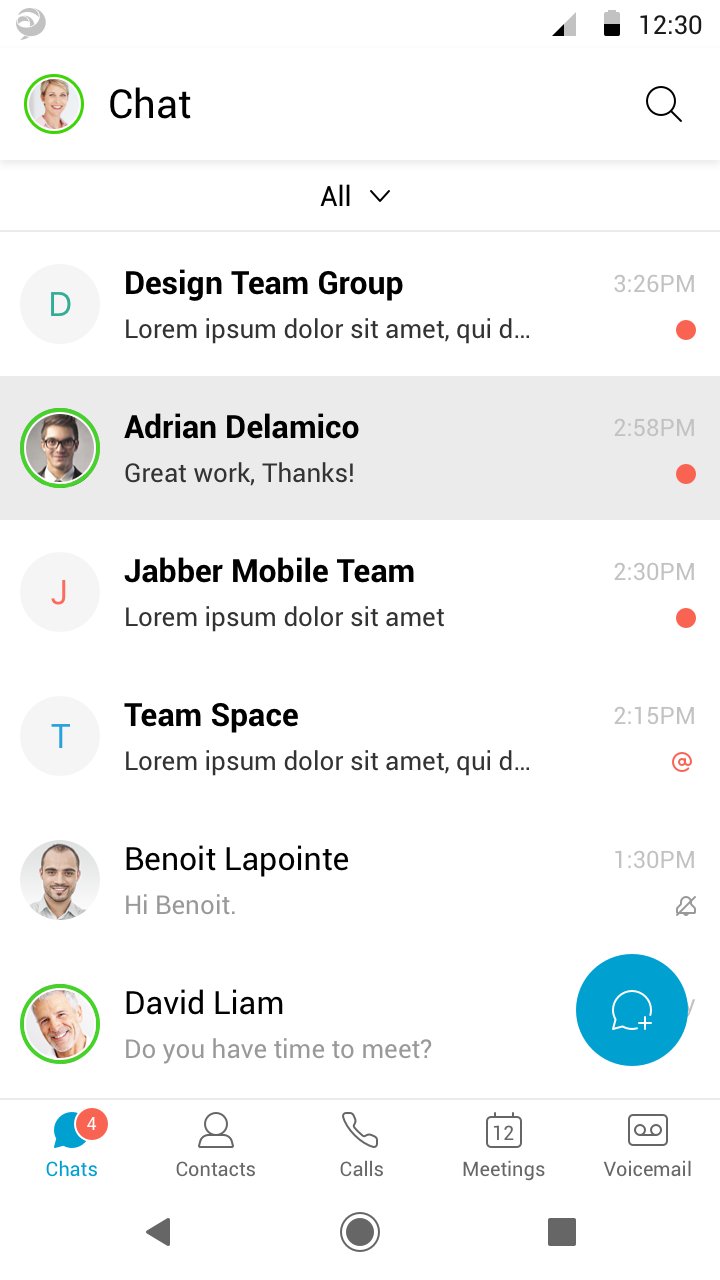
Cisco Jabber™ for Android is a collaboration application that provides presence, instant messaging (IM), voice, voice messaging, and video calling capabilities on Android phone and table . Escalate your Jabber calls into multi-party conferencing with Cisco WebEx® Meetings.
This application supports the following capabilities:
• Integrated voice
• High-quality video with interoperability to Cisco video endpoints
• IM, presence
• Visual voicemail
• One-tap escalation to WebEx meetings (cross-launches the Cisco WebEx® Meetings application)
For more information about Cisco Jabber, visit: http://www.cisco.com/go/jabber
IMPORTANT: If connecting to Cisco Unified Communications Manager, administrators must enable the correct Cisco Jabber for Android configurations, or proper connectivity will not be established. For details, review the Cisco Jabber Installation and Configuration Guide.
IMPORTANT: Most of the features described above are specific to a particular system configuration. Please check with your IT administrator to determine the specific features that are available to you.
Portions of Cisco Jabber are licensed under the GNU Lesser General Public License (LGPL), and are “Copyright © 1999 Erik Walthinsen omega@cse.ogi.edu”. You may obtain a copy of the LGPL license at http://www.gnu.org/licenses/lgpl-2.1.html.
Cisco, Cisco Unified Communications Manager and Cisco Jabber are trademarks of Cisco Systems, Inc. Copyright © 2013 - 2025 Cisco Systems, Inc. All Rights Reserved.
By tapping “Install” you agree to install Jabber and all future software updates, and you accept the terms of service and privacy statement below:
http://www.cisco.com/web/siteassets/legal/privacy.html
Support URL
http://www.cisco.com/c/en/us/support/unified-communications/jabber-android/tsd-products-support-series-home.html
Consult the Cisco Support Forums at http://supportforums.cisco.com or email to jabberfeedback@cisco.com if you encounter issues with unsupported devices.
Marketing URL
http://www.cisco.com/go/jabber
Preview
Tags
CommunicationsInformation
Developer
Cisco Systems, Inc.
Latest Version
15.3.0.311187
Last Updated
2026-09-16
Category
Communications
Available on
Google Play
Show More
How to play Cisco Jabber with GameLoop on PC
1. Download GameLoop from the official website, then run the exe file to install GameLoop
2. Open GameLoop and search for “Cisco Jabber” , find Cisco Jabber in the search results and click “Install”
3. Enjoy playing Cisco Jabber on GameLoop
Minimum requirements
OS
Windows 8.1 64-bit or Windows 10 64-bit
GPU
GTX 1050
CPU
i3-8300
Memory
8GB RAM
Storage
1GB available space
Recommended requirements
OS
Windows 8.1 64-bit or Windows 10 64-bit
GPU
GTX 1050
CPU
i3-9320
Memory
16GB RAM
Storage
1GB available space