
LingoTube dual caption player PC
Springwalk, Inc.
Download LingoTube dual caption player on PC With GameLoop Emulator
LingoTube dual caption player on PC
LingoTube dual caption player, coming from the developer Springwalk, Inc., is running on Android systerm in the past.
Now, You can play LingoTube dual caption player on PC with GameLoop smoothly.
Download it in the GameLoop library or search results. No more eyeing the battery or frustrating calls at the wrong time any more.
Just enjoy LingoTube dual caption player PC on the large screen for free!
LingoTube dual caption player Introduction
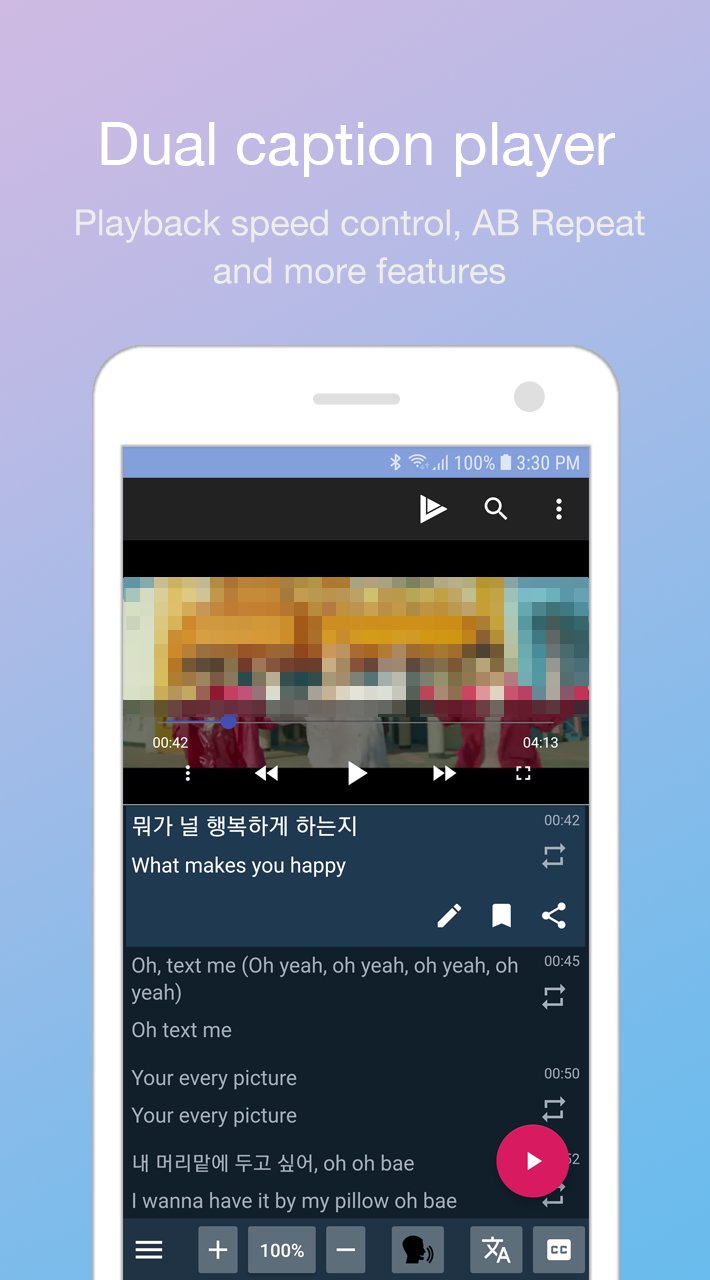
LingoTube is a dual subtitle (caption) player for English, Spanish, Korean (K-pop), French, German and other language learning!
You can surf and enjoy all the features of the most famous streaming site.
LingoTube adds many features to the site for language learning.
You can also play video files with subtitle files. (Supports SRT, SMI)
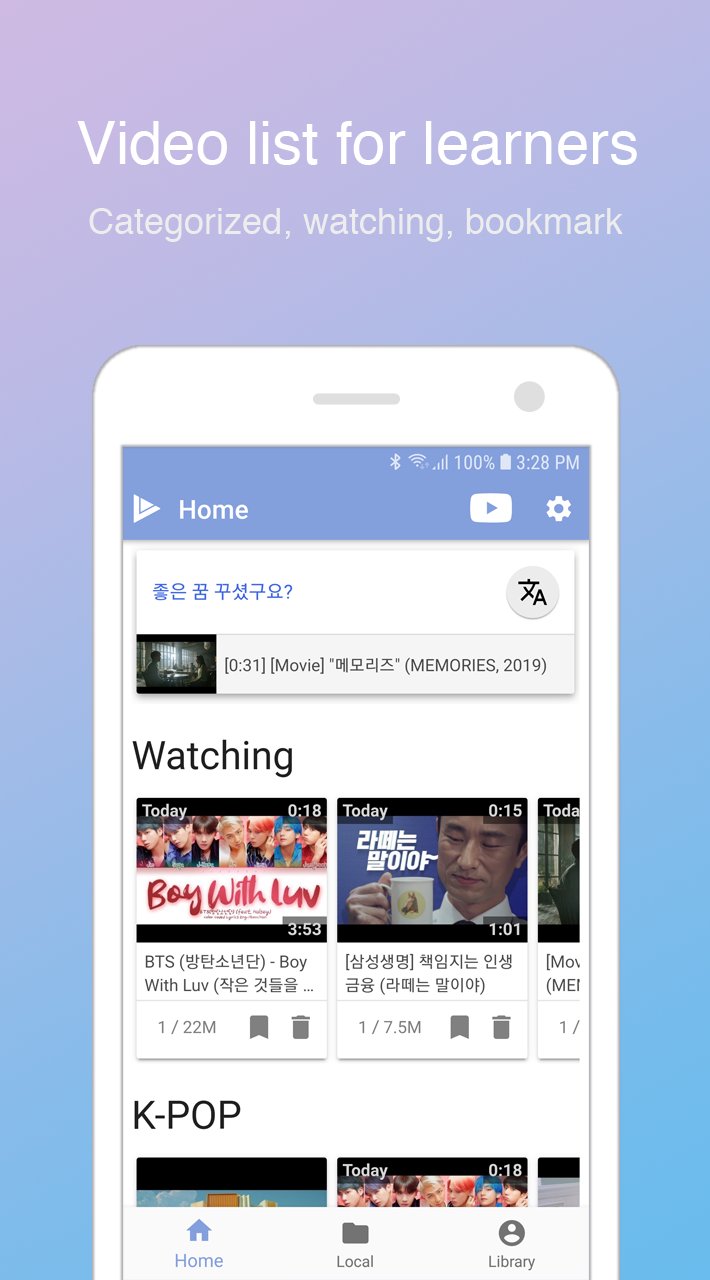
* It provides catalogs for learners. (English, Korean, Spanish, Japanese)
* Based on your level, you can choose subtitle mode.(foreign language / native language / all languages)
* It change subtitle mode automatically during play and pause.
* You can control playback speed.
* It supports AB repeat and practice mode. (Listen-> Speak-> Listen)
* It provides Google translated subtitles.
* You can use dictionaries and translations (require third-party apps)
* You can edit, bookmark and share subtitles.
* You can merge subtitles into complete sentences. it is effective for TED videos.
* When paused, it rewinds to the start of the current subtitle.
Preview
Tags
EducationInformation
Developer
Springwalk, Inc.
Latest Version
1.8.4
Last Updated
2024-03-21
Category
Education
Available on
Google Play
Show More
How to play LingoTube dual caption player with GameLoop on PC
1. Download GameLoop from the official website, then run the exe file to install GameLoop
2. Open GameLoop and search for “LingoTube dual caption player” , find LingoTube dual caption player in the search results and click “Install”
3. Enjoy playing LingoTube dual caption player on GameLoop
Minimum requirements
OS
Windows 8.1 64-bit or Windows 10 64-bit
GPU
GTX 1050
CPU
i3-8300
Memory
8GB RAM
Storage
1GB available space
Recommended requirements
OS
Windows 8.1 64-bit or Windows 10 64-bit
GPU
GTX 1050
CPU
i3-9320
Memory
16GB RAM
Storage
1GB available space