XBOX PC
Microsoft Corporation
Download XBOX on PC With GameLoop Emulator
XBOX on PC
XBOX, coming from the developer Microsoft Corporation, is running on Android systerm in the past.
Now, You can play XBOX on PC with GameLoop smoothly.
Download it in the GameLoop library or search results. No more eyeing the battery or frustrating calls at the wrong time any more.
Just enjoy XBOX PC on the large screen for free!
XBOX Introduction
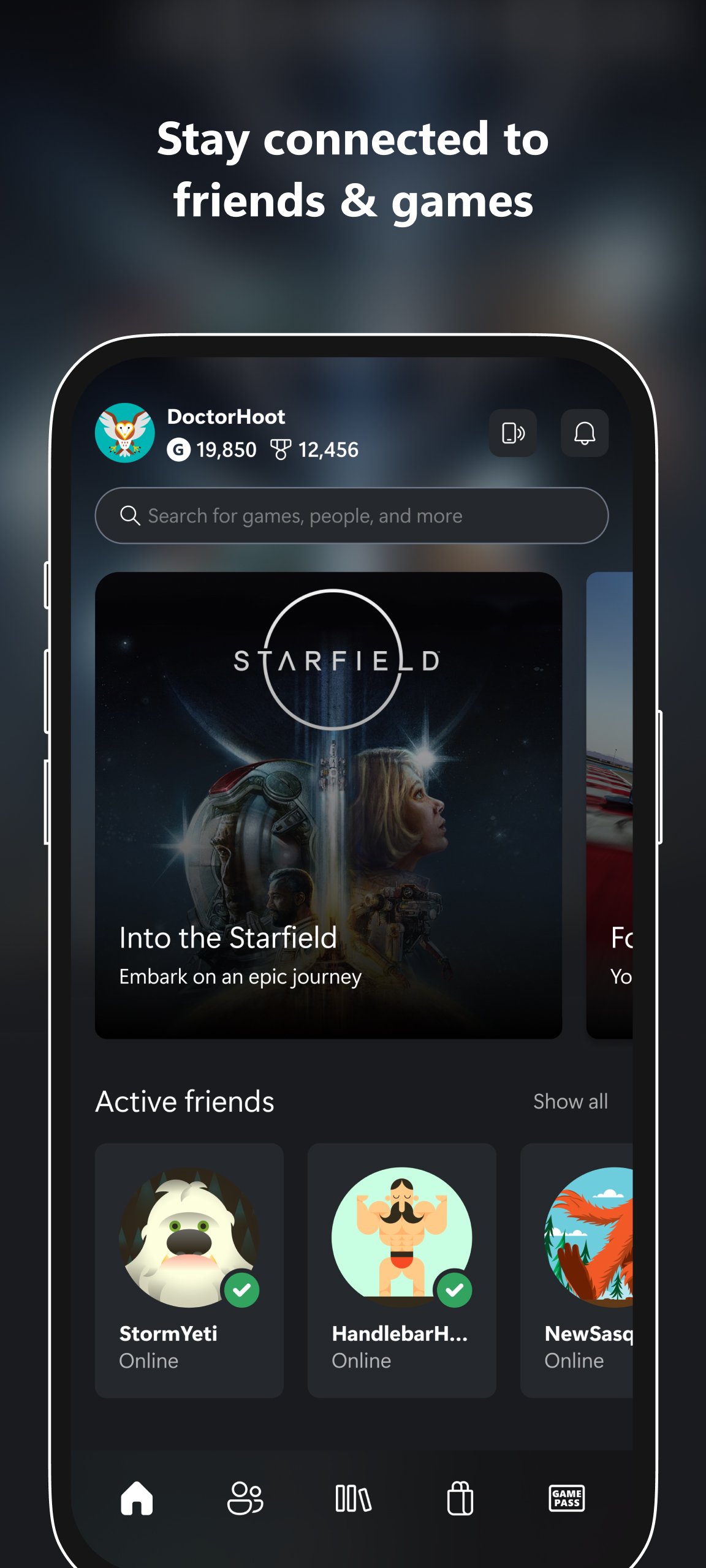
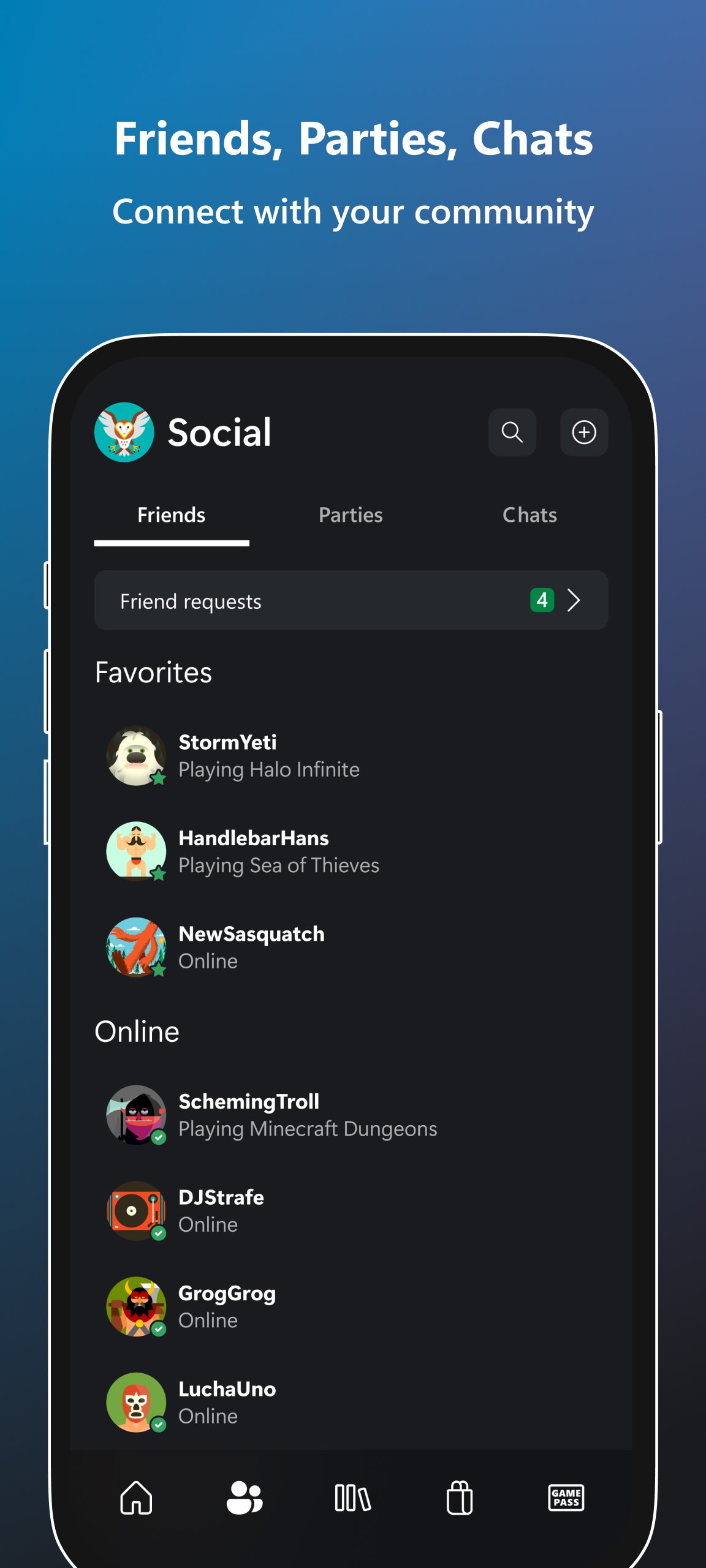
XBOX keeps you connected to the fun with your friends, games, and supported gaming devices from your phone or tablet while on the go. Buy games you want without leaving the app. Explore Game Pass, queue games to play, set alerts for new games, and more. Keep up with friends and parties with voice and text chat, even if they're on console or PC. Share your wishlist, game clips, and screenshots from your console to favorite gaming & social networks. See game invite notifications and achievements from you and your friends, messages, and more. Track, claim, and redeem your Rewards points. Stay connected to your world of gaming with the XBOX mobile app.
- XBOX keeps you connected to the fun with your friends, games, and supported gaming devices from your phone or tablet while on the go.
- Share game clips and screenshots from your console to favorite gaming & social networks.
- Friends and parties follow you with voice and text chat, even if they're on console or PC.
- Install games remotely on your console from your phone.
- See game invite notifications, achievements from you and your friends, messages, and more.
- Explore Game Pass and get customized recommendations, notifications about new games, queue games to play, and more.
- Buy games you want without leaving the app.
- Track, claim, and redeem your Rewards points.
- The XBOX mobile app is the best way to stay connected to your world of gaming.
XBOX APP AGREEMENT
The following terms supplement any software license terms that accompany the XBOX App.
Please refer to Microsoft's EULA for Terms of Service for Microsoft's gaming applications on Android. By installing the app, you agree to these terms and conditions: https://support.xbox.com/help/subscriptions-billing/manage-subscriptions/microsoft-software-license-terms-mobile-gaming
FEEDBACK
If you give feedback about the XBOX App to Microsoft, you give to Microsoft, without charge, the right to use, share and commercialize your feedback in any way and for any purpose. You also give to third parties, without charge, any patent rights needed for their products, technologies and services to use or interface with any specific parts of a Microsoft software or service that includes the feedback. You will not give feedback that is subject to a license that requires Microsoft to license its software or documentation to third parties because we include your feedback in them. These rights survive this agreement.
Preview
Tags
EntertainmentInformation
Developer
Microsoft Corporation
Latest Version
2609.3.1
Last Updated
2026-09-29
Category
Entertainment
Available on
Google Play
Show More
How to play XBOX with GameLoop on PC
1. Download GameLoop from the official website, then run the exe file to install GameLoop
2. Open GameLoop and search for “XBOX” , find XBOX in the search results and click “Install”
3. Enjoy playing XBOX on GameLoop
Minimum requirements
OS
Windows 8.1 64-bit or Windows 10 64-bit
GPU
GTX 1050
CPU
i3-8300
Memory
8GB RAM
Storage
1GB available space
Recommended requirements
OS
Windows 8.1 64-bit or Windows 10 64-bit
GPU
GTX 1050
CPU
i3-9320
Memory
16GB RAM
Storage
1GB available space