
Weather & Widget - Weawow PC
weawow weather app
Download Weather & Widget - Weawow on PC With GameLoop Emulator
Weather & Widget - Weawow on PC
Weather & Widget - Weawow, coming from the developer weawow weather app, is running on Android systerm in the past.
Now, You can play Weather & Widget - Weawow on PC with GameLoop smoothly.
Download it in the GameLoop library or search results. No more eyeing the battery or frustrating calls at the wrong time any more.
Just enjoy Weather & Widget - Weawow PC on the large screen for free!
Weather & Widget - Weawow Introduction
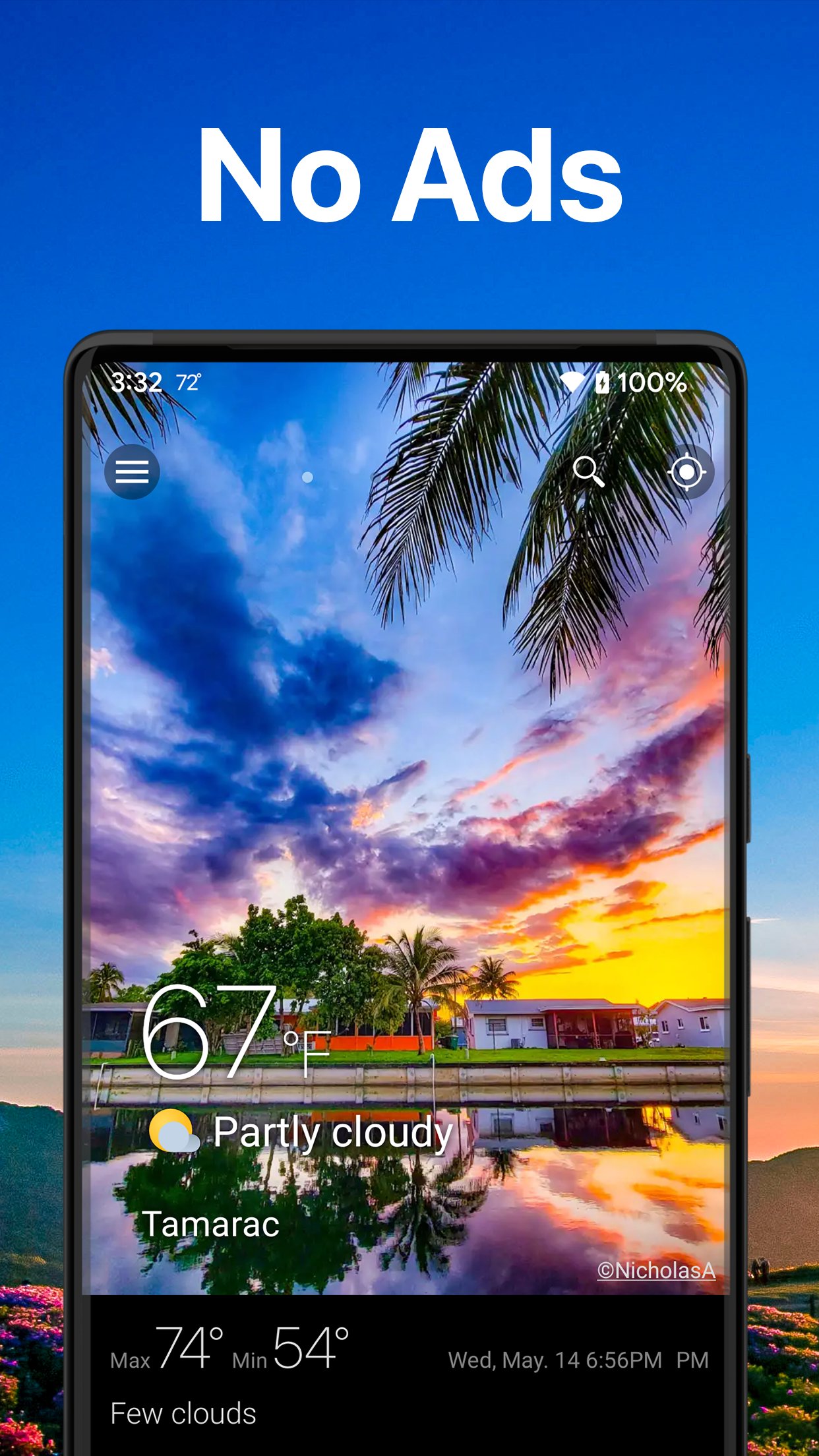
Weawow is a free weather app with comparable multiple weather providers, animated weather map and radar, highly customizable layout and widgets, and beautiful weather photos from around the world.
There are no ads and no tracking. Weawow delivers only the weather information you need, in the most comfortable way.
WOW WEATHER EXPERIENCE
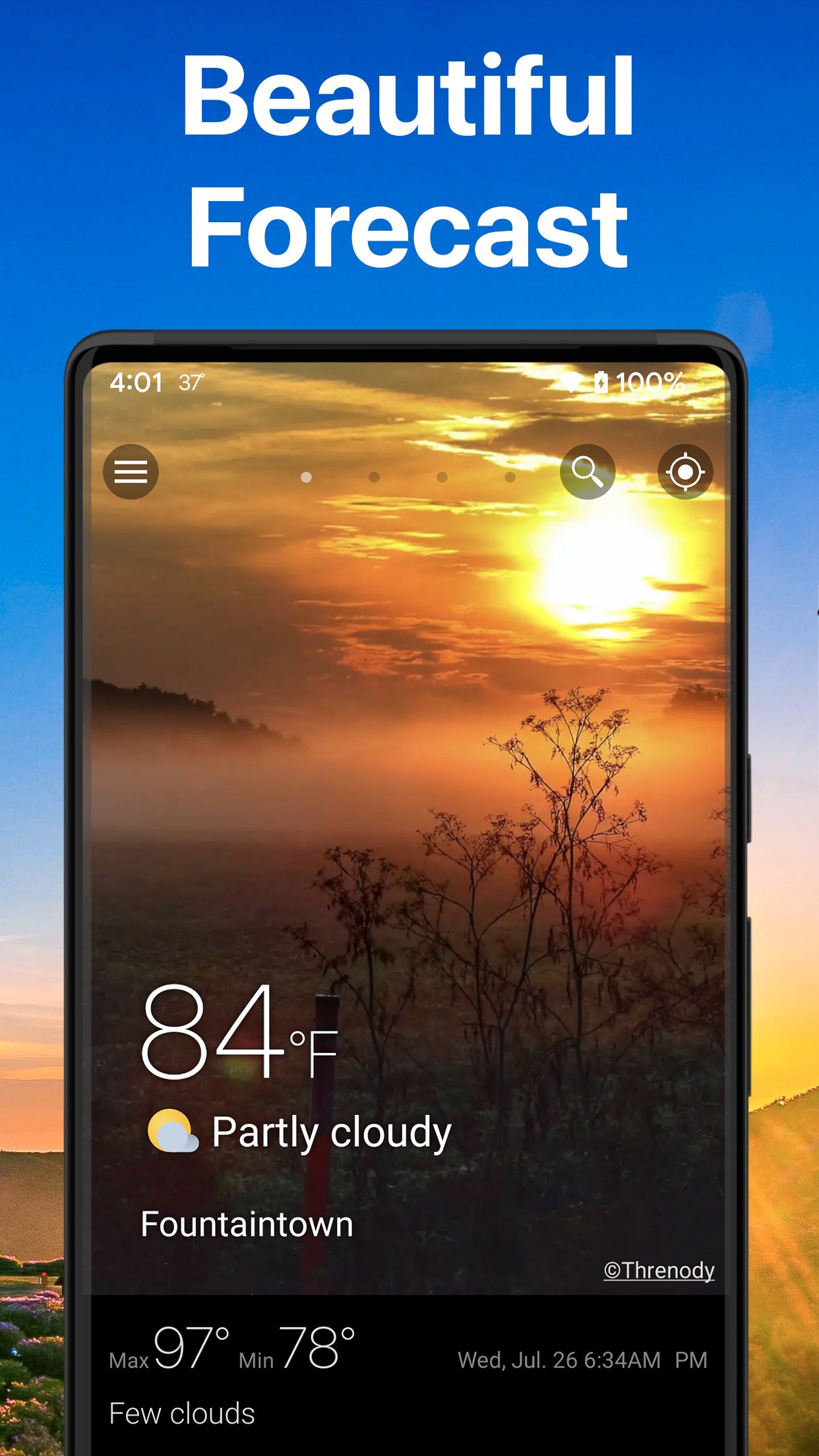
The weather photos reflect the actual weather conditions of each location, allowing you to visually understand whether it is sunny, cloudy, rainy, or snowy.
A golden sunset, a quiet snowy landscape, moving clouds—these scenes bring a sense of calm.
Through this WOW experience, Weawow aims to connect people and contribute to a more peaceful world.
COMPARE WEATHER FORECASTS
Modern forecasting technology has improved significantly, especially for short-term predictions within the next few hours. However, forecasts can still differ in unstable weather conditions.
With Weawow, you can compare weather forecasts from multiple weather providers side by side in an easy-to-understand graphs, helping you make more confident decisions.
For example:
- If most providers say “no rain,” you can leave your umbrella at home
- If forecasts differ, you can prepare for both possibilities
Supported providers:
NWS (NOAA), DWD, Meteo France, AEMET, MET Norway, Apple Weather, Xweather, Weatherbit, World Weather Online, OpenWeather
AccuWeather and Foreca are available via donation (one-time donation unlocks them permanently)
WEATHER DATA
Check detailed weather data with hourly forecasts and up to 14-day daily forecasts (depends on provider).
- Temperature, feels-like, precipitation, chance of rain, wind, gusts, pressure, humidity, dew point, clouds, UV index, visibility, snowfall, solar radiation
- Air quality: AQI, PM2.5, PM10, NO2, SO2, CO, ozone (Data Source: CAMS, ECMWF)
- Official severe weather alerts
- Pollen (only AccuWeather and USA)
Also includes sunrise, sunset, golden hour, blue hour, and moon phase with animations for up to one month.
Useful for photography timing.
WEATHER MAP & RADAR
View global weather on a smooth animated globe.
- Precipitation, radar, temperature, humidity, dew point, clouds, snow, air quality
- Wind animation
- Pressure isobars
- Forecast up to 14 days
SIMPLE INTERFACE
- You can get the necessary information by simply scrolling down. Tap each section to see more details.
- You can bookmark the favorite weather locations, and change them by swiping left / right. Tap the Star mark on the search history.
- Supported languages: English, French, German, Spanish, Chinese, and 50 more languages.
CUSTOMIZATION
Customize the app to fit your needs.
- Choose weather data
- Rearrange layout
- Set priorities
- Select weather icons
- Light / Dark / Auto themes
- Map settings
WEATHER WIDGETS
Add customizable weather widgets on your home screen, from small 1x1 sizes to full-screen layouts.
- 14 styles: current, today, hourly, daily, graphs, clock, etc.
- Customizable data such as wind, UV index, air quality, etc.
WEATHER NOTIFICATIONS
Always display the weather forecast on your lock screen or in the notification panel.
- 8 notification layouts: hourly, daily, graph types, and more
- Customizable data such as wind, UV index, air quality, etc.
- Current temperature in the status bar
DONATION
Weawow is free to use.
Users who support the project through a donation can unlock additional weather providers such as AccuWeather and Foreca.
Donations are completely optional.
UPLOAD WEATHER PHOTOS
You can upload your own weather photos via the Weawow website.
Preview
Tags
WeatherInformation
Developer
weawow weather app
Latest Version
7.1.3
Last Updated
2026-04-13
Category
Weather
Available on
Google Play
Show More
How to play Weather & Widget - Weawow with GameLoop on PC
1. Download GameLoop from the official website, then run the exe file to install GameLoop
2. Open GameLoop and search for “Weather & Widget - Weawow” , find Weather & Widget - Weawow in the search results and click “Install”
3. Enjoy playing Weather & Widget - Weawow on GameLoop
Minimum requirements
OS
Windows 8.1 64-bit or Windows 10 64-bit
GPU
GTX 1050
CPU
i3-8300
Memory
8GB RAM
Storage
1GB available space
Recommended requirements
OS
Windows 8.1 64-bit or Windows 10 64-bit
GPU
GTX 1050
CPU
i3-9320
Memory
16GB RAM
Storage
1GB available space