
UC Browser-Safe, Fast, Private 電腦版
UCWeb Singapore Pte. Ltd.
用GameLoop模拟器在電腦上玩UC Browser-Safe, Fast, Private
UC Browser-Safe, Fast, Private 電腦版
來自發行商 UCWeb Singapore Pte. Ltd. 的 UC Browser-Safe, Fast, Private 能夠在安卓系統上運行。
現在,您可以在電腦上使用 GameLoop 模擬器流暢地玩 UC Browser-Safe, Fast, Private。
在 GameLoop 遊戲庫或搜索結果中下載。 不需要再暢玩遊戲時盯著電池電量或被令人懊惱的來電打斷。
只需在電腦大屏幕上免費下載暢玩UC Browser-Safe, Fast, Private 電腦版!
UC Browser-Safe, Fast, Private 簡介
UC Browser: The Smart Internet Browser for Your Mobile Life
🌏Fast VPN | 🔍AI Search |🎬Video downloader |☁️ ️UC Drive
🔐Private Browser & Security Online
Protect your IP and traffic with our private browsing mode,also known as incognito browser mode. As a secure browser, UC Browser ensures your online activity remains private. Use the fast VPN to encrypt data and keep you safe while accessing the global internet with enhanced security
🎬Video Downloader & Offline Streaming
Save videos using the integrated video downloader. Enjoy the video player and stream your favorite content offline. This feature saves time and data, and helps you organize your downloads efficiently, perfect for your mobile life on the go.
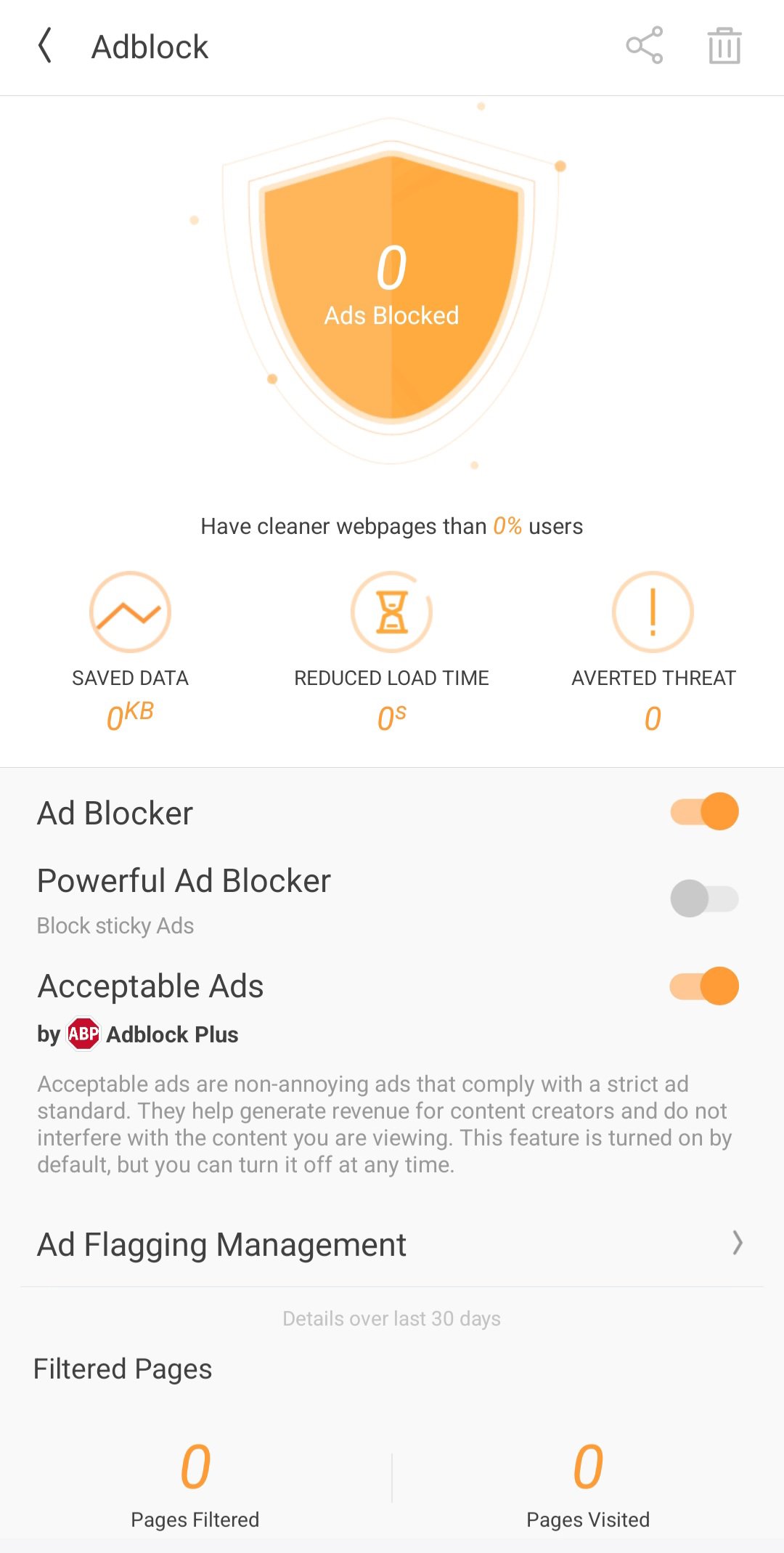
🚫 Ad Blocker for Fast Performance
Activate the adblocker to remove web ads and pop-ups, ensuring no ads interrupt your browsing. By blocking distractions, you enjoy seamless, safe navigation and reduced load time while browsing sites and apps within the web browser.
🔍 Smart Search with AI & GPT
Our advanced search engine helps you find news and even your browsing history. Whether you need to translate documents, locate specific content, GPT makes your internet exploration efficient.
🌐 Translate & Global Access
Break language barriers with built-in translate tools supporting multi-language AI and chat more effectively with others. Gain access to global content and more, converting text in real-time for a smooth browsing experience.
📁 UC Drive: Cloud Storage for Videos
Store your videos in 20GB cloud storage via UC Drive. Access your collection anywhere for an organized life.
⚡ Why Choose UC Browser?
Fast VPN: Secure your IP, keep you safe, and browse private.
Ad Blocker: Fast loading without interruptions.
Video Downloader: Save videos for offline streaming and manage your downloads with ease.
Free & Fast: Enjoy a fast and free internet browser, available on Play Store.
Regular Updates: Stay ahead with the latest improvements and new features.
📞 Support & Assistance
In the event of any issues, please follow the steps below for immediate assistance:Open the Application and navigate to Menu → Feedback. Submit your inquiry via the integrated feedback system.
Alternatively, contact us directly through the official channels listed below.
● Official Website: https://ucweb.com
● Facebook: http://www.facebook.com/ucbrowserindonesia
● X: https://x.com/ucbrowserindo
● YouTube: http://www.youtube.com/ucwebvideo
預覽
標籤
通訊訊息
開發商
UCWeb Singapore Pte. Ltd.
最新版本
13.4.2.1307
更新時間
2026-09-04
類別
通訊
更多
如何在電腦上用 GameLoop 玩 UC Browser-Safe, Fast, Private
1. 從官網下載GameLoop,然後運行exe文件安裝GameLoop
2. 打開GameLoop,搜索“UC Browser-Safe, Fast, Private”,在搜索結果中找到UC Browser-Safe, Fast, Private,點擊“安裝”
3. 享受在 GameLoop 上玩 UC Browser-Safe, Fast, Private 的樂趣
Minimum requirements
OS
Windows 8.1 64-bit or Windows 10 64-bit
GPU
GTX 1050
CPU
i3-8300
Memory
8GB RAM
Storage
1GB available space
Recommended requirements
OS
Windows 8.1 64-bit or Windows 10 64-bit
GPU
GTX 1050
CPU
i3-9320
Memory
16GB RAM
Storage
1GB available space