
Opera: Private Web Browser for PC
Opera
Unduh Opera: Private Web Browser di PC Dengan Emulator GameLoop
Opera: Private Web Browser di PC
Opera: Private Web Browser, berasal dari pengembang Opera, berjalan di sistem Android di masa lalu.
Sekarang, Anda dapat memainkan Opera: Private Web Browser di PC dengan GameLoop dengan lancar.
Unduh di perpustakaan GameLoop atau hasil pencarian. Tidak ada lagi memperhatikan baterai atau panggilan frustasi pada waktu yang salah lagi.
Nikmati saja Opera: Private Web Browser PC di layar besar secara gratis!
Opera: Private Web Browser Pengantar
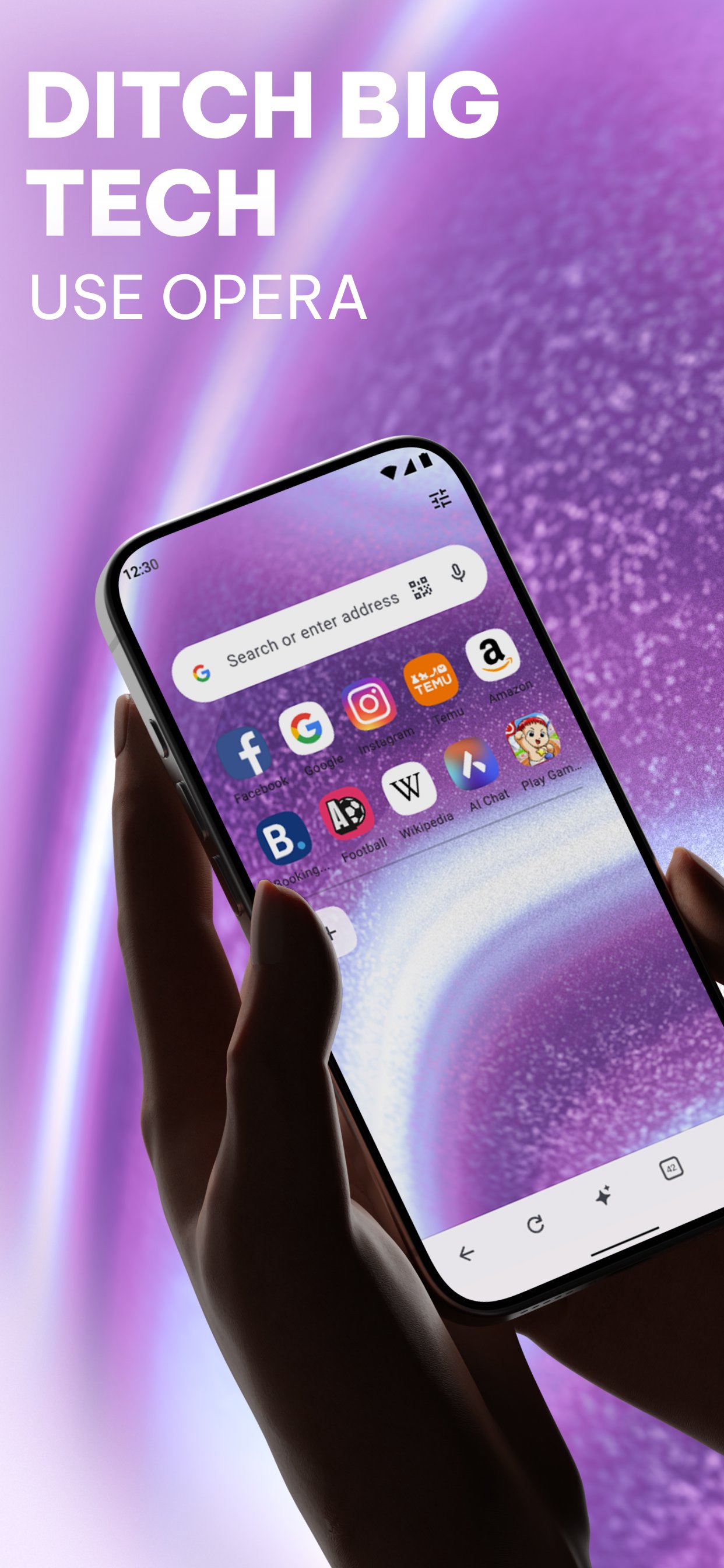
Ditch the default and switch to a browser that works as hard as you do. Opera combines high-performance browsing with a built-in VPN, an advanced Ad Blocker, and a cutting-edge AI assistant. Experience a cleaner, faster, and more private web, no extensions required.
✓ Smart Browsing with AI
✓ Built-in Ad Blocker
✓ Free Built-in VPN
✓ Live scores & Sports alerts
✓ Smart Download manager
✓ Data savings mode
✓ Seamless Sync & Flow
✓ Fully Personalized Browser
• Smart Browsing with AI & Creativity
Upgrade your browsing with integrated AI. Chat with our native assistant to get instant answers, summarize long articles, or brainstorm ideas. Feeling creative? Use our built-in AI Image Generator to turn your words into stunning visuals in seconds. Create custom wallpapers, unique social posts, or images for work, all without leaving your browser.
• Ad Blocker
Opera’s built-in Ad Blocker ensures pages load faster and your battery lasts longer. Experience the web with fewer interruptions, watch videos with fewer ads, and block intrusive pop-ups. You can also manage cookie and privacy dialogs directly in your Settings for a cleaner, smoother experience.
• Built-in Free VPN
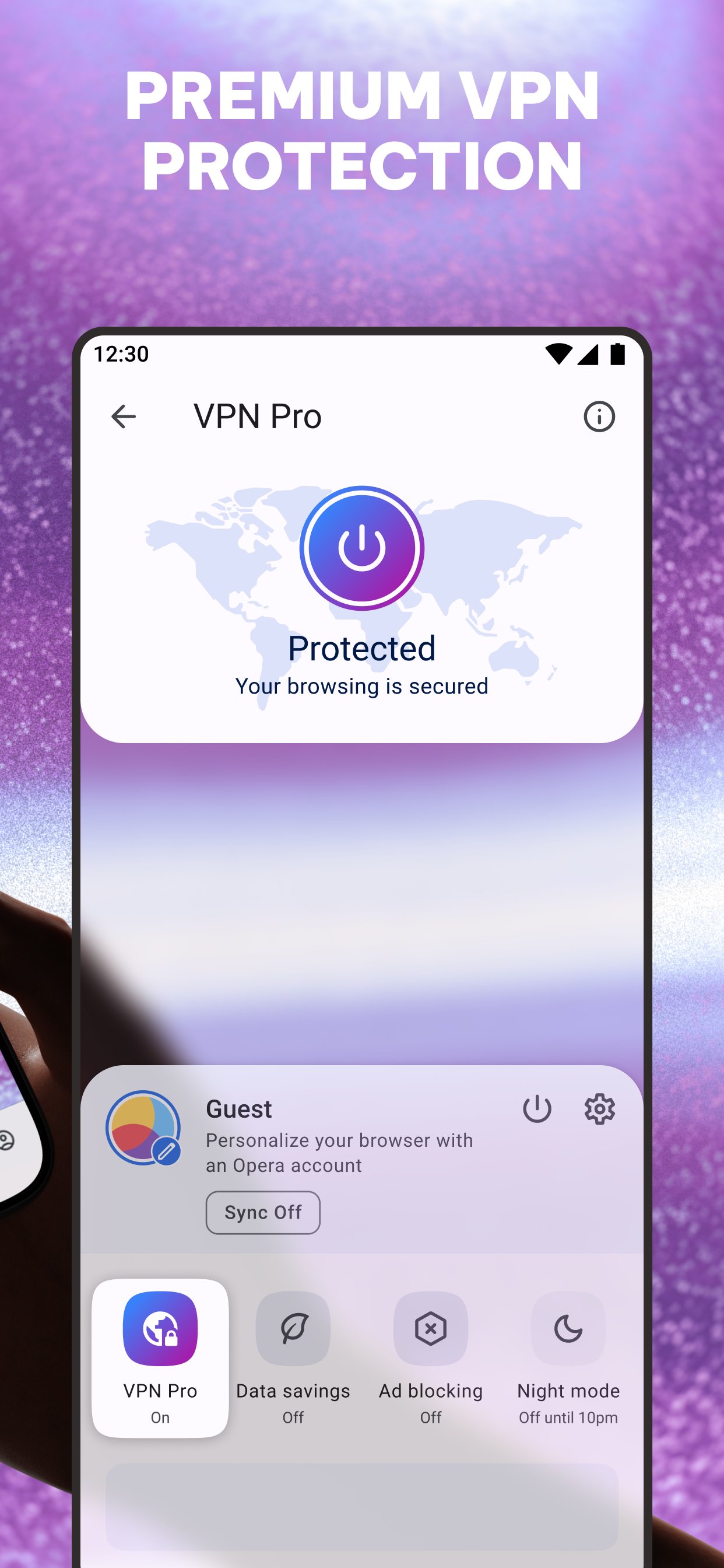
Opera includes a Free VPN to keep your browsing private. The VPN encrypts your internet connection, helping you stay incognito and protecting your personal details. Choose from three virtual locations with no subscription or login needed.
• Powerful Downloader & Offline Pages
Stop worrying about patchy internet. Opera’s downloader lets you grab videos and music whenever they’re available. Downloads happen in the background and automatically resume if the connection drops. Traveling? Save any page to your Offline Pages to access it later without a signal. Use the "Save as PDF" feature to instantly convert pages for easy offline reading.
• Data Savings
Don’t let high data costs limit your browsing. Opera’s Data-saving mode uses smart compression to significantly reduce the weight of every page you visit. It’s the most efficient way to browse more while using less data, ensuring a reliable connection even on weak networks.
• Private Browser
Enhance your web privacy with a built-in Free VPN and Ad Blocker. Use private search and incognito tabs to browse the web without leaving a trace. When you close your tabs, your browsing tracks are cleared automatically.
• Flow & Seamless Sync
Pick up where you left off on any device. Share files, links, and notes across all your devices instantly with Flow. Your history and bookmarks stay synced across mobile and desktop—all you need is one Opera Account.
• Custom Newsfeed
Follow the topics you care about in a fully customizable newsfeed. Not interested in certain topics? Just deselect the noise to tailor your feed. You can also download articles to read later while offline to stay up to date anywhere.
• Personalized Browser
Make the browser your own. Customize your settings to fit your preferences: homepage, search engine, wallpaper, and more. Use Night Mode to dim the screen and protect your eyes during late-night browsing.
Pratinjau
Tag
KomunikasiPapanInformasi
Pengembang
Opera
Versi Terbaru
101.6.5178.90208
Terakhir Diperbarui
2026-09-14
Kategori
Komunikasi
Tersedia di
Google Play
Menampilkan lebih banyak
Cara memainkan Opera: Private Web Browser dengan GameLoop di PC
1. Download GameLoop dari situs resminya, lalu jalankan file exe untuk menginstal GameLoop.
2. Buka GameLoop dan cari “Opera: Private Web Browser”, temukan Opera: Private Web Browser di hasil pencarian dan klik “Install”.
3. Nikmati bermain Opera: Private Web Browser di GameLoop.
Minimum requirements
OS
Windows 8.1 64-bit or Windows 10 64-bit
GPU
GTX 1050
CPU
i3-8300
Memory
8GB RAM
Storage
1GB available space
Recommended requirements
OS
Windows 8.1 64-bit or Windows 10 64-bit
GPU
GTX 1050
CPU
i3-9320
Memory
16GB RAM
Storage
1GB available space