
Photo Editor - Polish for PC
InShot Inc.
Unduh Photo Editor - Polish di PC Dengan Emulator GameLoop
Photo Editor - Polish di PC
Photo Editor - Polish, berasal dari pengembang InShot Inc., berjalan di sistem Android di masa lalu.
Sekarang, Anda dapat memainkan Photo Editor - Polish di PC dengan GameLoop dengan lancar.
Unduh di perpustakaan GameLoop atau hasil pencarian. Tidak ada lagi memperhatikan baterai atau panggilan frustasi pada waktu yang salah lagi.
Nikmati saja Photo Editor - Polish PC di layar besar secara gratis!
Photo Editor - Polish Pengantar
✨ Powerful Photo Editor for Every Moment 🎉
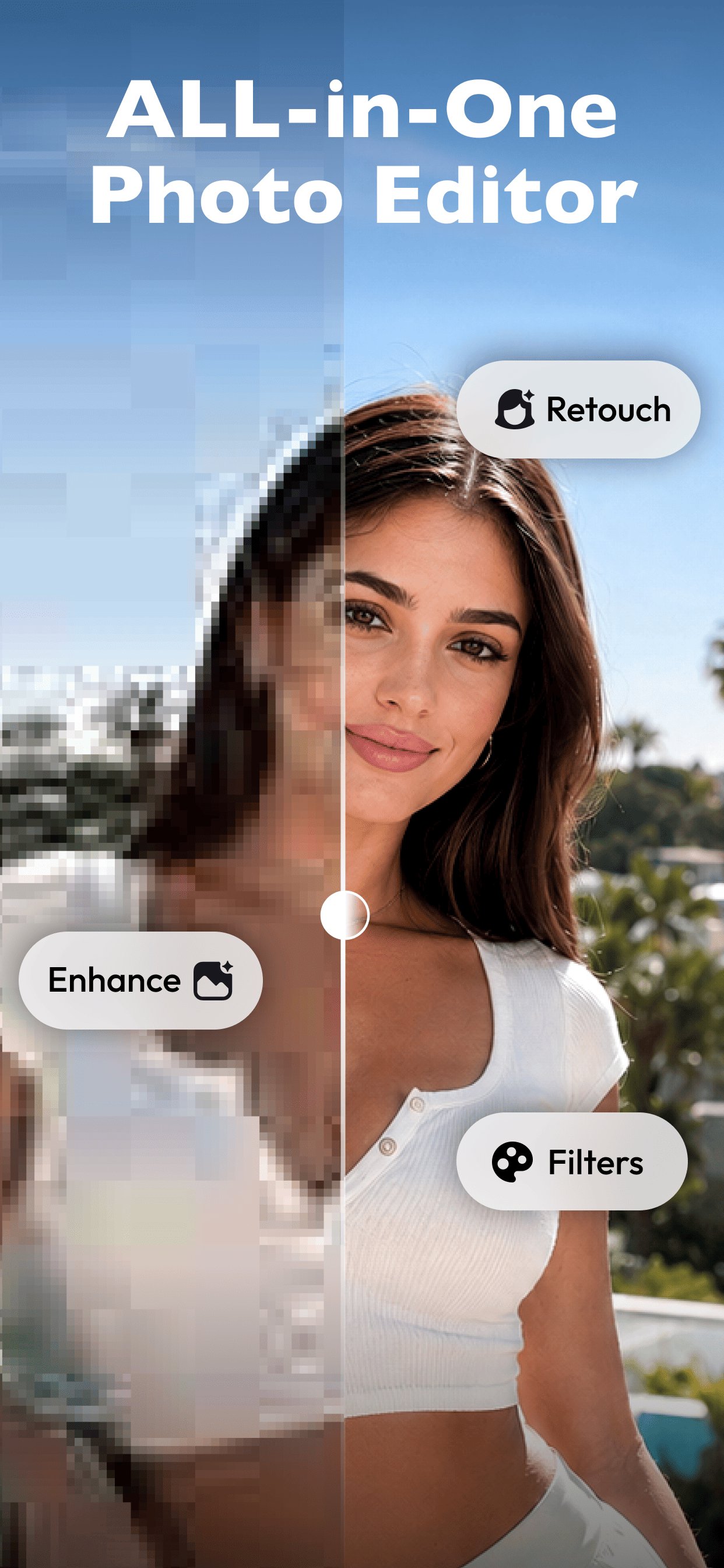
Looking for an easy photo editor to transform your pictures in seconds? Polish gives you powerful yet simple tools to edit photos, apply filters and effects, make collages, retouch portraits, and remove unwanted objects.
Whether you are creating social media posts, polishing selfies, or enhancing everyday moments, Polish helps you make beautiful photos quickly and save them in high quality. Join millions of users editing and sharing their favorite moments with Polish.
📸 Everything You Need in a Photo Editor
Photo Filters & Effects
Explore 100+ photo filters and effects, including CCD, Y2K, Vintage, VHS, Film, Flash, and other aesthetic styles. Give every photo a unique look with just one tap.
Collage Maker
Combine up to 20 photos using customizable layouts, backgrounds, frames, and templates. Create photo grids, before-and-after comparisons, mood boards, and social media collages with ease.
Professional Photo Adjustments
Fine-tune brightness, contrast, highlights, shadows, saturation, and HSL. Crop, resize, and adjust your pictures with easy-to-use editing controls.
Background & Object Remover
Remove photobombers, erase unwanted objects, clean up distracting backgrounds, and keep the focus on what matters.
Face Retouch & Beauty Editor
Smooth skin, brighten eyes, remove blemishes, and refine selfies while keeping portraits natural and realistic.
🎀 Body Editor
• Body Reshape: Adjust body proportions naturally for polished photos.
• Skin Tone Enhancer: Even out skin tones and create clean, natural-looking portraits.
✨ Smart AI Editing Tools
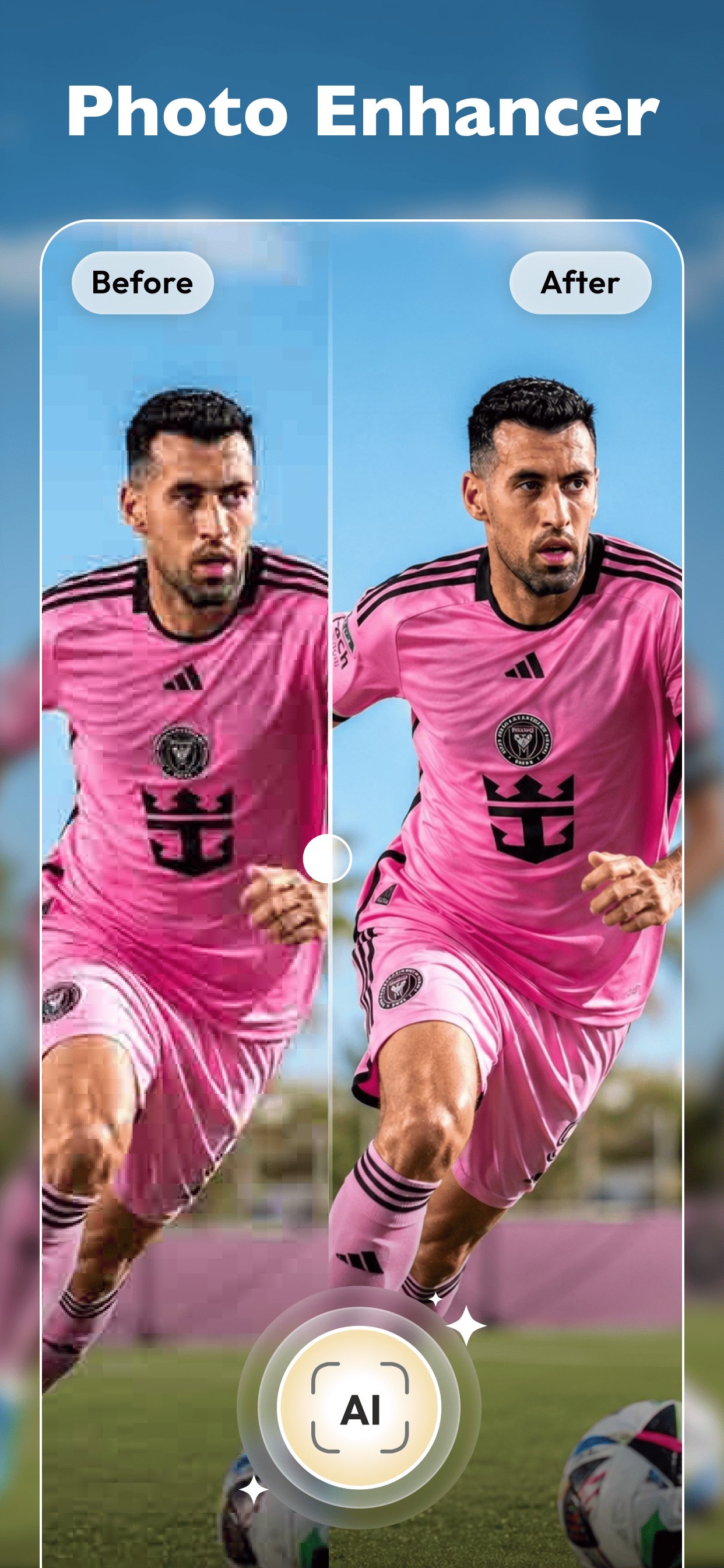
Photo Enhancer
Restore blurry, pixelated, or low-quality photos in one tap. Improve image quality, sharpen details, and bring old memories back to life.
AI Portrait & Headshot Maker
Create polished portraits and professional-looking headshots for resumes, business profiles, and social media without a studio session.
AI Expand Photo
Extend and uncrop pictures naturally to fit Instagram posts, TikTok covers, stories, wallpapers, and other formats.
AI Avatar & Cartoon Styles
Transform selfies into creative avatars, cartoon pictures, and trending visual styles.
🖼️ High-Quality Export, No Watermarks
Save edited photos in high resolution without watermarks. Share your creations directly to Instagram, Facebook, Pinterest, TikTok, and WhatsApp.
🌟 Why Choose Polish Photo Editor?
• 100+ Filters & Effects: Discover aesthetic styles for every photo and mood.
• All-in-One Photo Editing: Edit, retouch, enhance, remove objects, and make collages in one app.
• Fast & Easy to Use: Create polished photos without complicated editing steps.
• Natural Results: Improve your pictures while keeping details realistic.
Download Polish Photo Editor today and create beautiful photos with filters, effects, collages, retouch tools, and more.
Pratinjau
Tag
FotografiInformasi
Pengembang
InShot Inc.
Versi Terbaru
1.822.268
Terakhir Diperbarui
2026-11-03
Kategori
Fotografi
Menampilkan lebih banyak
Cara memainkan Photo Editor - Polish dengan GameLoop di PC
1. Download GameLoop dari situs resminya, lalu jalankan file exe untuk menginstal GameLoop.
2. Buka GameLoop dan cari “Photo Editor - Polish”, temukan Photo Editor - Polish di hasil pencarian dan klik “Install”.
3. Nikmati bermain Photo Editor - Polish di GameLoop.
Minimum requirements
OS
Windows 8.1 64-bit or Windows 10 64-bit
GPU
GTX 1050
CPU
i3-8300
Memory
8GB RAM
Storage
1GB available space
Recommended requirements
OS
Windows 8.1 64-bit or Windows 10 64-bit
GPU
GTX 1050
CPU
i3-9320
Memory
16GB RAM
Storage
1GB available space