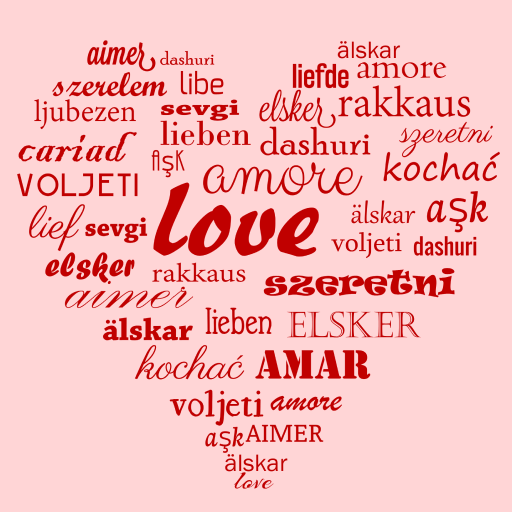
Word Art Creator - Word Cloud para PC
Pic Frame Photo Collage Maker & Picture Editor
Descarga Word Art Creator - Word Cloud en PC con GameLoop Emulator
Word Art Creator - Word Cloud en PC
Word Art Creator - Word Cloud, proveniente del desarrollador Pic Frame Photo Collage Maker & Picture Editor, se ejecuta en el sistema Android en el pasado.
Ahora, puedes jugar Word Art Creator - Word Cloud en PC con GameLoop sin problemas.
Descárgalo en la biblioteca de GameLoop o en los resultados de búsqueda. No más mirar la batería o llamadas frustrantes en el momento equivocado nunca más.
Simplemente disfrute de Word Art Creator - Word Cloud PC en la pantalla grande de forma gratuita!
Word Art Creator - Word Cloud Introducción
Word Art Creator - Unleash Your Creativity with Word Clouds!
Transform your words into beautiful, customizable visual art with Word Art Creator, the ultimate design tool for creating unique clouds. Word Art Creator has everything you need if you want to make a personalized visual art or share something special with friends. The app allows you to arrange into different shapes, offering endless possibilities to showcase your creativity. You can turn simple phrases into stunning art with features that simplify customization.🧑🎨Use Word Art Creator for everything from simple designs to more elaborate projects. Whether you're working on a school project, a business presentation, or a gift for a loved one, this Word Cloud Generator makes creating and sharing your creations effortless.
📄Word Art Creator Key Features:📄
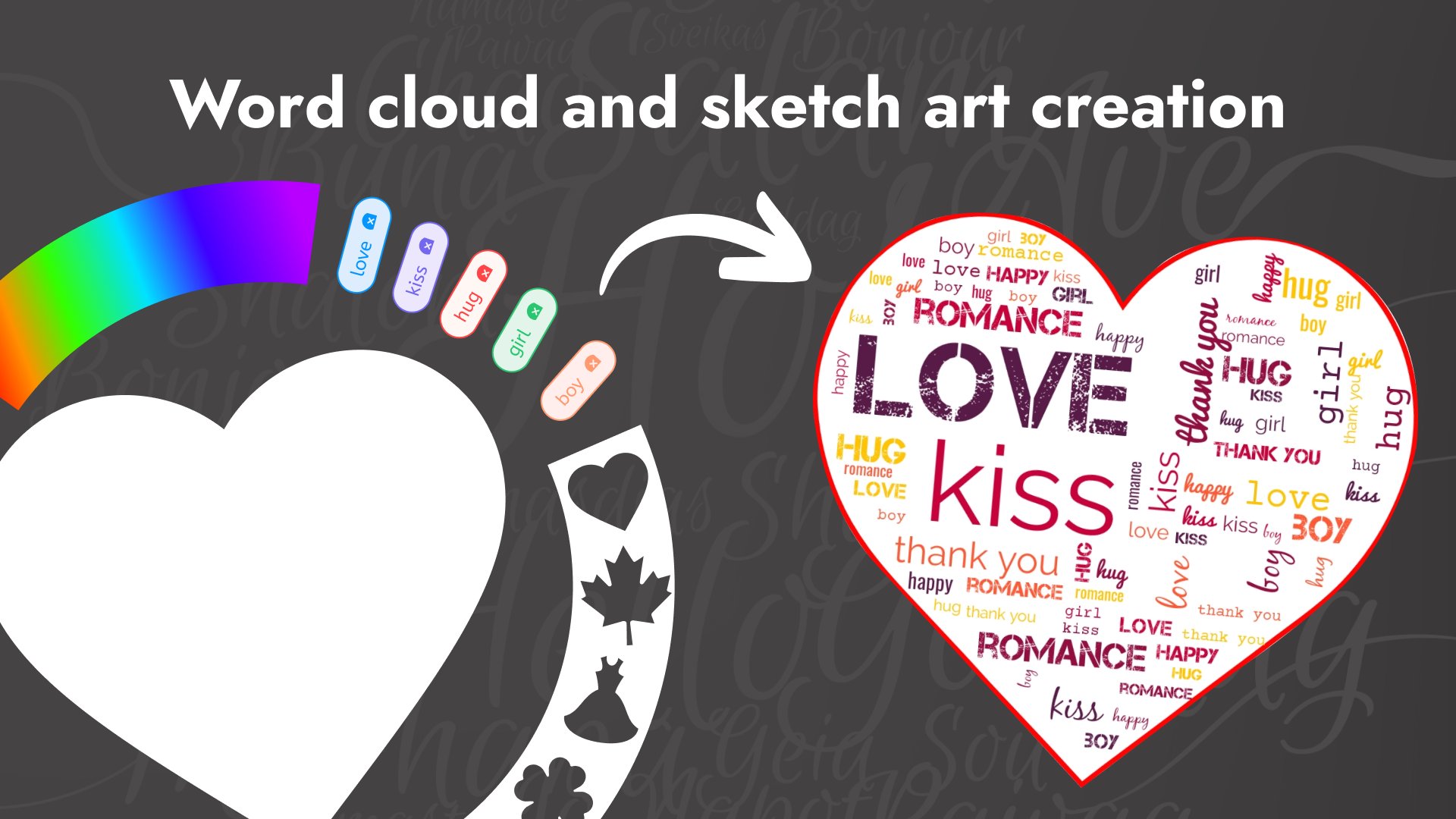
🎨 Enter as many phrases as you like to build complex or straightforward designs,
🎨 Select up to five different colors to create fresh and unique looks,
🎨 Choose from a wide range of background colors, or opt for a transparent background,
🎨 Frame your word art with dozens of shapes to fit your style,
🎨 Pick one or several fonts for your word cloud—just like choosing colors, you have complete control,
🎨 Share your finished word art directly with friends or on social platforms.
Create Stunning Word Art Effortlessly!
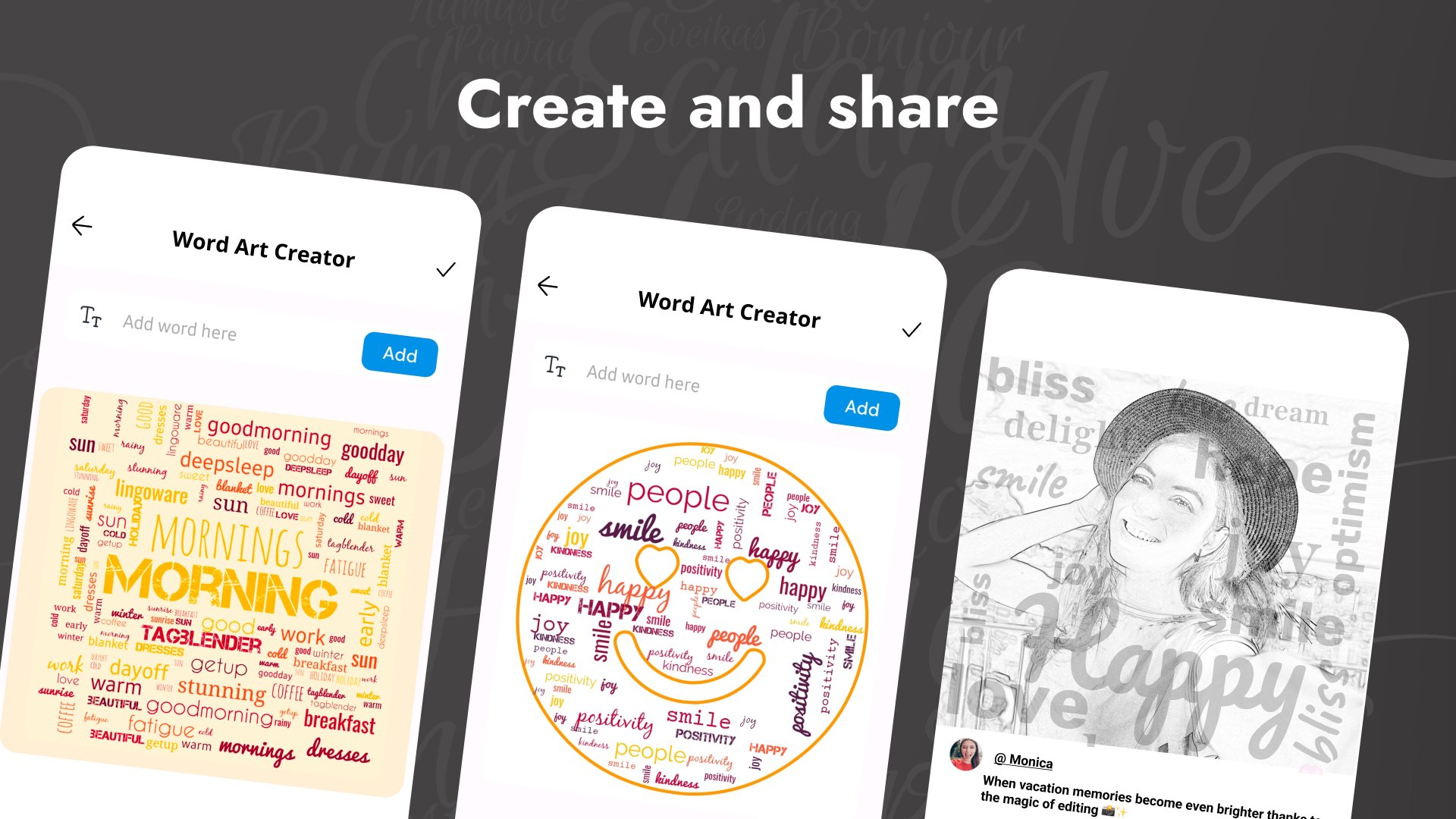
Word art creation with the Word Art Creator has never been easier. Through the Word Cloud Generator, enter your desired phrases, select a font and color, shape, and let it work its magic for you to provide unique word clouds. This Word Art Edit feature ensures your text fits perfectly into the shapes you select, whether you're designing a collage or something more intricate. The app handles the hassle of arranging each phrase by automatically picking the right color and font combination for maximum visibility.Customize Your Word Clouds:🖌️
Word Art Edit enables you to customize your clouds fully. Change sizes, colors, and fonts as you see fit. You can even shuffle the layout of your words to see different arrangements before finalizing your design. Need more than one prominent phrase? No problem—Word Cloud Generator allows you to highlight specific phrases and ensure they stand out in your design.
Easy Sharing and Saving Options:☁️🎨
When you're done crafting, you can share your masterpiece with Word Art Edit directly with friends and family. Word Art Creator makes it simple to save your designs to your device or post them on social networks. You can also export your work in different formats to use however you like, giving you full ownership of your creations.
Explore Endless Possibilities with Word Art Creator!
From school projects to personal gifts, the possibilities are endless with Word Art Creator. The app’s Word Cloud Generator ensures that your designs are beautiful and easy to create, while the Word Art Edit feature allows you to make every word count. Start crafting your unique art today and watch your phrases come to life in shapes and colors that speak to you.Avance
Etiquetas
Art-&Información
Desarrollador
Pic Frame Photo Collage Maker & Picture Editor
La última versión
3.1.3
Última actualización
2026-05-14
Categoría
Art-design
Disponible en
Google Play
Mostrar más
Cómo jugar Word Art Creator - Word Cloud con GameLoop en PC
1. Descargue GameLoop desde el sitio web oficial, luego ejecute el archivo exe para instalar GameLoop.
2. Abra GameLoop y busque "Word Art Creator - Word Cloud", busque Word Art Creator - Word Cloud en los resultados de búsqueda y haga clic en "Instalar".
3. Disfruta jugando Word Art Creator - Word Cloud en GameLoop.
Minimum requirements
OS
Windows 8.1 64-bit or Windows 10 64-bit
GPU
GTX 1050
CPU
i3-8300
Memory
8GB RAM
Storage
1GB available space
Recommended requirements
OS
Windows 8.1 64-bit or Windows 10 64-bit
GPU
GTX 1050
CPU
i3-9320
Memory
16GB RAM
Storage
1GB available space