Floor Plan Creator PC
Marcin Lewandowski
Download Floor Plan Creator on PC With GameLoop Emulator
Floor Plan Creator sa PC
Ang Floor Plan Creator, na nagmumula sa developer na Marcin Lewandowski, ay tumatakbo sa Android systerm sa nakaraan.
Ngayon, maaari mong laruin ang Floor Plan Creator sa PC gamit ang GameLoop nang maayos.
I-download ito sa GameLoop library o mga resulta ng paghahanap. Hindi na tumitingin sa baterya o nakakadismaya na mga tawag sa maling oras.
I-enjoy lang ang Floor Plan Creator PC sa malaking screen nang libre!
Floor Plan Creator Panimula
Plan your home renovation, design your dream apartment, or measure spaces on the go. Floor Plan Creator is a fast and precise floor plan tool used by millions of people worldwide.
Features:
• Rooms are fully movable and editable at any time — define interior wall lengths just as you would measure them in real life
• Multiple floors with rooms of any shape (straight walls only)
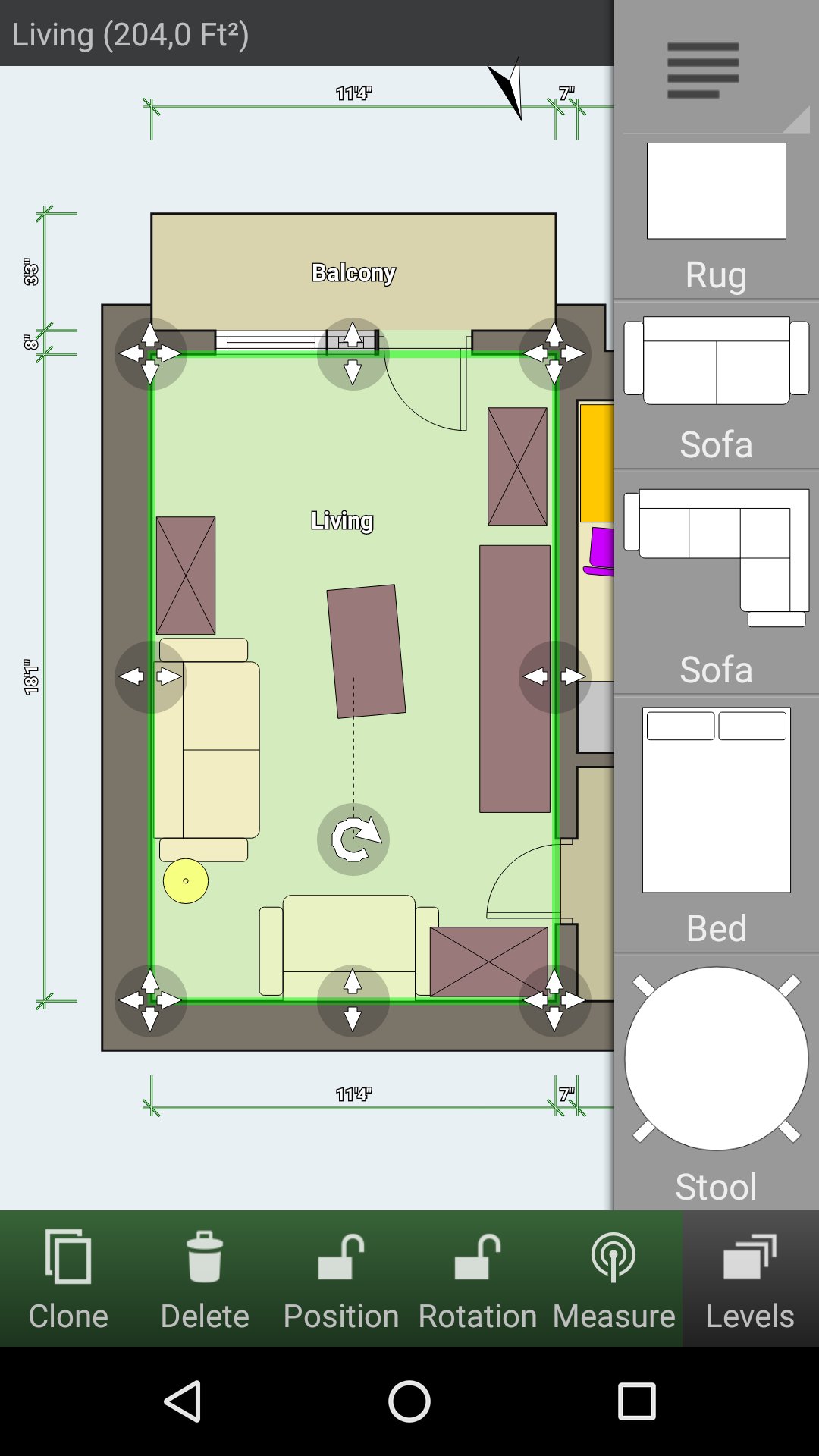
• Automatic calculation of room, wall and level area, perimeter and symbol counts
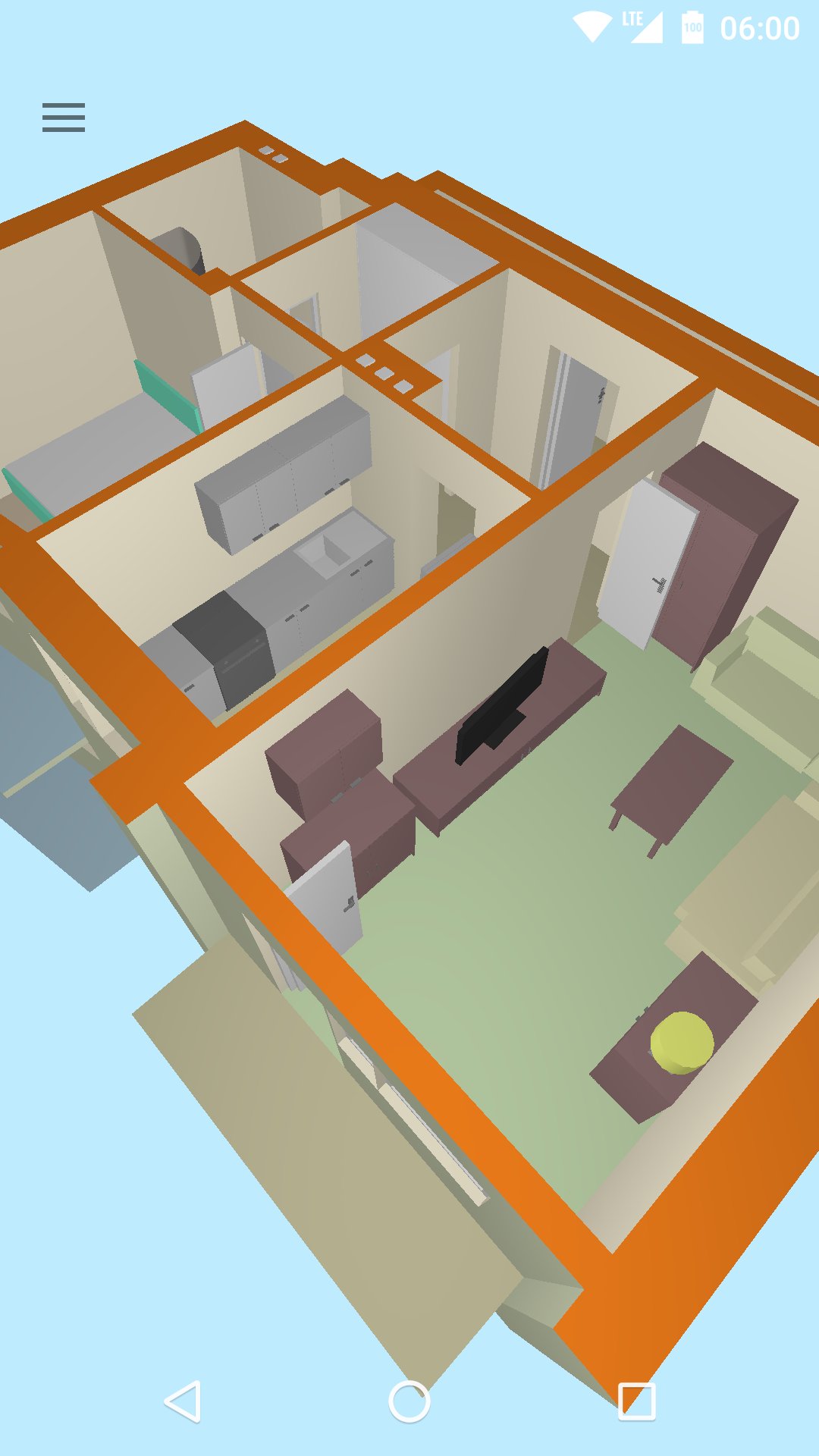
• 3D tour mode — freely explore your floor plan in 3D
• Symbol library including electrical and fire survey symbols
• Interactive dimension lines — automatically measure distances and move walls, doors and windows by typing a new value
• Lock wall lengths and positions to prevent accidental changes
• Built-in math expressions for room and object properties — calculate paint coverage, material quantities, and costs directly on your plan
• S-Pen and mouse support
• Metric and imperial units
• Bluetooth laser distance meter support: Bosch, Leica Disto, Hilti, Stabila and more — measure and import distances directly into your plan
• Cloud synchronization — automatic backup and sharing between devices (paid)
• Edit plans on any computer at https://floorplancreator.net (paid)
• Export as image, PDF, DXF, SVG, CSV, print to scale (paid)
Preview
Tags
Art-&Information
Developer
Marcin Lewandowski
Latest Version
3.7.3.571
Last Updated
2026-08-25
Category
Art-design
Available on
Google Play
Show More
How to play Floor Plan Creator with GameLoop on PC
1. Download GameLoop from the official website, then run the exe file to install GameLoop
2. Open GameLoop and search for “Floor Plan Creator” , find Floor Plan Creator in the search results and click “Install”
3. Enjoy playing Floor Plan Creator on GameLoop
Minimum requirements
OS
Windows 8.1 64-bit or Windows 10 64-bit
GPU
GTX 1050
CPU
i3-8300
Memory
8GB RAM
Storage
1GB available space
Recommended requirements
OS
Windows 8.1 64-bit or Windows 10 64-bit
GPU
GTX 1050
CPU
i3-9320
Memory
16GB RAM
Storage
1GB available space