Screen Light PC
JK.Fantasy
Download Screen Light on PC With GameLoop Emulator
Screen Light sa PC
Ang Screen Light, na nagmumula sa developer na JK.Fantasy, ay tumatakbo sa Android systerm sa nakaraan.
Ngayon, maaari mong laruin ang Screen Light sa PC gamit ang GameLoop nang maayos.
I-download ito sa GameLoop library o mga resulta ng paghahanap. Hindi na tumitingin sa baterya o nakakadismaya na mga tawag sa maling oras.
I-enjoy lang ang Screen Light PC sa malaking screen nang libre!
Screen Light Panimula
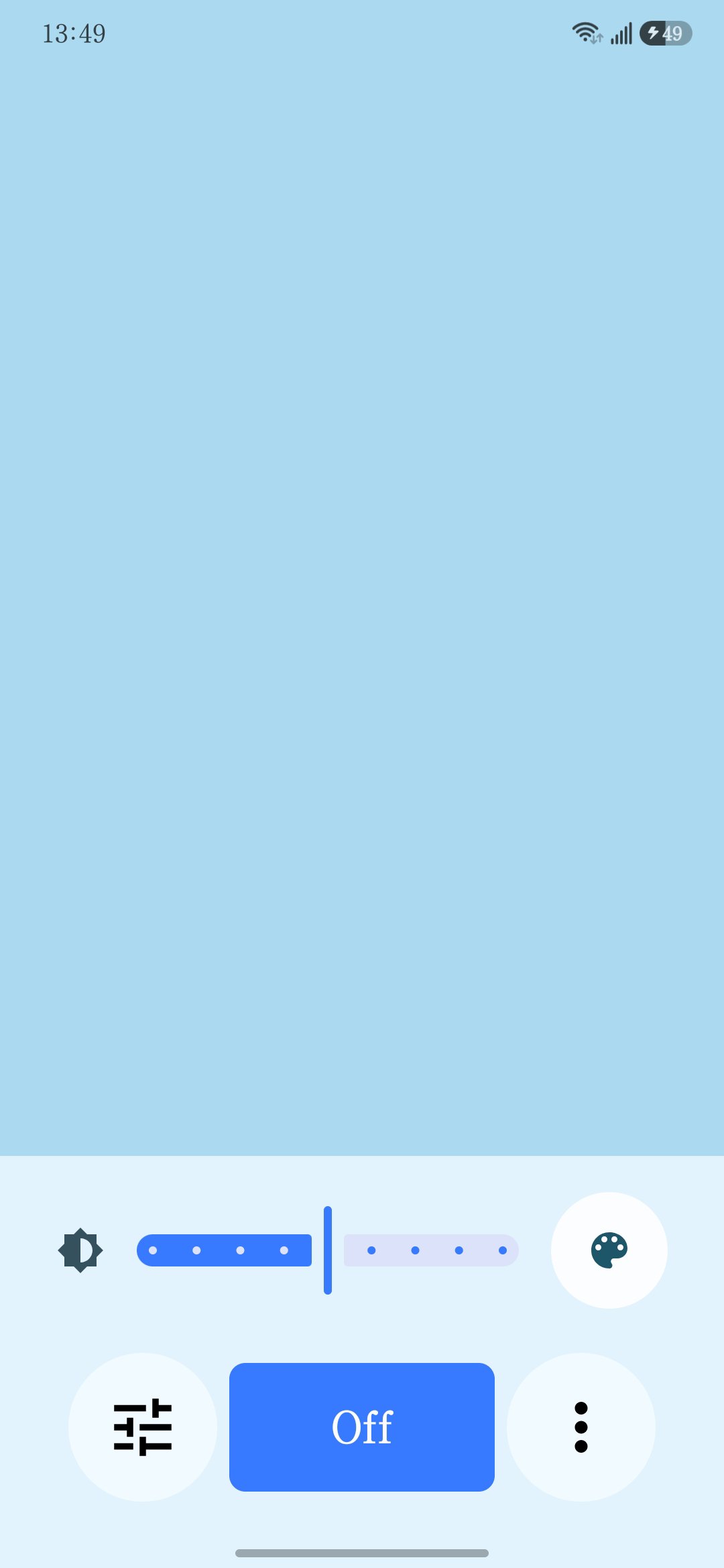
Screen Light turns your phone or tablet screen into a simple, bright, full-screen light.
Use it when you need soft screen lighting, color lighting, a reading light, a background light, or a temporary light source without using the camera flashlight.
Main features:
* Full-screen light panel
* Adjustable panel brightness
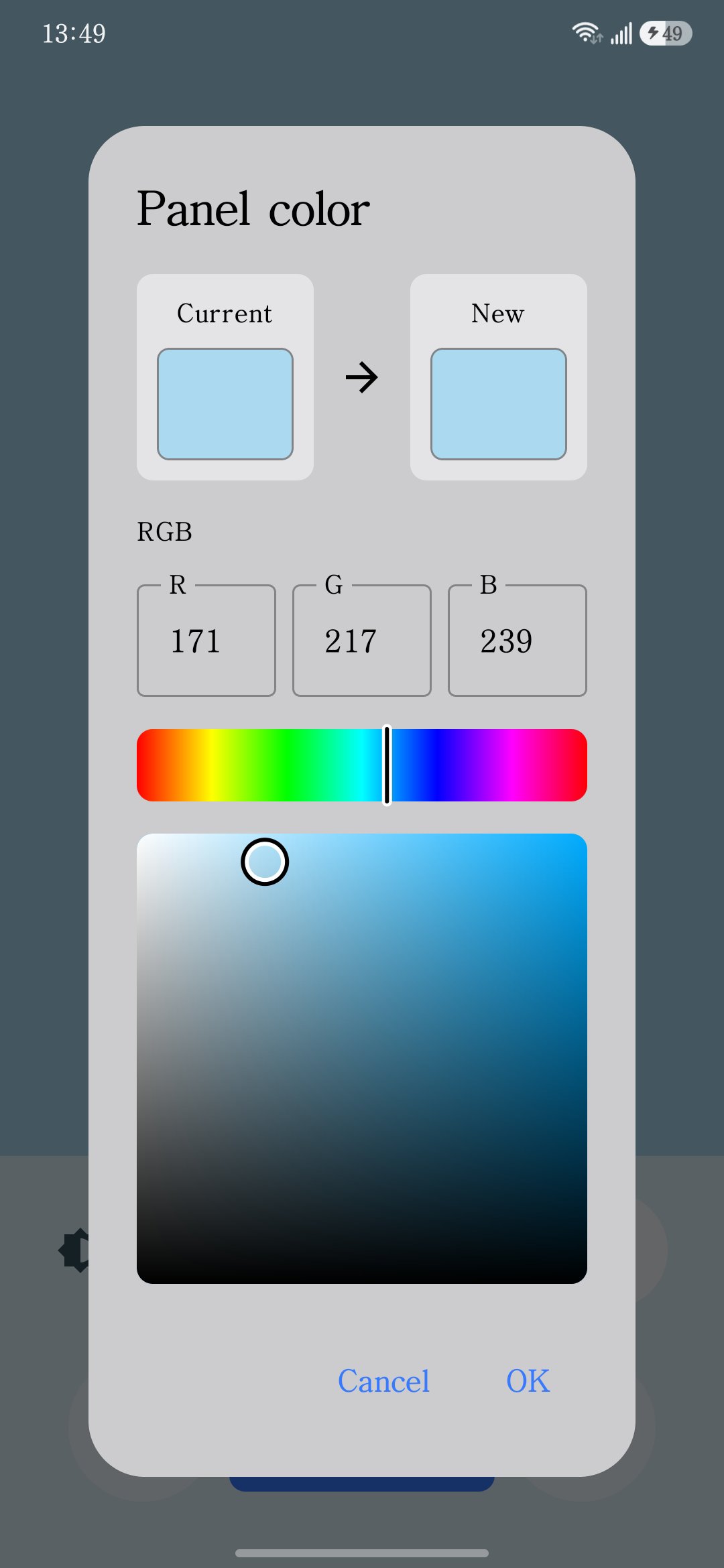
* Custom panel color
* RGB color picker
* Fixed light mode
* Breathing light mode
* Dynamic color mode
* Sleep Timer / Auto Turn Off
* Phone and tablet layout support
* Portrait and landscape support
* Per-app language support on supported Android versions
Screen Light is designed to be simple and easy to use. Open the app, choose a color or mode, and use your screen as a light source.
The Sleep Timer helps turn the light off automatically after a selected time, so the screen does not stay on longer than needed.
An optional Remove Ads purchase is available.
Preview
Tags
EntertainmentInformation
Developer
JK.Fantasy
Latest Version
1.3.4
Last Updated
2026-07-04
Category
Entertainment
Available on
Google Play
Show More
How to play Screen Light with GameLoop on PC
1. Download GameLoop from the official website, then run the exe file to install GameLoop
2. Open GameLoop and search for “Screen Light” , find Screen Light in the search results and click “Install”
3. Enjoy playing Screen Light on GameLoop
Minimum requirements
OS
Windows 8.1 64-bit or Windows 10 64-bit
GPU
GTX 1050
CPU
i3-8300
Memory
8GB RAM
Storage
1GB available space
Recommended requirements
OS
Windows 8.1 64-bit or Windows 10 64-bit
GPU
GTX 1050
CPU
i3-9320
Memory
16GB RAM
Storage
1GB available space