
Microsoft PowerPoint PC
Microsoft Corporation
Download Microsoft PowerPoint on PC With GameLoop Emulator
Microsoft PowerPoint sa PC
Ang Microsoft PowerPoint, na nagmumula sa developer na Microsoft Corporation, ay tumatakbo sa Android systerm sa nakaraan.
Ngayon, maaari mong laruin ang Microsoft PowerPoint sa PC gamit ang GameLoop nang maayos.
I-download ito sa GameLoop library o mga resulta ng paghahanap. Hindi na tumitingin sa baterya o nakakadismaya na mga tawag sa maling oras.
I-enjoy lang ang Microsoft PowerPoint PC sa malaking screen nang libre!
Microsoft PowerPoint Panimula
OneDrive syncing keeps your files up to date, so you can start on your PC and continue editing on your phone without worrying about version conflicts.
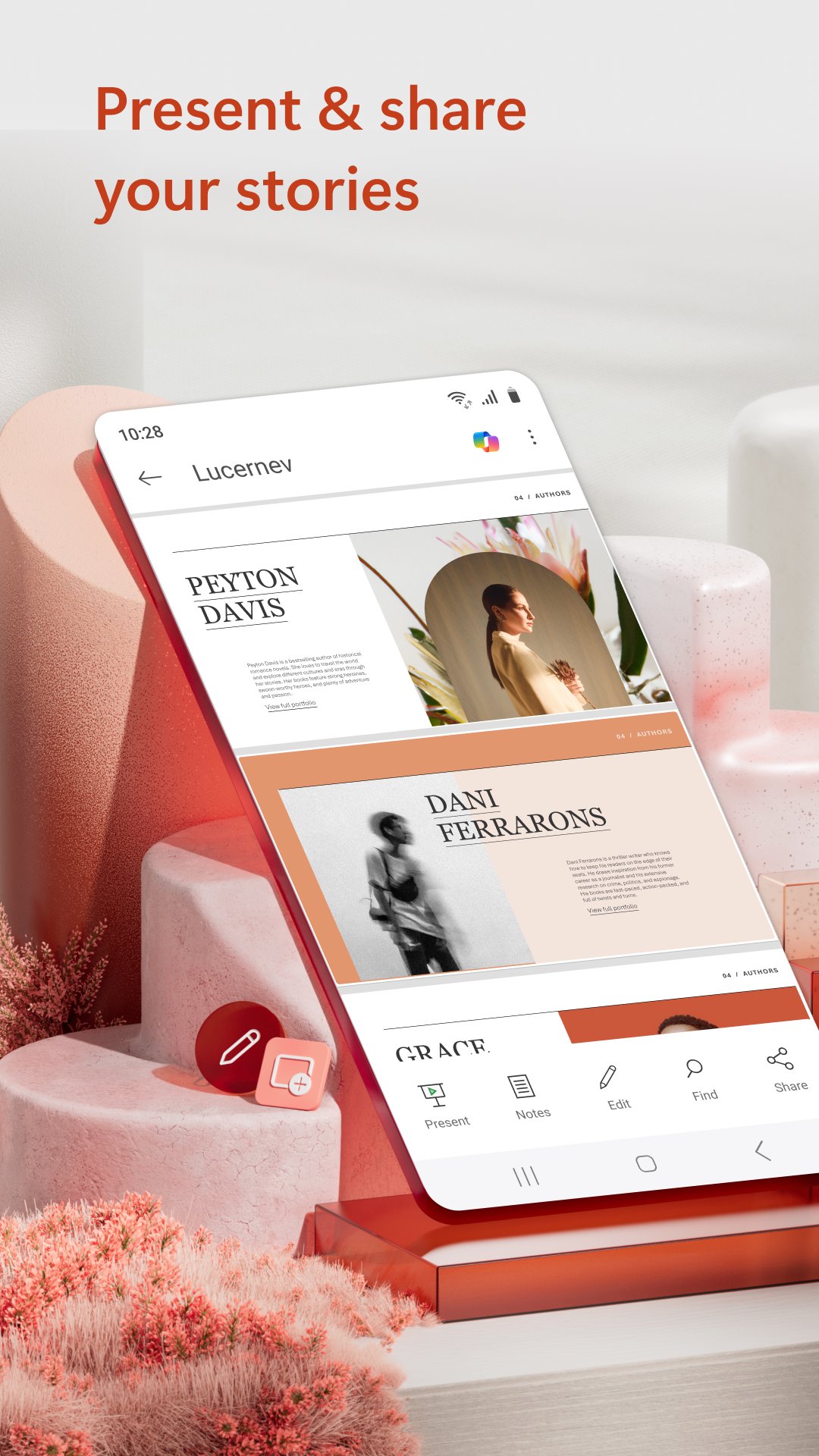
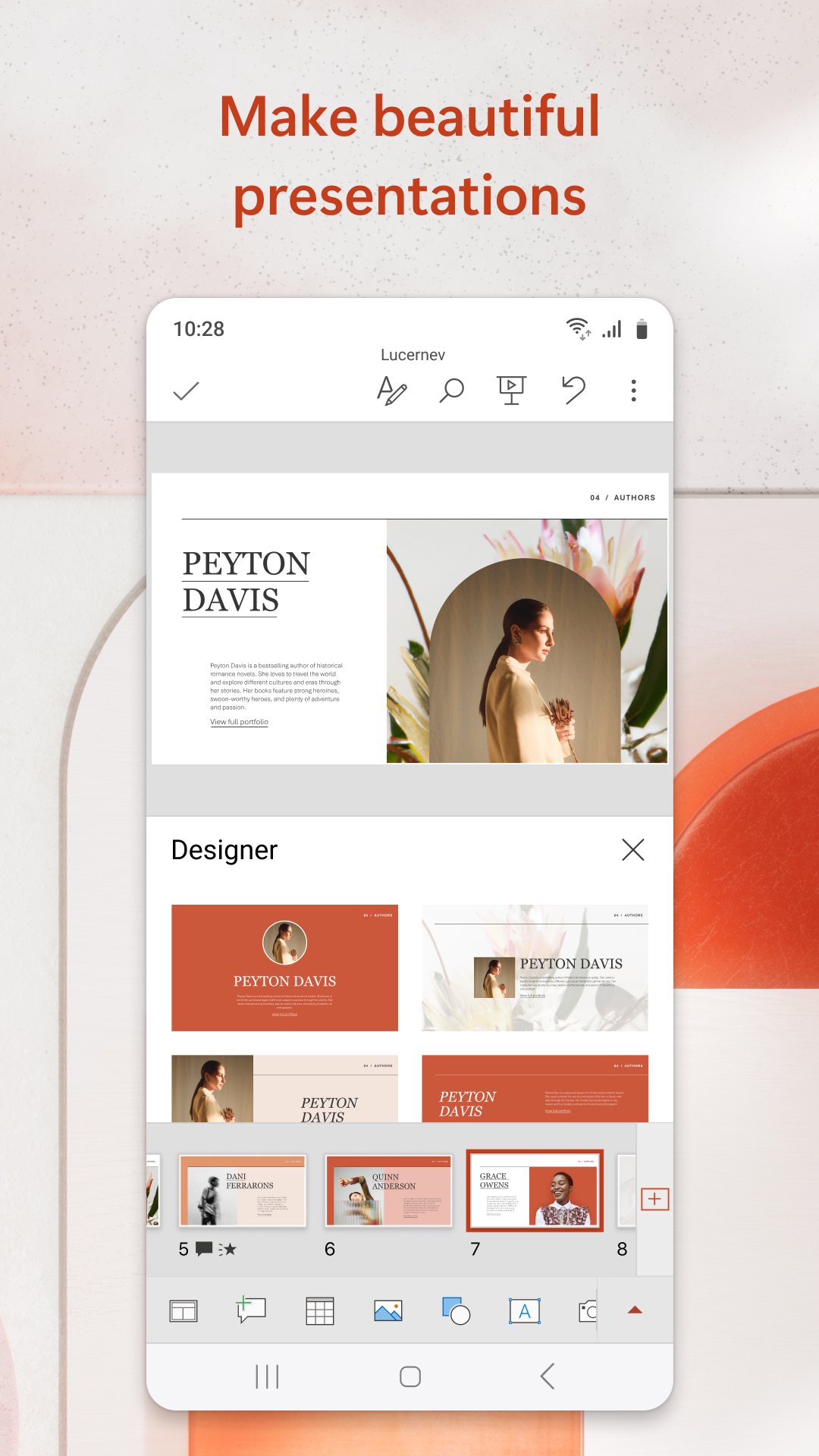
Make an impact with customizable, professional-looking slides. Use templates and design ideas to create polished presentations in minutes. Present confidently with Presenter Coach, an AI tool that offers real time suggestions on pacing, filler words and delivery. (Microsoft 365 subscription required.)
Collaborate easily by sharing presentations and working with others in real time. Manage permissions, track changes and see feedback directly within your slides.
Get more done with Copilot – your built in AI assistant for PowerPoint.*
• Summarize lengthy presentation decks
• Get suggested Q&As to prep for meetings
• Research a topic using Copilot Chat
Present with Confidence
• Create new presentations or edit existing ones on the go
• Sync via OneDrive to keep your work consistent across devices
• Practice with Presenter Coach for personalized feedback
Customizable Slideshow Maker
• Start from templates or build slides from scratch
• Use powerful editing tools to create standout presentations
Real Time Collaboration
• Share with one tap to invite others to edit or review
• See who’s working in your deck and track comments and revisions
• Compare changes over time
Requirements
• 1 GB RAM or above
*Unlock the full Microsoft 365 experience with a qualifying subscription for your phone, tablet, PC or Mac.
Microsoft 365 subscriptions purchased through the app are billed to your Play Store account and auto renew unless turned off in account settings. Subscriptions cannot be cancelled during the active period.
This app may be provided by Microsoft or a third party publisher and is subject to its own privacy statement and terms. Data may be transferred to or stored in the United States or other regions where Microsoft or its affiliates operate.
EULA: http://aka.ms/eula
Preview
Tags
ProductivityInformation
Developer
Microsoft Corporation
Latest Version
16.0.18730.20068
Last Updated
2026-09-09
Category
Productivity
Show More
How to play Microsoft PowerPoint with GameLoop on PC
1. Download GameLoop from the official website, then run the exe file to install GameLoop
2. Open GameLoop and search for “Microsoft PowerPoint” , find Microsoft PowerPoint in the search results and click “Install”
3. Enjoy playing Microsoft PowerPoint on GameLoop
Minimum requirements
OS
Windows 8.1 64-bit or Windows 10 64-bit
GPU
GTX 1050
CPU
i3-8300
Memory
8GB RAM
Storage
1GB available space
Recommended requirements
OS
Windows 8.1 64-bit or Windows 10 64-bit
GPU
GTX 1050
CPU
i3-9320
Memory
16GB RAM
Storage
1GB available space