Grammar Checker - Spell Check PC
Content Arcade Apps
قم بتنزيل Grammar Checker - Spell Check على جهاز الكمبيوتر باستخدام GameLoop Emulator
Grammar Checker - Spell Check على الكمبيوتر الشخصي
Grammar Checker - Spell Check ، القادم من المطور Content Arcade Apps ، يعمل على نظام Android في الماضي.
الآن ، يمكنك لعب Grammar Checker - Spell Check على جهاز الكمبيوتر باستخدام GameLoop بسلاسة.
قم بتنزيله في مكتبة GameLoop أو في نتائج البحث. لا مزيد من الانتباه إلى البطارية أو المكالمات المحبطة في الوقت الخطأ بعد الآن.
ما عليك سوى الاستمتاع بجهاز Grammar Checker - Spell Check على الشاشة الكبيرة مجانًا!
Grammar Checker - Spell Check مقدمة
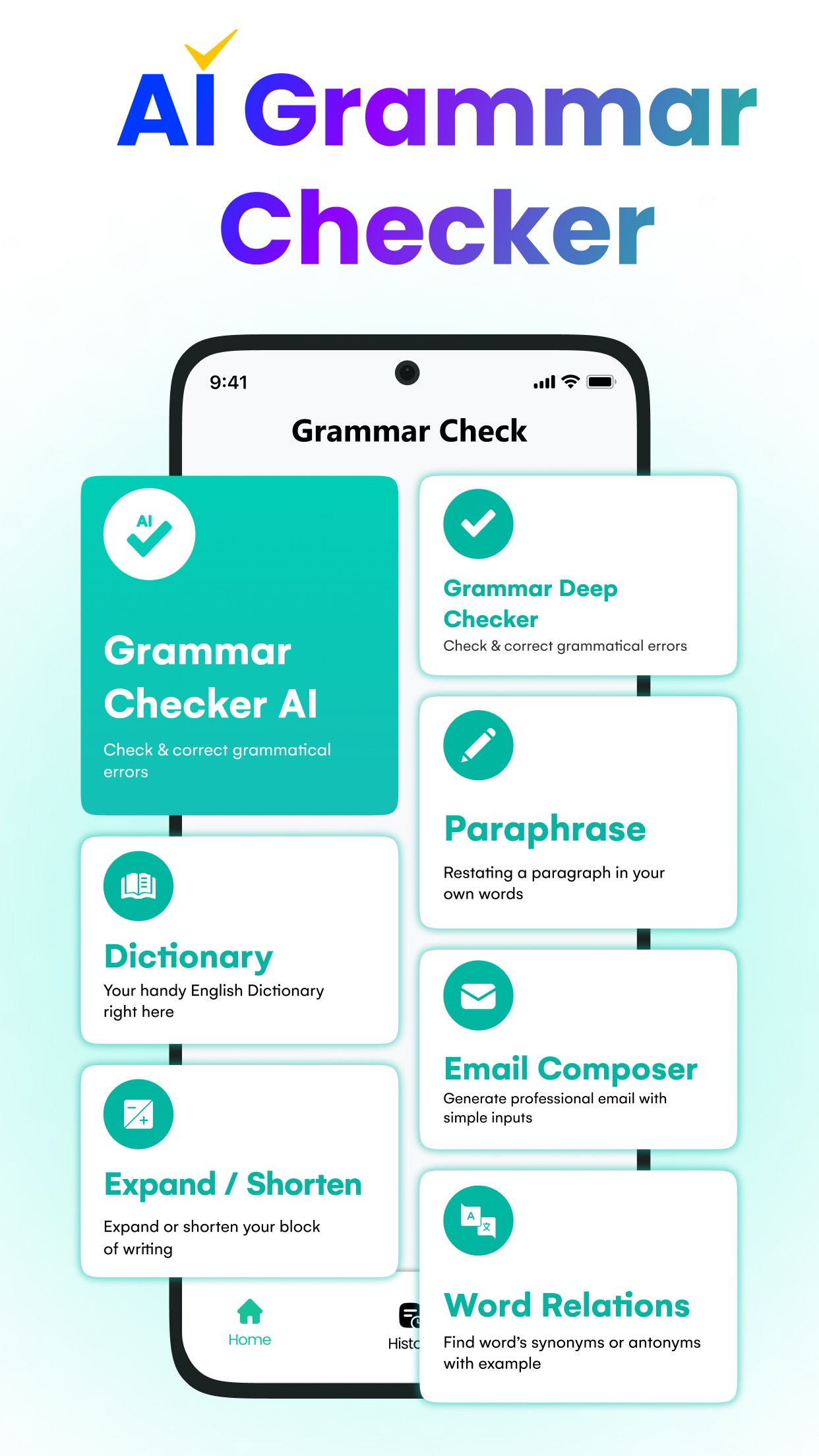
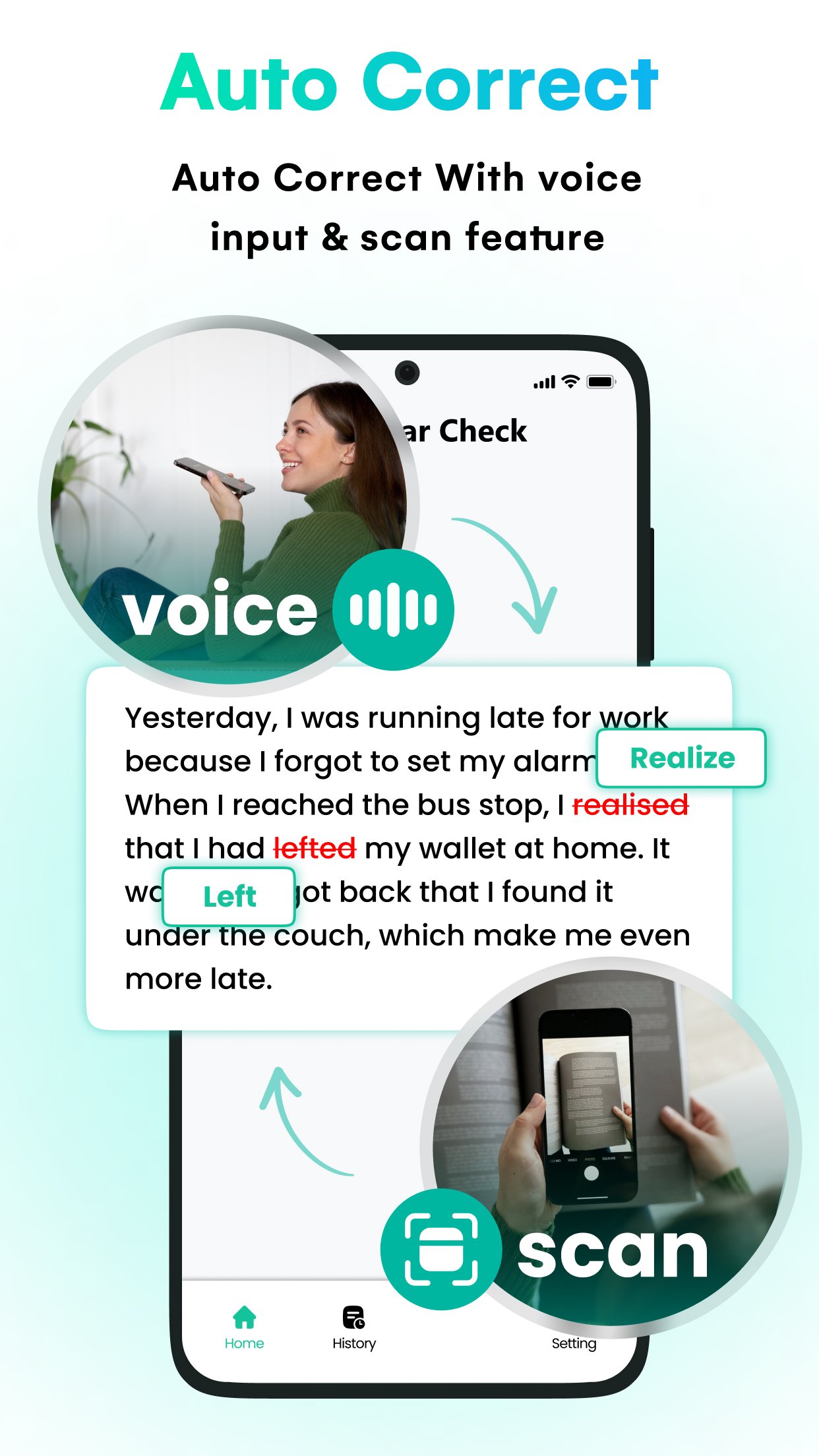
The English Grammar & AI keyboard App was developed through the strong collaborative efforts of our professionals. It's a Corrector or Spelling app where you can easily not only check but also correct your Grammar Mistakes. With Grammar Check Corrector, you can spell check essays or stories, letters or leaves, no matter what you give it to fix spelling, it will fix because no spelling can escape from this Sentence Correction app. It is the fastest way to eliminate typographical errors and can assist you in educating yourself. English Grammar & AI keyboard is the structure of a language, or you can say the fundamental rules which can create perfection in a Grammar Check corrector app.
Anyone check writer who loves writing or has it as a part of their life knows the power the Grammar & Spell Check app holds. Students/grown-ups who have English Grammar & AI Keyboard & as their second language don’t have the right place to practice it. You no longer have to be weak at Grammar because this is the app where you will find sublimity in your articles and will aid you in proposing your presentation with confidence. Take care of all the tiny errors you are afraid that others can notice, plus you no longer have to carry your laptop wherever you go for writing and fixation on mistakes. It’s a Grammar checker & spell Check that can rearrange your sentences, punctuation, and spell find suitable synonyms if required. To install the Free English Grammar & AI keyboard and Corrector, and improve your English Skills through Grammar.
So, wouldn’t it be great to have an app that can find and take care of your slips on the go?
App Features:
- Articles
- Adverbs
- Adjectives
- Active or Passive Voice
- Auxiliary Verbs
- Conjunctions
- Conditionals
- Determiners
- Interjections
- Idioms
- Nouns
- Pronouns
- Phrases
- Prepositions
- Question Tags
- Quantifiers
- Reported Speech
- Tenses
- Verbs and many more
- Punctuation
- Sentence Correction app
- Spell Check
- AI Keyboard
Some extra features of the English Grammar & AI keyboard app include:
- The English Grammar & AI keyboard tool is available for free
- It will enable you to learn from your typographical mistakes
- The user interface is extremely friendly
- The app has support for all Android platforms
- An advanced grammar check corrector app
- This English Grammar & AI keyboard helps you improve and refine your English writing.
- English Grammar & AI keyboard corrects your spelling and your sentences.
The best way to get better at English Grammar & AI keyboard is right in the palm of your hand. As people do not like sharing articles that have poor Grammar, this app will boost your content-sharing potential as well. You can rectify your errors while enjoying a cup of coffee at home or when you are on the move. Download the English Grammar & AI keyboard and Grammar Check corrector app, use its features to their fullest, and learn as much from your Spelling as you can.
--------------
If you enjoyed using the English Grammar & AI Keyboard and Check Writer, then feel free to provide a rating and share it with all your friends and family because your reviews matter a lot to us! And don’t forget to leave a comment if our app can become any better, we’d love to hear from you. Our team is working on providing you with the best user experience, and we are also waiting for your feedback.
معاينة
العلامات
تعليممعلومة
مطور
Content Arcade Apps
احدث اصدار
14.1.4
آخر تحديث
2026-07-10
فئة
تعليم
متاح على
Google Play
أظهر المزيد
كيف تلعب Grammar Checker - Spell Check مع GameLoop على جهاز الكمبيوتر
1. قم بتنزيل GameLoop من الموقع الرسمي ، ثم قم بتشغيل ملف exe لتثبيت GameLoop.
2. افتح GameLoop وابحث عن "Grammar Checker - Spell Check" ، وابحث عن Grammar Checker - Spell Check في نتائج البحث وانقر على "تثبيت".
3. استمتع بلعب Grammar Checker - Spell Check على GameLoop.
Minimum requirements
OS
Windows 8.1 64-bit or Windows 10 64-bit
GPU
GTX 1050
CPU
i3-8300
Memory
8GB RAM
Storage
1GB available space
Recommended requirements
OS
Windows 8.1 64-bit or Windows 10 64-bit
GPU
GTX 1050
CPU
i3-9320
Memory
16GB RAM
Storage
1GB available space