
Google 電腦版
Google LLC
用GameLoop模拟器在電腦上玩Google
Google 電腦版
來自發行商 Google LLC 的 Google 能夠在安卓系統上運行。
現在,您可以在電腦上使用 GameLoop 模擬器流暢地玩 Google。
在 GameLoop 遊戲庫或搜索結果中下載。 不需要再暢玩遊戲時盯著電池電量或被令人懊惱的來電打斷。
只需在電腦大屏幕上免費下載暢玩Google 電腦版!
Google 簡介
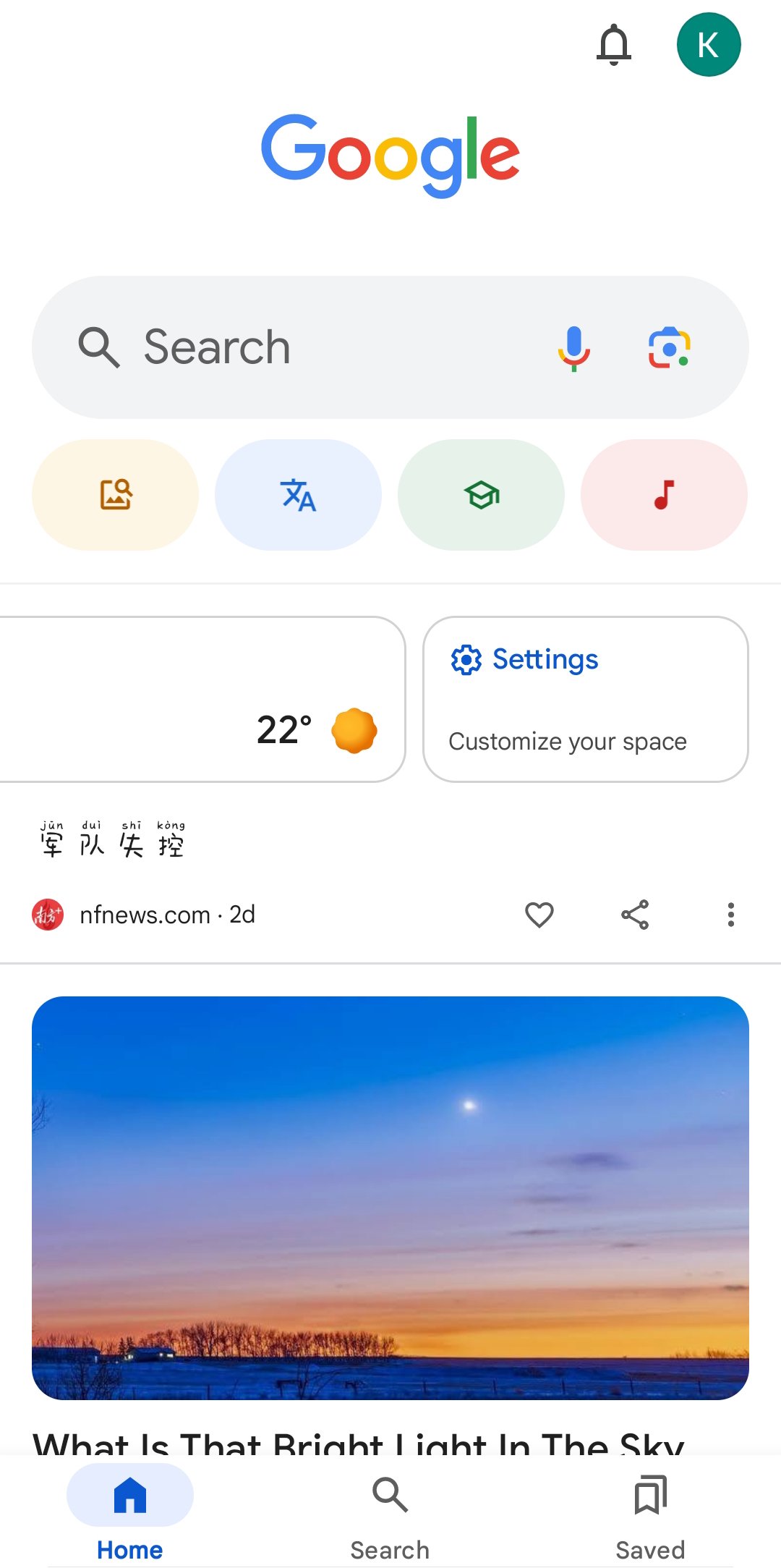
Download the Google app to find quick answers, explore your interests, and ask anything on your mind in any way. Try AI in Google Search with AI Mode, Lens, Search Live, and more.
Feature highlights*:
• AI Mode: Get AI-powered responses to your toughest questions with AI Mode–talk, type, or snap a photo to get started, and ask follow-up questions to dig deeper. You’ll continue to see a range of helpful links so you can keep exploring across the web.
• Circle to Search: Instantly search what you see on your phone without switching apps. Circle, highlight, scribble, or tap an image, video, or text to search. Available on select premium Android smartphones in some languages and locations.
• Google Lens: See something you like? Snap a photo and discover where to shop for it, find related images, and more. Refine your camera searches by adding words – whether you want those shoes but in ‘blue’, or want to learn how to ‘repair’ that broken bit on your bicycle.
• Search Live: Have a live, real-time conversation in Search by using your voice and camera to easily get answers and on-screen links to the web when you need them.
• AI Overviews: Get a snapshot of key information about a topic or question, like ’how to fix a broken zipper’, with links so you can easily explore more on the web.
• Hum to Search: Can't remember the name of that song? Hum the tune and Google will help find it for you—no lyrics, artist name or perfect pitch required. You can also search for a song playing near you.
• Discover: Stay up-to-date on topics that matter to you. Get personalized news, articles, and videos based on your interests.
• Google Search Widget: Search faster from your home screen or lock screen, with easy shortcuts to AI Mode, Lens, and more.
Google Search, totally reimagined with AI
• Explore a new intelligent Search box that expands with your curiosity, offers AI powered suggestions and lets you search with text, videos and more.
• Bring your toughest questions to Search. With a more seamless Search experience, you can go from an AI Overview on the search results page to asking follow-up questions in AI Mode, with links to the web.
• Get help with planning, researching, brainstorming new ideas, and more with the latest Gemini models delivering frontier performance for agents and coding.
• Bring your ideas to life by transforming your photos in Lens or creating images in AI Mode with Nano Banana. Available in select languages and locations.
Search what you see with Google Lens:
• Use your camera to identify what you’re looking at. Identify plants and animals, translate text in real-time, find similar products to buy, and even solve math problems with step-by-step guides.
• Translate over 100 languages on things like road signs when you travel, menus, and more by pointing your camera at text.
• Reverse image search: Find the source, similar photos, and related information for any image.
• Get step-by-step homework help on math, physics and word problems, and testing your knowledge with Questions and Answers are now fully supported within the Google app.
Search safely and securely:
• All searches in the Google app are protected by encrypting the connection between your device and Google.
• Privacy controls are easy to find and use. Tap your profile picture to access your menu and delete recent search history from your account with one click.
• Search proactively filters webspam to help ensure that you see safe, high-quality results.
Learn more about what the Google app can do for you: https://search.google/
Privacy policy: https://www.google.com/policies/privacy
Your feedback helps us create products you'll love. Join a user research study here:
https://goo.gl/kKQn99
*Features may not be available in all countries.
預覽

標籤
工具訊息
開發商
Google LLC
最新版本
17.58.16.ve.x86_64
更新時間
2026-09-24
類別
工具
更多
如何在電腦上用 GameLoop 玩 Google
1. 從官網下載GameLoop,然後運行exe文件安裝GameLoop
2. 打開GameLoop,搜索“Google”,在搜索結果中找到Google,點擊“安裝”
3. 享受在 GameLoop 上玩 Google 的樂趣
Minimum requirements
OS
Windows 8.1 64-bit or Windows 10 64-bit
GPU
GTX 1050
CPU
i3-8300
Memory
8GB RAM
Storage
1GB available space
Recommended requirements
OS
Windows 8.1 64-bit or Windows 10 64-bit
GPU
GTX 1050
CPU
i3-9320
Memory
16GB RAM
Storage
1GB available space