
YouHodler: BTC & Crypto Wallet PC
YouHodler
Download YouHodler: BTC & Crypto Wallet on PC With GameLoop Emulator
YouHodler: BTC & Crypto Wallet on PC
YouHodler: BTC & Crypto Wallet, coming from the developer YouHodler, is running on Android systerm in the past.
Now, You can play YouHodler: BTC & Crypto Wallet on PC with GameLoop smoothly.
Download it in the GameLoop library or search results. No more eyeing the battery or frustrating calls at the wrong time any more.
Just enjoy YouHodler: BTC & Crypto Wallet PC on the large screen for free!
YouHodler: BTC & Crypto Wallet Introduction
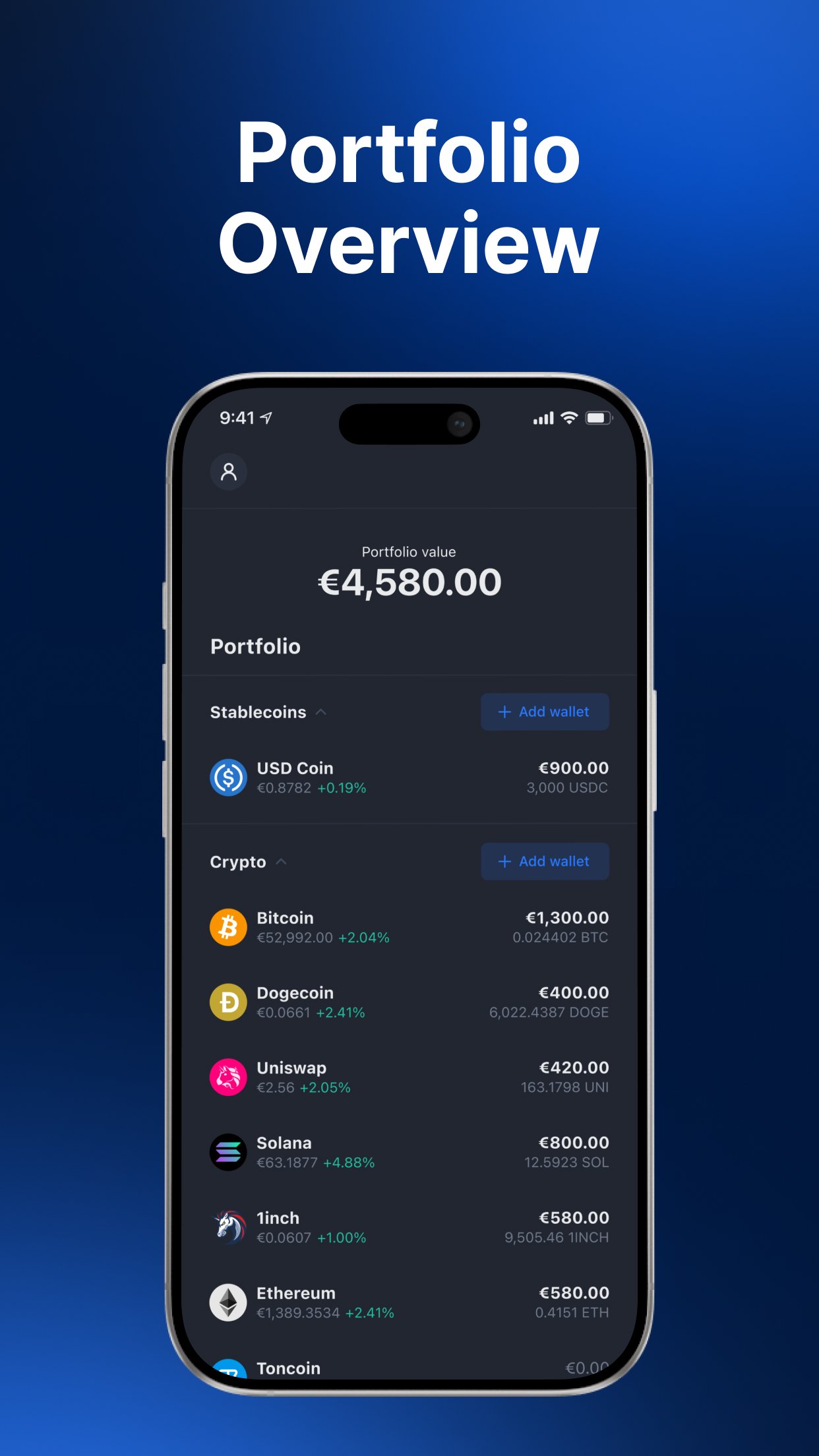
YouHodler is a versatile Crypto & Bitcoin wallet that bridges traditional finance (TradFi) with cryptocurrency, with a robust and user-friendly platform.
YouHodler is registered in CHE and Argentina, with NO MiCA regulated entity at the moment.
YouHodler is not targeted at EU investors and certain products are limited. Crypto assets are considered as a speculative and high‑risk investment and you are unlikely to be protected if something goes wrong.
Here is a sample of services which are available under the platform:
• Fiat deposits and withdrawals in USD, EUR, CHF & GBP
• Card deposits and withdrawals
• Web3 Wallet with more than 50 tokens supported on 15 Blockchains, including the top 20 most liquid tokens
• Security protocol options. Including options for 2FA and 3FA
• In-wallet integration with Ledger Live
• Conversions Crypto-Crypto with Real Time execution and more than 60 trading pairs
• Conversions Crypto-Fiat and Fiat-Crypto (see fees, commissions and limits in app)
• MultiHodl with Rollover fees clearly disclosed at opening according to market conditions, no opening or closing fees, and no Profit-share fees.
• Instant communication with our customer Service agents in-app, 24/7 and technical support
Certain personal data may be collected, used, accessed or shared in accordance with the Privacy Policy of the platform - https://www.youhodler.com/privacy-notice
Additional mechanism details on the specific products can be found under the specific terms and conditions which are always available to users under the platform.
MultiHodl Fees: https://help.youhodler.com/en/articles/3542730-multihodl-fees-specifications
YouHodler Commissions and limits: https://help.youhodler.com/en/articles/4111076-youhodler-commissions-and-limits
*Region Limitation Disclaimer: This is a general announcement. Products and services referred to here may not be available in your region.
Information for UK users: YouHodler is regulated in Argentina and Switzerland, and does not have a regulated UK entity. YouHodler is NOT regulated by the FCA, and protections offered under UK law do not apply. YouHodler promotions are not targeted at UK investors, and bonuses or loyalty programs like the rewards program or sign-up offers will not be available to residents of the UK. Do not invest with YouHodler unless you’re prepared to lose all your money or tokens invested. Cryptocurrency is considered as a speculative and high‑risk investment, and you are unlikely to be protected if something goes wrong.Do not invest with YouHodler unless you’re prepared to lose all your money or tokens invested. Take 2min to learn more about risks at http://help.youhodler.com/en/articles/8455958-risk-disclosure.
Risk disclosure :Not investment advice. All trading carries risk. Only risk capital you can afford to lose. For more information about risks related to crypto assets: https://www.youhodler.com/docs/general-risk-disclosure
Preview

Tags
FinanceInformation
Developer
YouHodler
Latest Version
9.0.0
Last Updated
2026-07-28
Category
Finance
Available on
Google Play
Show More
How to play YouHodler: BTC & Crypto Wallet with GameLoop on PC
1. Download GameLoop from the official website, then run the exe file to install GameLoop
2. Open GameLoop and search for “YouHodler: BTC & Crypto Wallet” , find YouHodler: BTC & Crypto Wallet in the search results and click “Install”
3. Enjoy playing YouHodler: BTC & Crypto Wallet on GameLoop
Minimum requirements
OS
Windows 8.1 64-bit or Windows 10 64-bit
GPU
GTX 1050
CPU
i3-8300
Memory
8GB RAM
Storage
1GB available space
Recommended requirements
OS
Windows 8.1 64-bit or Windows 10 64-bit
GPU
GTX 1050
CPU
i3-9320
Memory
16GB RAM
Storage
1GB available space