
WiFi QrCode Password scanner PC
Tech Tool
Download WiFi QrCode Password scanner on PC With GameLoop Emulator
WiFi QrCode Password scanner sa PC
Ang WiFi QrCode Password scanner, na nagmumula sa developer na Tech Tool, ay tumatakbo sa Android systerm sa nakaraan.
Ngayon, maaari mong laruin ang WiFi QrCode Password scanner sa PC gamit ang GameLoop nang maayos.
I-download ito sa GameLoop library o mga resulta ng paghahanap. Hindi na tumitingin sa baterya o nakakadismaya na mga tawag sa maling oras.
I-enjoy lang ang WiFi QrCode Password scanner PC sa malaking screen nang libre!
WiFi QrCode Password scanner Panimula
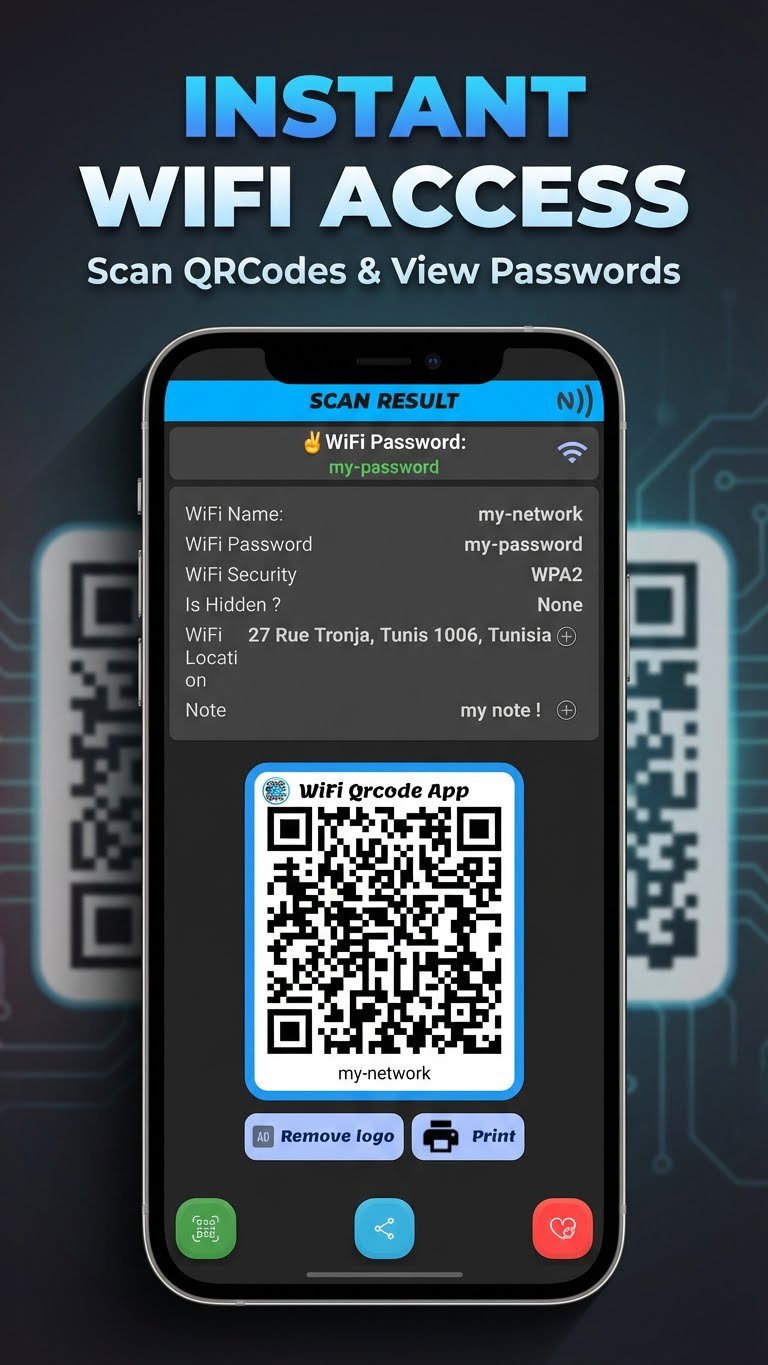
A Light-speed intelligent QrCode Scanner to reveal and show any WiFi Password hidden in a QrCode image !
Just by Scanning any WiFi certified QrCode, get all details and save them in your device (Password, login ...)
WiFi QrCode scanner Features:
★ Intelligent Scanner with zoom, flash, with photo scan.
★ Save and manage scanned QrCodes for later usage !
★ Add WiFi point Map Location and Note .
★ Generate and Print the QrCode.
★ (Beta) Share the WiFi QrCode using NFC.
★ And all of above features are for FREE !!
Use it anywhere to get connected,
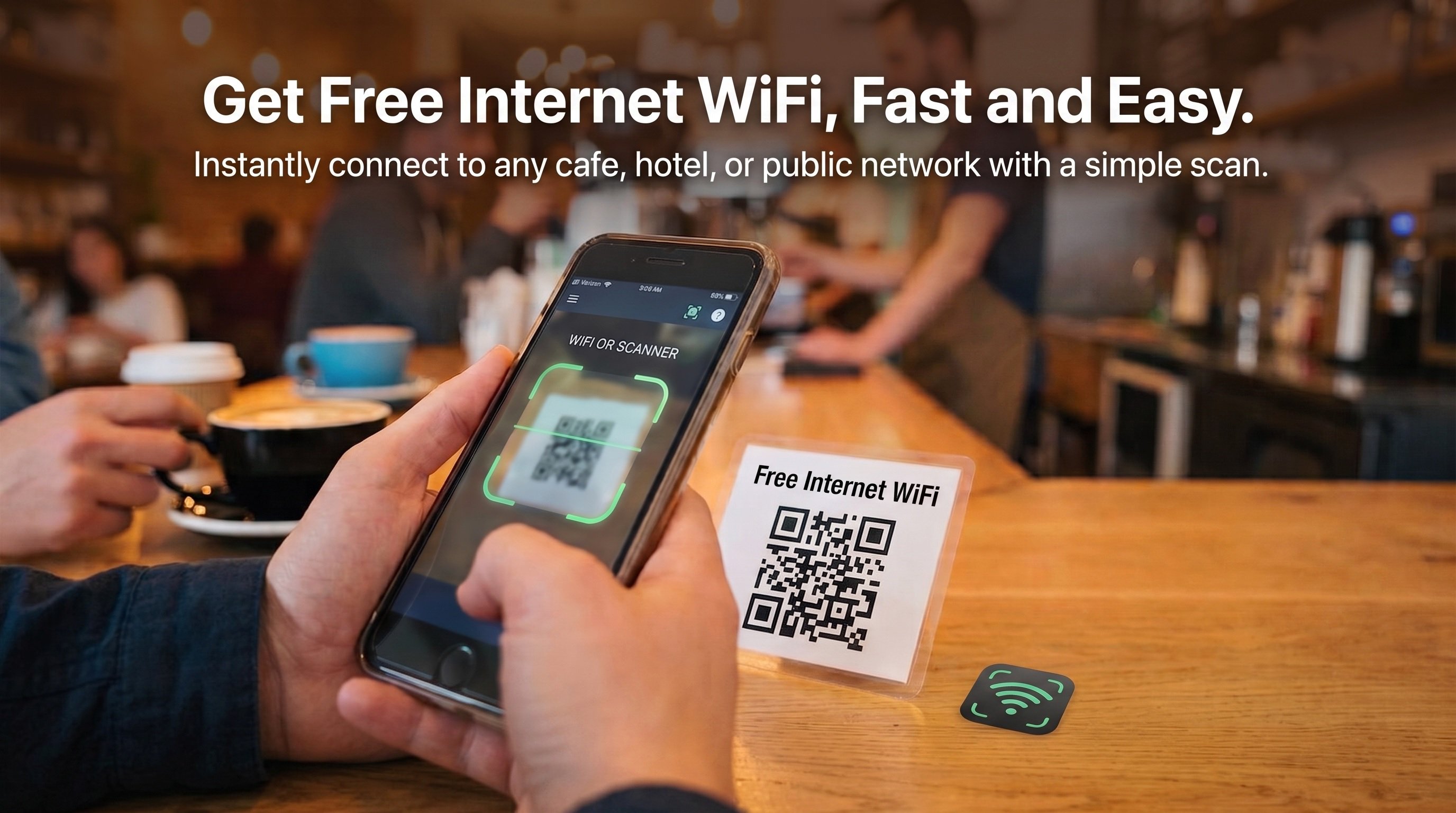
With WiFi QrCode scanner, If you are in a cafe shop, restaurant, hotel or even from your friend phone, you need this app to get connected and find the local WiFi Password, just scan the displayed QrCode with our app Camera, and that's it !
Featuring an auto-save feature of the WiFi point to your device and share the it's Password later.
Even if your device has a built-in QR code scanner, WiFi QrCode Password Scanner remains essential. Our app not only scans QR codes but also extracts and displays the WiFi password, saving you the trouble of manually entering it.
Please keep in mind that all scanned QrCode are saved locally in your device including any login/password, we do not send any sensitive data to any server.
Preview
Tags
ToolsInformation
Developer
Tech Tool
Latest Version
2.4
Last Updated
2026-01-01
Category
Tools
Available on
Google Play
Show More
How to play WiFi QrCode Password scanner with GameLoop on PC
1. Download GameLoop from the official website, then run the exe file to install GameLoop
2. Open GameLoop and search for “WiFi QrCode Password scanner” , find WiFi QrCode Password scanner in the search results and click “Install”
3. Enjoy playing WiFi QrCode Password scanner on GameLoop
Minimum requirements
OS
Windows 8.1 64-bit or Windows 10 64-bit
GPU
GTX 1050
CPU
i3-8300
Memory
8GB RAM
Storage
1GB available space
Recommended requirements
OS
Windows 8.1 64-bit or Windows 10 64-bit
GPU
GTX 1050
CPU
i3-9320
Memory
16GB RAM
Storage
1GB available space