
KIPS VIRTUAL PC
KIPS PREPARATIONS
گیم لوپ ایمولیٹر کے ساتھ PC پر KIPS VIRTUAL ڈاؤن لوڈ کریں۔
پی سی پر KIPS VIRTUAL
KIPS VIRTUAL، جو ڈویلپر KIPS PREPARATIONS سے آرہا ہے، ماضی میں اینڈرائیڈ سسٹم پر چل رہا ہے۔
اب، آپ پی سی پر KIPS VIRTUAL آسانی سے GameLoop کے ساتھ چلا سکتے ہیں۔
اسے GameLoop لائبریری یا تلاش کے نتائج میں ڈاؤن لوڈ کریں۔ مزید غلط وقت پر بیٹری یا مایوس کن کالوں پر نظر نہیں ڈالی جائے گی۔
بس بڑی سکرین پر KIPS VIRTUAL PC کا مفت میں لطف اٹھائیں!
KIPS VIRTUAL تعارف
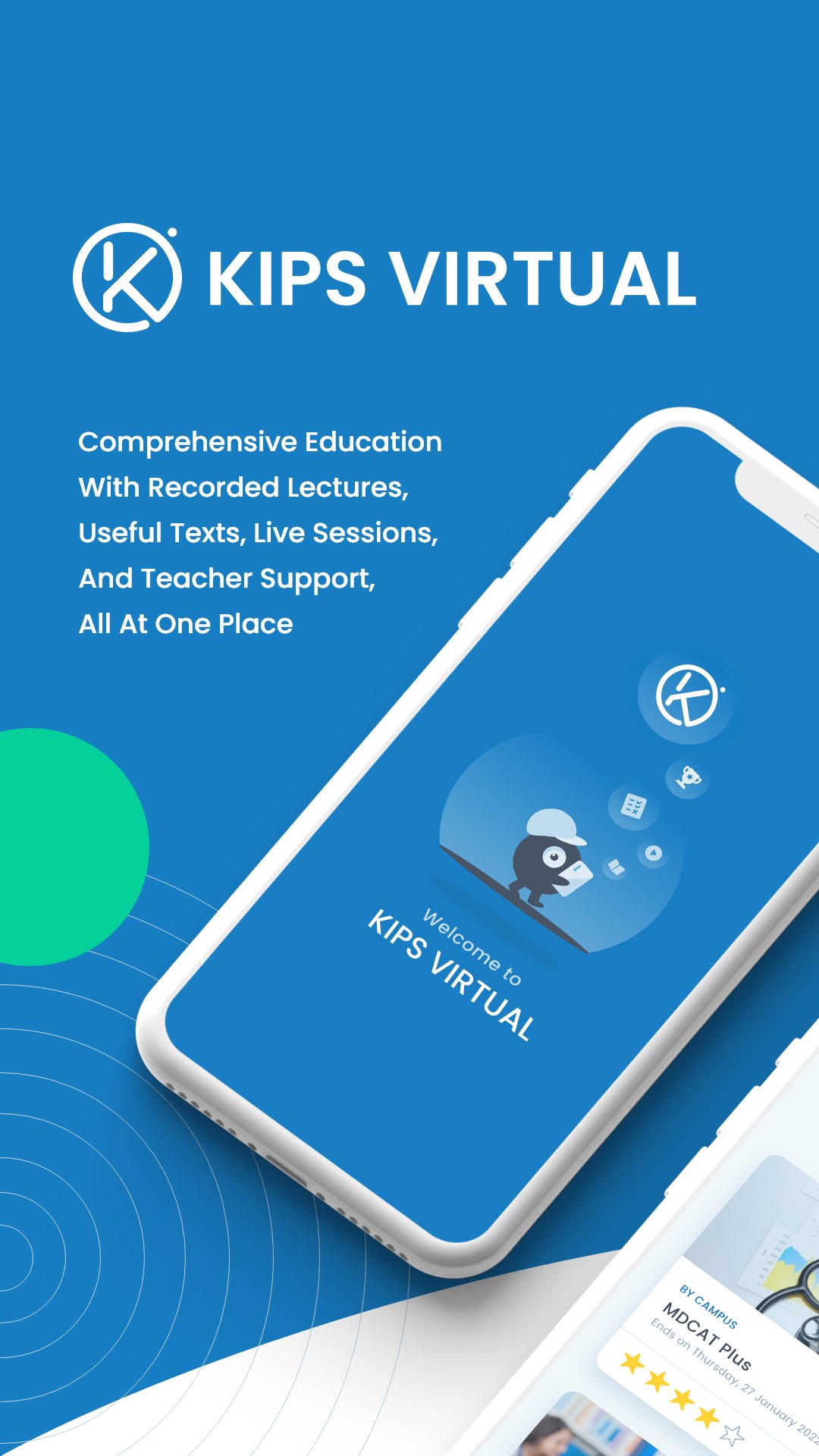
KIPS VIRTUAL is an online Learning Management System for registered KIPS students.
Learning and Practice
• Online quizzes for evaluation, practice, and preparation.
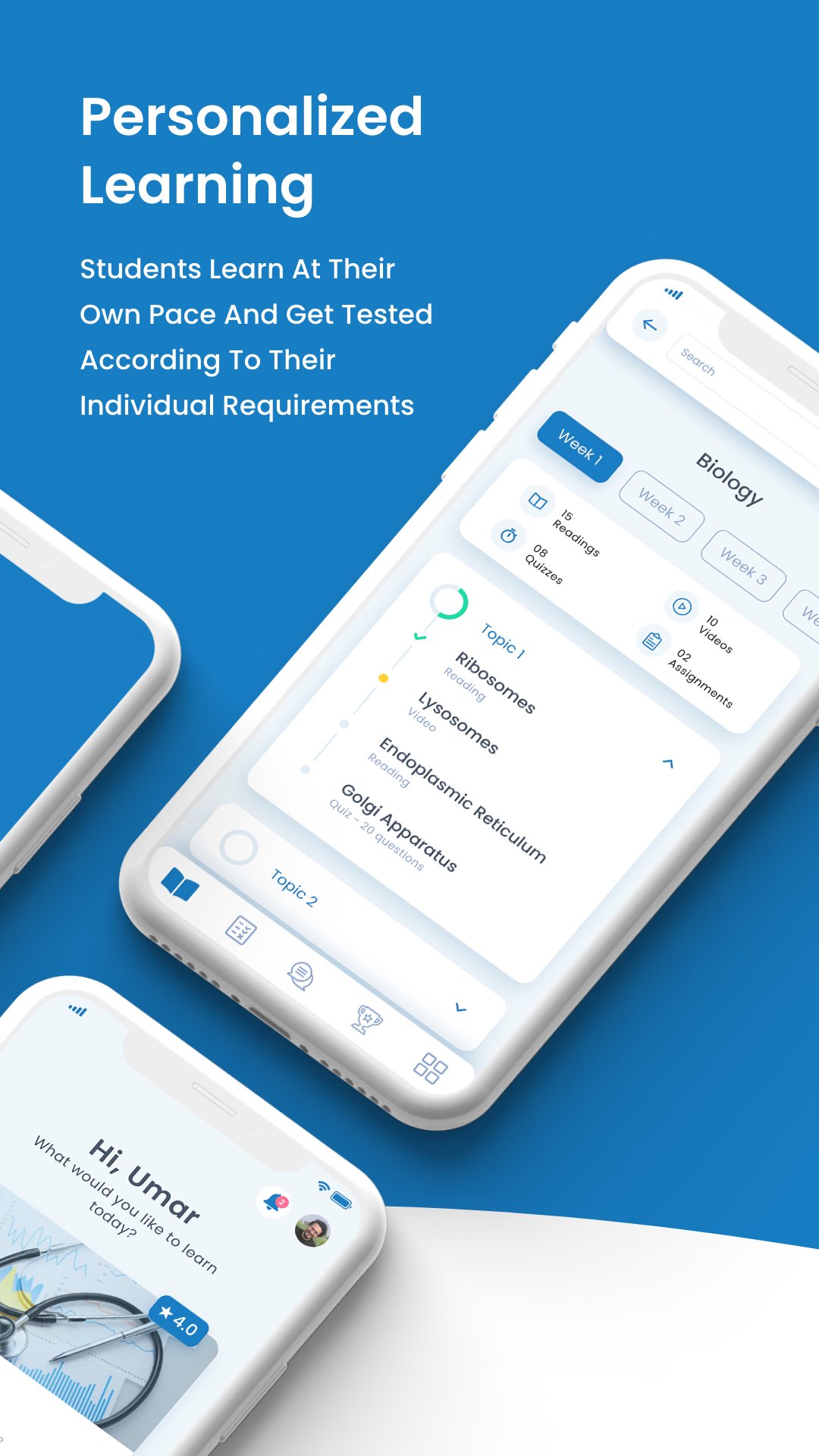
• Learn at your own pace and convenience.
• Test schedules synchronized with KIPS study plans.
• Adaptive quizzes based on your strengths and weaknesses.
• Results with answer explanations.
• Progress charts and feedback for each program and subject.
• Leaderboards displaying the top 20 positions in a program.
• Available video lectures, e-books, and readings.
• Search for videos and readings.
• Notifications for learning updates.
• Teacher support between 10am and 8pm, Monday to Saturday.
Live Online Classes
Join scheduled live classes and interact with instructors in real time. Meeting audio can continue when you switch to another app to take notes or open study materials.
If you grant microphone permission and unmute, your voice is captured and transmitted to meeting participants, including while you use another app during the active class. You can mute your microphone using the meeting controls.
An ongoing meeting notification indicates the active session when notifications are enabled. Return to the meeting and select Leave to end your participation and stop meeting audio and microphone transmission.
If you grant camera permission, you can turn on your video when permitted by the instructor. You can turn your video off using the meeting controls.
Account Access
KIPS VIRTUAL is intended for registered KIPS students. Login information is sent to the phone number provided during campus registration.
Available features and learning materials depend on your enrollment and course access. An internet connection is required for online content and live classes.
پیش نظارہ
ٹیگز
تعلیممعلومات
ڈویلپر
KIPS PREPARATIONS
تازہ ترین ورژن
5.44.17
آخری تازہ کاری
2026-10-25
قسم
تعلیم
پر دستیاب ہے۔
Google Play
مزید دکھائیں
پی سی پر گیم لوپ کے ساتھ KIPS VIRTUAL کیسے کھیلا جائے۔
1. آفیشل ویب سائٹ سے گیم لوپ ڈاؤن لوڈ کریں، پھر گیم لوپ انسٹال کرنے کے لیے exe فائل چلائیں۔
2. گیم لوپ کھولیں اور "KIPS VIRTUAL" تلاش کریں، تلاش کے نتائج میں KIPS VIRTUAL تلاش کریں اور "انسٹال کریں" پر کلک کریں۔
3. گیم لوپ پر KIPS VIRTUAL کھیلنے کا لطف اٹھائیں۔
Minimum requirements
OS
Windows 8.1 64-bit or Windows 10 64-bit
GPU
GTX 1050
CPU
i3-8300
Memory
8GB RAM
Storage
1GB available space
Recommended requirements
OS
Windows 8.1 64-bit or Windows 10 64-bit
GPU
GTX 1050
CPU
i3-9320
Memory
16GB RAM
Storage
1GB available space