
WPS Office-PDF, Word, Sheet 電腦版
WPS SOFTWARE PTE. LTD.
用GameLoop模拟器在電腦上玩WPS Office-PDF, Word, Sheet
WPS Office-PDF, Word, Sheet 電腦版
來自發行商 WPS SOFTWARE PTE. LTD. 的 WPS Office-PDF, Word, Sheet 能夠在安卓系統上運行。
現在,您可以在電腦上使用 GameLoop 模擬器流暢地玩 WPS Office-PDF, Word, Sheet。
在 GameLoop 遊戲庫或搜索結果中下載。 不需要再暢玩遊戲時盯著電池電量或被令人懊惱的來電打斷。
只需在電腦大屏幕上免費下載暢玩WPS Office-PDF, Word, Sheet 電腦版!
WPS Office-PDF, Word, Sheet 簡介
★ WPS Office – Office Suite, PDF Editor & Document Reader
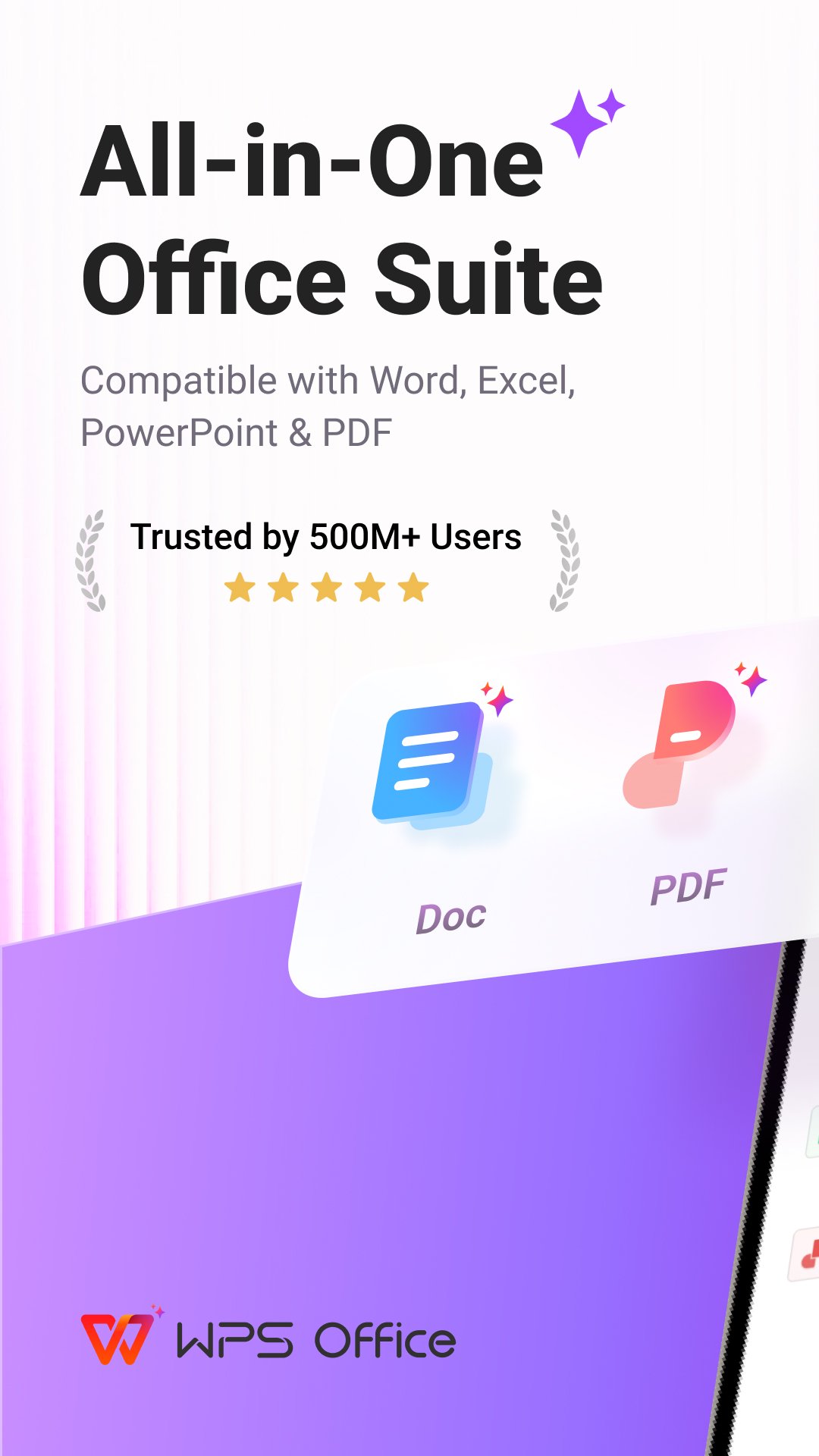
WPS Office is a powerful office suite designed to help you create, edit, read and manage documents efficiently. It supports Word documents, PDF files, Excel spreadsheets and PowerPoint presentations, making it a reliable document editor and document reader for work, school, and business.
With professional tools for PDF editing, document processing and file conversion, WPS Office helps you handle everyday office tasks on your mobile device with ease.
🗂️ Complete Office Suite for Documents & Files
WPS Office works as an all-in-one solution for document creation and file management:
• Create, edit and read Word documents, docs and text files
• Format and revise documents with professional editing tools
• Open and edit Word documents, PDFs, spreadsheets and presentations created by other office tools.
• Manage files with a reliable file reader and file editor
Whether you are writing reports, reviewing files or sharing documents, WPS Office supports a smooth workflow.
📄 PDF Editor & PDF Reader – Designed for Daily PDF Work
WPS Office provides a complete set of tools for working with PDF documents, from reading to advanced editing:
• Open, view and read PDF files with a smooth PDF reader
• Annotate PDFs with highlights, comments and notes
• Edit PDF text and manage PDF pages
• Convert PDF to Word, images to PDF and text to PDF
• Merge, split and organize PDF documents
• Add signatures, watermarks and page adjustments
As a professional PDF editor, WPS Office supports both everyday PDF reading and advanced PDF processing needs.
🔁 PDF Converter & Document Processing Tools
Handle document conversion efficiently:
• Convert Word documents to PDF
• Export PDF files to Word documents
• Create PDFs from images and scanned files
• Process documents with reliable PDF converter tools
WPS Office helps streamline document workflows across different file formats.
📷 Document Scanner & PDF Scanner with OCR
Digitize paper documents quickly with built-in scanning tools:
• Scan documents and save them as PDF files
• Use PDF scanner tools to capture contracts, receipts and notes
• Extract text accurately using OCR
• Manage scanned documents in editable formats
An efficient solution for users who need document scanning and digital archiving.
📊 Word, Excel, Spreadsheet & Presentation Editing
Work across all major office formats:
• Edit and read Word documents and DOC files
• Create and manage Excel spreadsheets
• Open and edit tables, formulas and charts
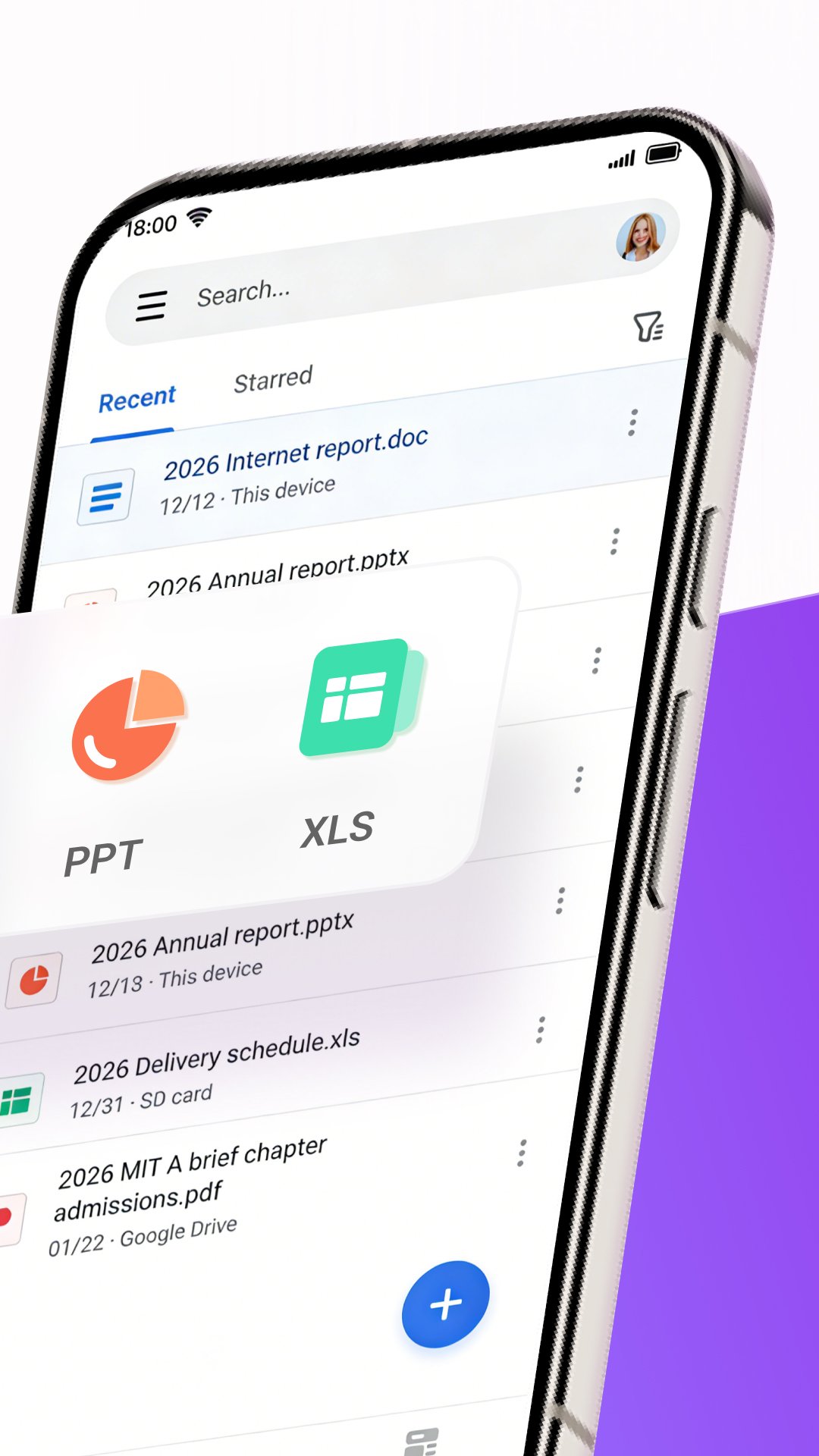
• View and edit PowerPoint presentations, PPT and slides
WPS Office ensures compatibility with various Office software for consistent document editing.
🤖 Smart Tools to Enhance Document Productivity
WPS Office includes intelligent tools that enhance document workflows:
• Writing assistance for document drafting and revision
• PDF content summaries and document analysis
• Smart scanning and text recognition features
These tools are designed to support efficient document handling without interrupting your workflow.
☁️ Cloud Storage & Collaboration
• Secure cloud storage for documents and PDF files
• Sync files across mobile, PC and Mac
• Share documents and collaborate online in real time
• Support Google Drive, Dropbox, OneDrive and more
WPS Office combines document editing, PDF reading, file conversion and office productivity in one professional app.
Manage documents, PDFs, spreadsheets and presentations with confidence using WPS Office.
Now available on PC and Mac for free, please visit the following link: https://www.wps.com/download/
Support page: https://www.wps.com/support/
預覽
標籤
效率提升訊息
開發商
WPS SOFTWARE PTE. LTD.
最新版本
26.10.0
更新時間
2026-09-22
類別
效率提升
更多
如何在電腦上用 GameLoop 玩 WPS Office-PDF, Word, Sheet
1. 從官網下載GameLoop,然後運行exe文件安裝GameLoop
2. 打開GameLoop,搜索“WPS Office-PDF, Word, Sheet”,在搜索結果中找到WPS Office-PDF, Word, Sheet,點擊“安裝”
3. 享受在 GameLoop 上玩 WPS Office-PDF, Word, Sheet 的樂趣
Minimum requirements
OS
Windows 8.1 64-bit or Windows 10 64-bit
GPU
GTX 1050
CPU
i3-8300
Memory
8GB RAM
Storage
1GB available space
Recommended requirements
OS
Windows 8.1 64-bit or Windows 10 64-bit
GPU
GTX 1050
CPU
i3-9320
Memory
16GB RAM
Storage
1GB available space